Key takeaways
- ChatGPT Plus costs $20 a month and adds the GPT-5.5 Thinking model, expanded deep research, agent mode, tasks and custom GPTs.
- The free plan limits the main model to a set number of messages in a five hour window and offers a 27K token context, about 12 pages of text.
- Light users who rarely see a limit message can stay on Free, while people who rely on ChatGPT daily for work, study or coding get the most from Plus.
In this story 6 sections
For most people who use ChatGPT a few times a week, the free plan is enough. ChatGPT Plus vs Free only becomes a real choice once you keep hitting usage caps, need the deeper reasoning model for work or school, or want features like tasks, agent mode and fuller deep research. Plus costs $20 a month, according to OpenAI's Plus help article, and that price is easy to justify if ChatGPT saves you an hour or two each month. If you mostly ask quick questions, rewrite emails or plan trips, keep your money.
The details below come from OpenAI's pricing page and help center as of October 2026. OpenAI renames models and shuffles limits often, so check the current ChatGPT pricing page before you pay.
The key differences between ChatGPT Plus and Free
- Price: Free costs nothing. Plus is $20 per month, billed by credit card, and covers ChatGPT only (API use is billed separately).
- Models: Free gets limited access to the fast everyday model, which OpenAI's pricing page currently lists as GPT-5.5 Instant. Plus adds the slower, more careful GPT-5.5 Thinking model with expanded limits.
- Message limits: Free users can use the main model only a set number of times in a five hour window, after which ChatGPT drops to a lighter option. Plus is listed as "unlimited" for messages, subject to OpenAI's abuse guardrails.
- Context: The free plan's everyday model has a 27K token context window, roughly 12 pages of text in one go. Plus raises that to 54K for the everyday model (about 40 pages) and 256K for reasoning.
- Images: Free gets limited, slower image generation. Plus gets more complex and accurate image creation, including image generation with thinking.
- Research and agents: Deep research is limited on Free and expanded on Plus. Agent mode and scheduled tasks are listed for Plus, not Free.
- Voice: Both plans have voice chat. Voice with video is a Plus feature.
- Memory: Free has limited memory. Plus has expanded memory, including memory that draws on past chats.
- Ads: OpenAI says it will start showing ads on the free tier in certain countries. No ads are mentioned for Plus.
ChatGPT Free: what you get for $0
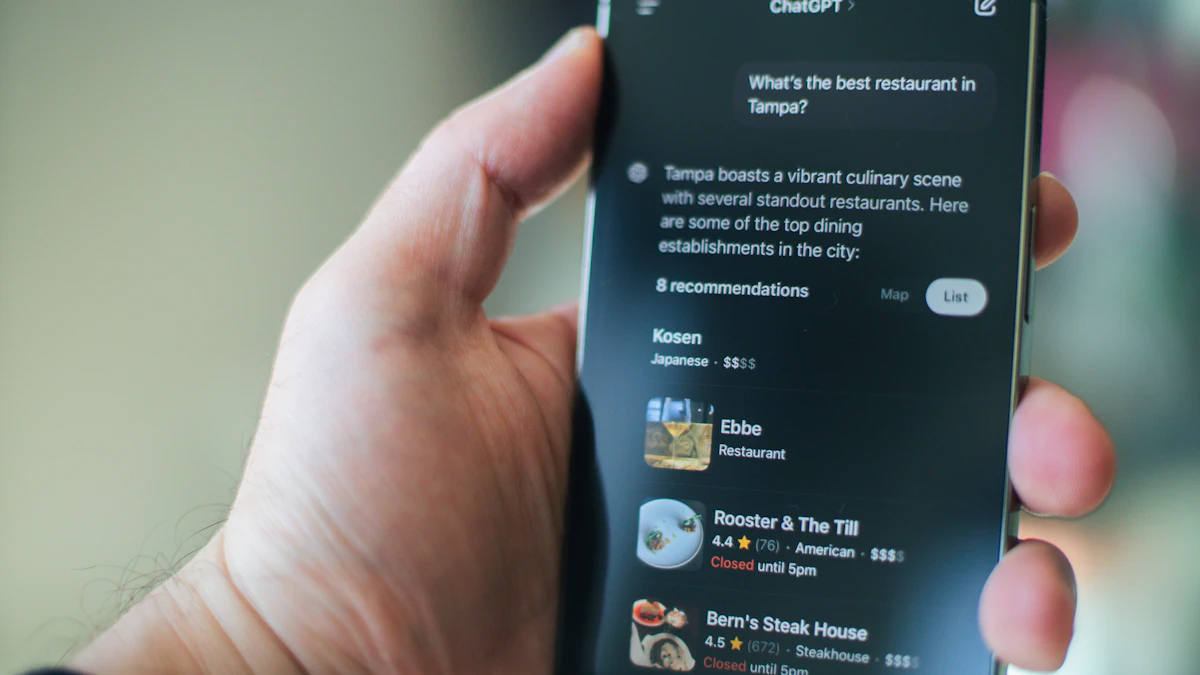
The free plan is more capable than many people expect. You can chat, search the web, upload files and photos, use canvas for editing documents, try study mode, create projects to group related chats, and talk to ChatGPT out loud. OpenAI's free tier FAQ also lists a file library with 500 MB of storage.
Strengths of the free plan
- It costs nothing and needs no card, so you can learn what ChatGPT is good at before spending anything.
- Everyday jobs work well: summarizing an article, drafting a cover letter, explaining a bill, brainstorming gift ideas.
- Search, canvas, projects and basic voice are all included.
- You get a small taste of deep research, Codex and image generation, enough to see whether you would use them more.
Weak spots of the free plan
- The five hour cap. Heavy sessions run out. When you hit the limit, separate caps on file uploads, data analysis and image creation can also kick in.
- No Thinking model. For multi step math, careful code review or comparing several long documents, the faster model is more likely to miss things.
- Shorter context. About 12 pages of text per prompt is fine for a contract summary, but tight for a full report or a long codebase.
- No custom GPTs to build and share, no scheduled tasks and no agent mode.
- Ads may appear in some countries as OpenAI rolls them out.
ChatGPT Plus: what the $20 a month adds
Plus includes everything in the free plan and in OpenAI's cheaper Go tier, then raises most limits. OpenAI describes it as a plan that stays available when demand is high, responds faster and gets priority access to new features.
Strengths of Plus
- GPT-5.5 Thinking. This is the main reason to pay. It takes longer to answer but works through problems step by step, which helps with spreadsheets, coding, legal style reading and anything where accuracy matters more than speed.
- Room to work. Unlimited messages (within OpenAI's fair use rules), more uploads, and about twice the free plan's context for everyday chats.
- Expanded deep research and agent mode. Deep research produces longer, cited reports. Agent mode lets ChatGPT carry out multi step jobs in a browser. Our guide to AI agents explained covers what these can and cannot do yet.
- Tasks and custom GPTs. You can schedule reminders and recurring jobs, and build GPTs with your own instructions.
- Better images. More detailed, more accurate image generation, plus video in voice mode.
- More Codex use for people who write software.
Weak spots of Plus
- It still has limits. "Unlimited" comes with guardrails, and the pricing page notes that limits apply to some features. Very heavy users are pushed toward the much pricier Pro plan.
- No Pro reasoning model. GPT-5.5 Pro and the largest context windows stay on Pro.
- Refunds are rare. OpenAI's help article says subscription fees are non-refundable, with a 14 day refund window only for customers in the EU, UK and Turkey.
- It is easy to forget about. At $240 a year, it is worth checking every few months whether you still use it. Our guide on how to find and cancel forgotten subscriptions walks through Apple, Google and Amazon billing.
What about ChatGPT Go and Pro?
Two other personal plans sit on either side of Plus. Go is a cheaper middle step that OpenAI prices by region. It gives more messages, uploads and image creation than Free, longer memory and the same 54K context as Plus, but it skips the Thinking model, and the pricing page says Go may include ads. If the free caps annoy you but you never need deep reasoning, look at Go first.
Pro starts well above Plus and adds GPT-5.5 Pro, five or twenty times more usage, the biggest context windows (up to about 680 pages of text for reasoning) and maximum deep research and agent mode. It is built for people who use ChatGPT for hours every day as a core work tool.
Which plan to pick
Stay on Free if you use ChatGPT a few times a week for quick answers, writing help or planning, and rarely see a limit message. Getting better results often comes down to clearer requests, so try our tips on how to write better AI prompts before paying.
Try Go if you hit the free cap regularly but your questions are everyday ones, and you do not mind ads.
Pay for Plus if any of these sound like you:
- You use ChatGPT for work, studying or coding several times a day.
- You upload long PDFs, spreadsheets or code and need answers that hold up.
- You want deep research reports, agent mode or scheduled tasks.
- You create images often and care about detail.
Look at Pro only if Plus limits get in your way most days and ChatGPT is central to how you earn money.
For families with teens, plan choice matters less than settings. Review privacy options and parental controls first. Our explainer on ChatGPT locked chats shows one way to keep private conversations private on a shared device.
How to upgrade, and how to back out
You can upgrade from the Get Plus button on the pricing page or in the app. If it does not work out, OpenAI's help article says to open My Account in the sidebar and choose Manage my subscription, then select Cancel Plan. Cancel at least 24 hours before your next billing date to avoid another charge. You keep Plus until the end of the period you already paid for.
A simple test works well: use the free plan for two weeks and count how many times a limit or a weak answer actually stopped you. If it happened more than a handful of times, one month of Plus will tell you quickly whether the Thinking model earns its $20. For more guides like this, browse our AI section.
Sources
Share this story
Spotted an error? Tell us