Key takeaways
- An eSIM is a digital SIM built into your phone, so your carrier installs your plan as a profile instead of mailing you a plastic card.
- Pixel and Galaxy phones can convert a physical SIM to eSIM in their SIM settings, while iPhone conversion depends on your carrier.
- Apple says an iPhone can store eight or more eSIMs and keep two active at once, which makes travel eSIMs and second numbers easy to add.
In this story 7 sections
If you have ever wondered what is eSIM and whether you need one, the short version is this: an eSIM is a SIM card built into your phone as a chip, so your carrier sends your plan to the phone digitally instead of handing you a plastic card. Your number, your plan and your carrier stay the same. Only the delivery method changes.
Google says Pixel 10, Pixel 10 Pro and Pixel 10 Pro XL phones sold in the US are eSIM only, so a growing number of new phones have no SIM tray to fall back on. Here are the questions people ask most, answered with current steps from Apple, Google and Samsung.
What is an eSIM and how does it work?
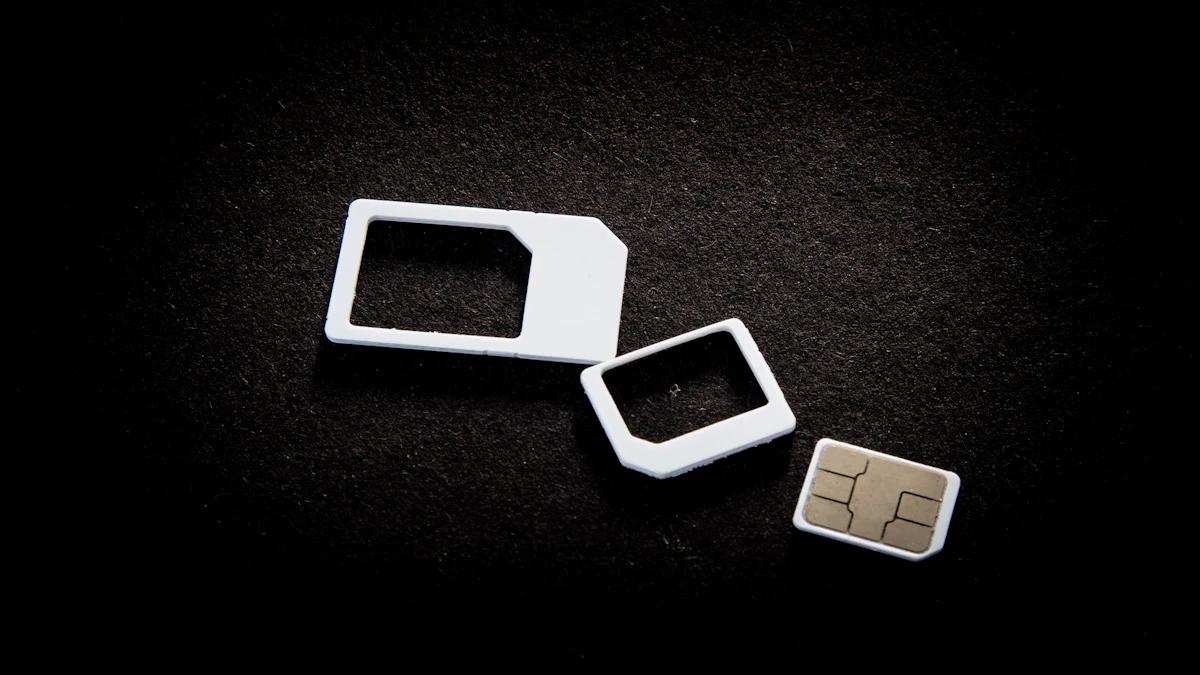
An eSIM is a digital SIM that activates your phone on a cellular network without a removable card. Google describes it in exactly those terms on its Pixel eSIM help page: a digital SIM that does the job of the card you used to push into a tray.
Think of it like a boarding pass. The old SIM card was the paper pass you had to carry and could lose. An eSIM is the pass in your phone's wallet app.
When you activate one, your carrier sends a profile to the chip. That can happen through a QR code, a carrier app, a notification on the phone, or a transfer from your old phone. After that, calls, texts and data work just as they did with a card.
Does my phone support eSIM?
Most phones sold in the US in the last several years do. On the Apple side, Apple Support lists iPhone XS, iPhone XS Max, iPhone XR or later as the requirement. For Google, converting a physical SIM to eSIM needs a Pixel 7 or later, including Pixel Fold. Samsung supports eSIM on many Galaxy phones, though it notes that Wi-Fi only tablets do not.
Your phone is only half of the picture. Your carrier also has to support eSIM for your plan, and Apple keeps a carrier list linked from its setup page. If you bought the phone from a carrier and want to use a different one, the phone has to be unlocked first. On an iPhone you can check in Settings > General > About: if you see "No SIM Restrictions" next to Carrier Lock, it is unlocked.
How do I switch from a physical SIM to an eSIM?
You can usually convert in your phone's settings in a few minutes, as long as your carrier allows it and you are on Wi-Fi.
- Pixel: go to Settings > Network & internet > SIMs, pick your SIM, scroll down and tap Convert to eSIM, then follow the prompts.
- Samsung Galaxy: go to Settings > Connections > SIM manager, choose the SIM card and tap Convert to eSIM. Samsung says your line moves from the physical card to the phone's eSIM.
- iPhone: Apple says you can convert a physical SIM to eSIM if your carrier supports it. Steps vary by carrier, so check your carrier's instructions before removing anything.
One warning from Google is worth repeating. After the conversion, the old physical SIM stops working. Keep it until a test call works on the eSIM. If you ever need a card again, your carrier has to issue a new one.
How do I move my eSIM to a new phone?
Most of the time you transfer it during setup on the new phone, with the old phone sitting next to it.
iPhone to iPhone
Apple calls this eSIM Quick Transfer. Both phones need iOS 18.4 or later, the same Apple Account, Bluetooth on, and the old iPhone unlocked. The setup screens offer the transfer automatically. If you skipped it, open Settings > Cellular on the new iPhone, tap Set Up Cellular or Add eSIM, choose the number (or tap Transfer From Nearby iPhone), then confirm on the old phone. Apple notes that activating the new plan deactivates the SIM on the old phone, so do this when you are ready to switch.
If you are also moving apps and photos, our guide to setting up a new iPhone from your old one covers the rest of that process.
Android to Android
On a Pixel, automatic transfer needs Android 12 or later on both phones, current Google Play services and a screen lock. After setup, use Settings > Network & internet > SIMs > Add SIM > Transfer SIM from another device. On a Galaxy, the path is Settings > Connections > SIM manager > Add eSIM > Transfer SIM from another phone, then enter the code shown on the new phone into the old one.
Between iPhone and Android
Samsung offers Transfer SIM from iPhone in the same Add eSIM menu, with both phones updated and on Wi-Fi and Bluetooth. Not every carrier supports this route, and when automatic transfer fails, Google's advice is simple: contact your carrier to activate the eSIM. Our walkthroughs for moving from iPhone to Android and Android to iPhone cover the data side.
Is an eSIM better than a physical SIM?
For most people, yes, though it is a convenience upgrade more than a performance one. Google says eSIMs are more secure and less prone to damage than physical cards. There is no card to lose, bend, or have pulled out of a stolen phone and dropped into another one.
The real advantages:
- Faster carrier changes. You can often activate a new plan from home with a QR code instead of visiting a store.
- More than one line. Apple says iPhone can store eight or more eSIMs and keep two active at the same time.
- Nothing to remove. A thief cannot pop out an eSIM to keep your number working in their own phone.
The trade offs are mostly about moving between phones. With a card, you could swap it into a borrowed phone in seconds. With an eSIM, you go through a transfer, and if it fails you depend on your carrier's support line. eSIM also does not protect you from SIM swap fraud, where a criminal talks your carrier into moving your number to their device. Adding a carrier PIN or number lock helps, and we explain how in our guide to stopping a SIM swap scam.
Signal strength is a common worry. None of the Apple, Google or Samsung help pages we checked describe any coverage difference between the two, and coverage still comes down to your carrier's network and your phone.
Can I use two numbers or a travel eSIM on one phone?
Yes, and this is where eSIM shines. On an iPhone, you can run a physical SIM plus an eSIM, and Apple says iPhone 13 models and later also support two eSIMs at once. You choose a default line and which number handles cellular data in Settings > Cellular > Cellular Data. Only one line can use data at a time.
For trips abroad, Apple's eSIM travel guide suggests buying a travel eSIM from a local carrier or a worldwide provider and keeping your home line as a second line. On iOS 26 and later, the phone can prompt you to turn on the travel eSIM and switch back to your home line when you return. If it does not switch back, go to Settings > Cellular and turn your main line back on, then turn off the travel line you no longer need. Your phone must be unlocked to use another carrier's plan.
Pixel 7 and later phones can also run two eSIM profiles at once if your carrier allows it.
What should I check before deleting or replacing a SIM?
Make sure the eSIM works before you get rid of anything. Place a test call, send a text and load a web page on cellular data with Wi-Fi off. If your phone shows only SOS or no service afterward, our explainer on why a phone shows SOS walks through the usual causes.
Also keep your carrier account number and PIN somewhere you can reach. If a transfer stalls, support will ask for them.
For more phone guides, browse our gadgets section. And if your next phone is eSIM only, run the transfer while the old phone still works, since a working old phone is what makes the quick transfer possible.
Sources
- Apple Support: Set up eSIM on iPhone
- Apple Support: Use eSIM while traveling internationally
- Apple Support: Using Dual SIM with an eSIM
- Pixel Phone Help: Learn more about eSIMs
- Pixel Phone Help: Convert a physical SIM to an eSIM
- Pixel Phone Help: Transfer a SIM to a new phone
- Samsung US: SIM cards for your Galaxy phone or tablet
Share this story
Spotted an error? Tell us