Key takeaways
- A phone with no service can still use Wi-Fi for streaming, apps and smart home control, and the FCC requires carriers to pass along 911 calls from it.
- iPhone XR or later on iOS 16 can work as a Mac webcam through Continuity Camera, and Pixel phones can act as a USB webcam through the Use USB for menu.
- Phones that no longer work belong with an electronics recycler, not the trash, and Apple recycles any Apple device for free even when it earns no credit.
In this story 9 sections
- What can you do with an old phone that still works?
- Can an old phone still connect to Wi-Fi without a SIM card?
- Can an old phone call 911 without service?
- Can you use an old phone as a webcam?
- Is my old phone worth anything?
- What should you do before giving away, selling or recycling an old phone?
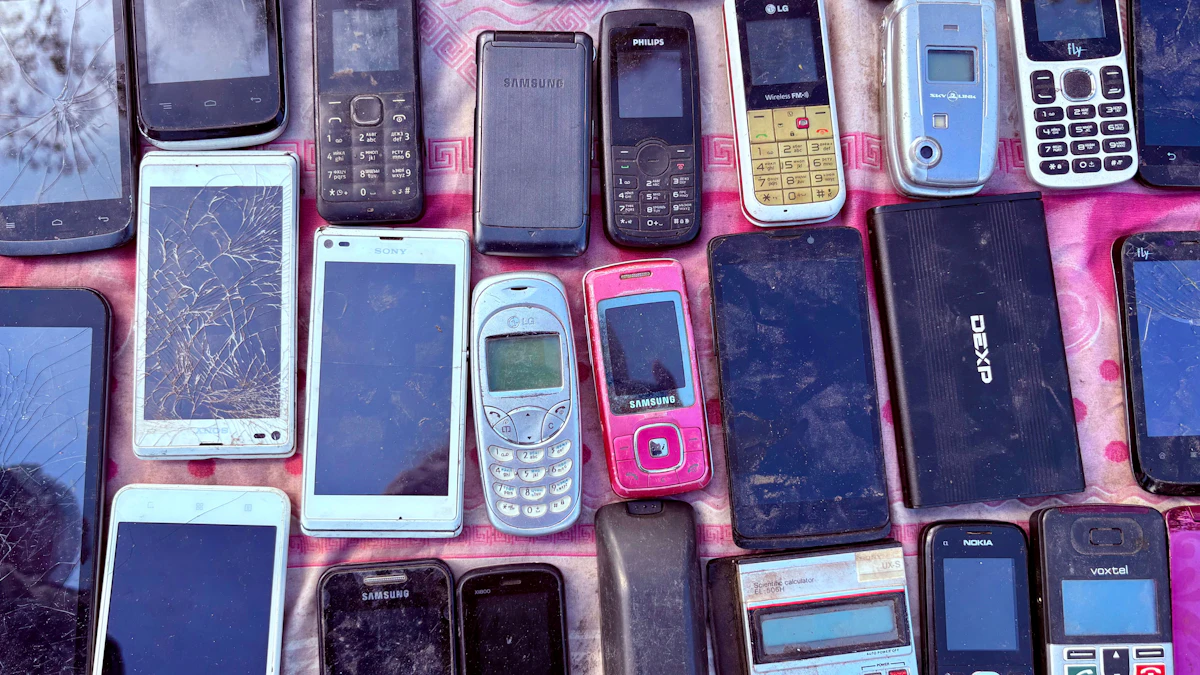
- What do you do with old phones that don't work?
- Where can I recycle old phones near me?
- Can an old phone battery be dangerous?
Most of us have at least one retired phone sitting in a drawer. Figuring out what to do with old phones usually comes down to three choices: give the device a new job, sell or trade it in, or recycle it properly. A phone that still powers on can be surprisingly useful without a carrier plan, and even a dead one has value as raw material. Below are the questions people ask most, answered one at a time.
What can you do with an old phone that still works?
You can turn it into a dedicated gadget that does one job well, and that is often more useful than letting it gather dust. Here are eight second lives that need nothing more than Wi-Fi and a charger:
- A webcam for your computer (more on this below).
- A music and podcast player for the kitchen, garage or car, so your main phone stays free.
- A smart home remote that lives on the coffee table with your lights, thermostat and speaker apps already signed in.
- A bedside alarm clock and white noise machine, which keeps your daily phone out of the bedroom.
- A first device for a child, used only on Wi-Fi with parental controls turned on. Our guide to the best phone for kids covers what to look for when it is time for a real one.
- A travel or reading device loaded with offline maps, ebooks and downloaded shows.
- A backup phone you keep charged in case your main one breaks or gets lost.
- An emergency phone for the glove box, since many phones can still dial 911 without service.
One caution: an old phone that no longer gets security updates should not hold your banking apps or primary email. Give it low stakes jobs.
Can an old phone still connect to Wi-Fi without a SIM card?
Yes. Wi-Fi works independently of your cellular plan, so a phone with no SIM or an expired plan can still browse, stream, run apps and receive app updates over a home network. What you lose is regular calling and texting through a carrier.
The practical limit is software age. Very old phones may stop getting operating system updates, and some apps eventually drop support for older versions. If a key app will not install or open, that is usually the reason, not the Wi-Fi.
Can an old phone call 911 without service?
In most cases, yes. According to the FCC, its basic 911 rules require wireless providers to pass along all 911 calls to an emergency call center "regardless of whether the caller subscribes to the provider's service or not."
There are two catches worth knowing before you rely on a spare phone this way:
- No callback. The FCC notes that if you have no service contract and the call drops, the dispatcher will not have your number and cannot call you back. You need to call again.
- Location can be rough. The FCC says location data can range from the nearest cell site to coordinates accurate within 50 to 300 meters, depending on the technology used.
Keep the phone charged, and treat it as a backup, not your main lifeline.
Can you use an old phone as a webcam?
Yes, and recent iPhones and Pixels have it built in. Phone cameras are usually sharper than the webcam in a laptop lid.
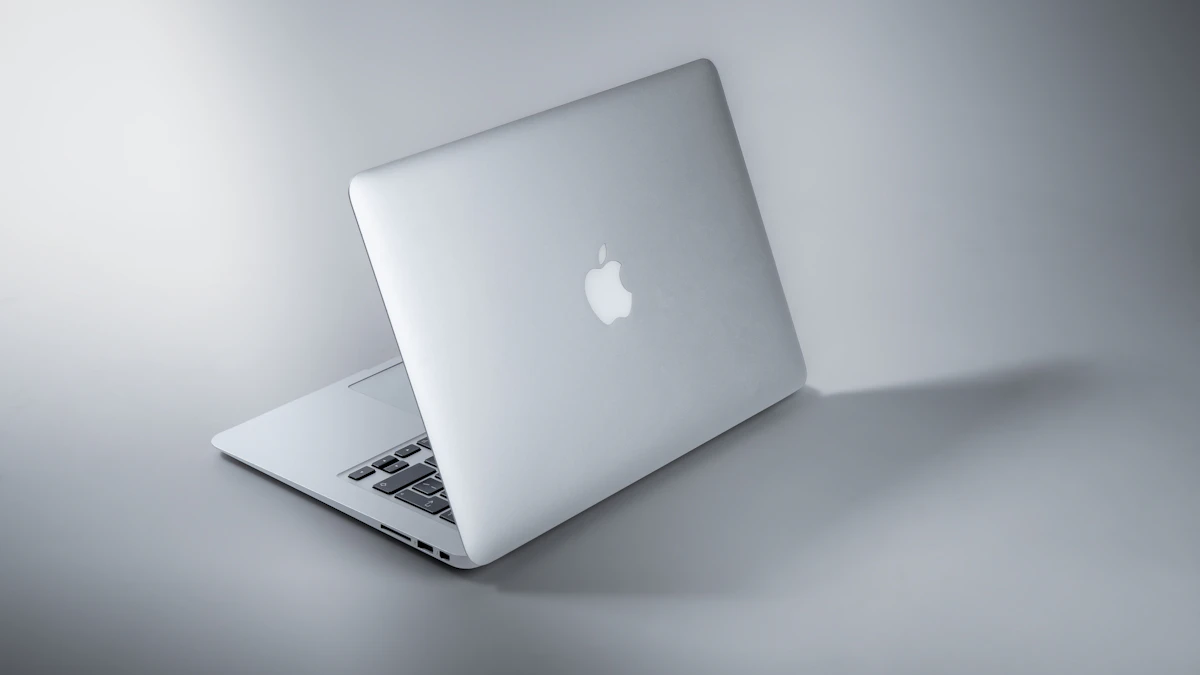
iPhone with a Mac. Apple's Continuity Camera feature works with iPhone XR or later on iOS 16 or later, paired with a Mac running macOS Ventura 13 or later. Both devices need the same Apple Account with two factor authentication, plus Bluetooth and Wi-Fi turned on. The setting lives in Settings > General > AirPlay & Continuity (on some versions, AirPlay & Handoff), and it is on by default. It works wired or wirelessly. Mount the phone in a stand near your Mac, open FaceTime or another video app, and pick the iPhone from the app's camera or Video menu if it does not switch automatically.
Pixel with a computer. Google's Pixel Camera Help describes a USB method:
- Connect the phone to your computer with a USB cable that supports data.
- On the phone, tap the Charging this device through USB notification.
- Under Use USB for, choose Webcam.
Tap the Webcam notification to preview and adjust the image. The computer needs to support USB Video Class, which most modern laptops do. The phone charges while it works, which helps on long calls.
Is my old phone worth anything?
Often, yes, especially iPhones and recent flagship Android phones in good shape. Apple says trade in values vary "based on the condition, year, and configuration" of the device, and you can take the credit toward a new purchase or as an Apple Gift Card through Apple Trade In. Carriers, retailers and resale sites also buy used phones, and their payouts differ a lot. We compared them in our guide on how to sell your old iPhone.
If you are upgrading anyway, our guide on how to choose a smartphone can help you decide whether to keep the old one as a spare or cash it in.
What should you do before giving away, selling or recycling an old phone?
Back it up, sign out of your accounts, and erase it. Signing out matters as much as the reset. Activation locks such as Find My on iPhone or Google's Factory Reset Protection can leave the next owner with a phone they cannot set up. Apple notes that Android devices must be signed out of the account before a trade in. Pop out your SIM card and any memory card too.
Our step by step guide on how to erase an Android phone before selling it walks through both Android and iPhone.
What do you do with old phones that don't work?
Recycle them through a program that handles electronics, never the household trash. The EPA says lithium ion batteries and the devices that contain them should not go in household garbage or recycling bins. It also notes that batteries may need to be recycled separately, so ask the drop off site how it handles them.
There is real material inside, too. The EPA cites a US Geological Survey estimate that recycling one million cell phones can recover 35,000 pounds of copper, 772 pounds of silver, 75 pounds of gold and 33 pounds of palladium.
A phone that will not turn on can still hold readable data, so remove the SIM and memory card first. If the screen works at all, try to erase it before you drop it off.
Where can I recycle old phones near me?
Start with the brand or the store you bought from. Apple says it will recycle any Apple device for free at an Apple Store or through apple.com, and devices that do not qualify for credit are recycled at no cost. For other brands, the EPA points to locator tools from Call2Recycle and Earth911, and suggests checking your state or local program, since many cities run electronics drop off days.
Can an old phone battery be dangerous?
It can be if the battery is damaged. Lithium ion batteries age, and a battery that has started to swell can push the screen or back panel outward. If you see that, stop charging the phone, do not try to puncture or press the battery, and take it to an electronics recycler or the manufacturer rather than tossing it. Phones stored for years in a drawer are worth a quick look before you plug them back in.
Once you have sorted the drawer, keep one charged spare and recycle the rest. More device guides live in our gadgets section.
Sources
Share this story
Spotted an error? Tell us