Key takeaways
- Choose the operating system first: Windows or Linux based.
- Battery life is the biggest compromise in demanding games.
- Check anti cheat compatibility for online games before buying.
A handheld gaming PC promises something consoles never quite offered: your existing PC game library, playable on the couch, on a train or in bed. For many people that promise holds up well. For others, the short battery life, fiddly settings and occasional game that refuses to run turn it into an expensive experiment. The difference usually comes down to what you play and how much tinkering you enjoy.
This guide explains how these devices work, the features worth paying for, who they suit, what to skip and how to save money.
What a handheld gaming PC actually is
A handheld gaming PC is a small computer with a built in screen and controller. Unlike a traditional handheld console, which plays games bought from one company's store, these devices run a PC operating system and can access PC game stores and libraries you may already own.
That flexibility is the main appeal. It is also the source of most frustrations, because PC games were mostly designed for keyboards, mice and bigger screens.
Pick your operating system first
The software matters as much as the hardware. Handheld gaming PCs generally ship with one of two approaches.
Windows based handhelds
These run a full version of Windows. You can install almost any PC launcher or store, and most games will run. The downside is that Windows was not designed for a small touchscreen and a controller, so menus can be awkward, updates can interrupt you and the experience feels more like a tiny laptop than a console. Many makers add their own launcher apps to smooth things over, with mixed results.
Linux based handhelds
Some handhelds run a Linux based system built around a game store, with a console style interface designed for controllers. Games made for Windows run through a compatibility layer, and a large share of popular titles work well. However, some multiplayer games with strict anti cheat software do not run on Linux at all. If a specific online game is the reason you are buying, check its compatibility status first.
The rule of thumb: if you value a smooth, console like experience and mostly play single player games, a Linux based device is usually more pleasant. If you need a specific launcher, mods or a game that only works on Windows, choose Windows.
The specs that matter
Performance and power settings
Handheld gaming PCs let you adjust how much power the processor uses. Higher settings make games run better but drain the battery faster and make the fans louder. Lower settings stretch battery life. In practice, you will spend time tuning settings for each game, lowering resolution or effects to find a balance.
When reading reviews, look for tests of the games you actually play, at realistic settings. Benchmarks of the most demanding new releases tell you less if you mainly play older or indie titles.
Screen
Look at size, resolution, refresh rate and panel type. A higher refresh rate makes motion look smoother. OLED panels offer deep blacks and vivid color. A very high resolution on a small screen can be a trap: it looks sharp on paper but demands more power, so you may end up running games below the native resolution anyway.
Battery life
This is the biggest compromise. Demanding games can drain a handheld quickly, while lighter games and capped frame rates last much longer. Treat any battery claim as a best case. If you plan to play on long flights, budget for a power bank that supports the device's charging speed.
Comfort and controls
Weight and grip shape matter more than you expect after an hour of play. Check the location of the sticks, the quality of the triggers and whether there are extra back buttons or trackpads. Trackpads help a lot with games built for a mouse.
Storage and upgrades
Modern games are large, and storage fills fast. Check how much internal storage you get, whether there is a memory card slot and whether the internal drive can be upgraded. A card slot is a cheap way to keep older or smaller games on hand.
Connectivity and docking
A USB C port with video output lets you connect to a TV or monitor. Some people use a handheld as their main gaming PC by docking it at a desk with a keyboard and mouse. If that interests you, confirm the port supports display output and charging at the same time.
Who each choice suits
- Steam library owners who play single player games: a Linux based handheld often offers the smoothest experience.
- Players who rely on multiple launchers, mods or game pass style subscriptions on PC: a Windows handheld gives the most flexibility.
- Travelers: prioritize battery life, weight and a good case over raw power.
- Competitive online players: check anti cheat compatibility before anything else, or consider whether a gaming laptop suits you better.
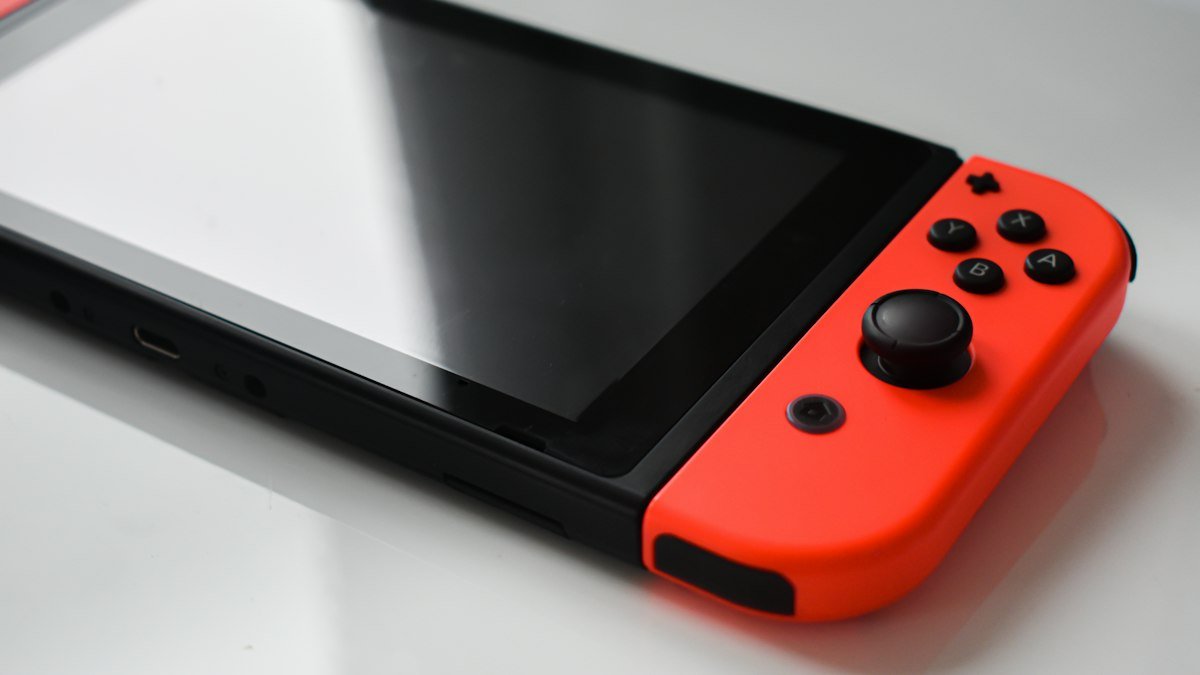
- Casual players: if you mostly play family games from one console maker, a traditional handheld console may be simpler and cheaper.
What you can skip
- The top storage tier at checkout. If the device has a card slot or an upgradeable drive, adding storage later is often cheaper.
- Maximum performance modes. They often add noise and heat for small gains on a small screen.
- Bundled accessories you will not use. A sturdy case and a charger matter. Branded stands and themed skins rarely do.
How to save money
Previous generation handhelds often drop in price when a successor arrives, and many still run most games well with tuned settings. Certified refurbished units from the maker are worth considering, especially since they usually carry a warranty. Avoid buying a used unit without testing the sticks, buttons, screen and fan noise first.
Game prices matter too. PC game stores run frequent sales, and many older games run better on handheld hardware than new releases do. Building a backlog during sales can be cheaper than buying hardware powerful enough for every new launch.
For travel, video glasses that act as a large private screen can pair well with a handheld; our explainer on smart glasses covers how they work. Use a strong, unique password for your game store accounts, which often hold payment details, and see our guide on protecting your online accounts in 10 minutes. If you would rather play at a desk, our guide on how to choose a laptop explains what a gaming laptop needs. More buying advice is in our gadgets section.
Frequently asked questions
Can a handheld gaming PC play all my PC games?
Many, but not all. Demanding new games may need lower settings, and some multiplayer games with strict anti cheat software do not run on Linux based systems. Check compatibility for the games you care about.
How long does the battery last on a handheld gaming PC?
It varies a lot by game and settings. Demanding games drain the battery quickly, while lighter games and capped frame rates stretch it much further. A compatible power bank helps on long trips.
Should I choose Windows or Linux?
Choose Linux based systems for a smoother console style experience with mostly single player games. Choose Windows if you need specific launchers, mods or games that only work there.
Can I connect a handheld gaming PC to a TV?
Usually yes, through a USB C port with video output or a dock. Check the device's specifications to confirm display output is supported.
Share this story
Spotted an error? Tell us