Key takeaways
- Owners of the 2026 base Kindle report a bright glow along the screen edges, most visible in dark mode at high brightness.
- Amazon first said prominent light bleed is often a defect, then said some glow is expected because of the new color bezel.
- Amazon suggests lowering brightness in dark mode, and severe cases can be exchanged through customer service or Kindle warranty support.
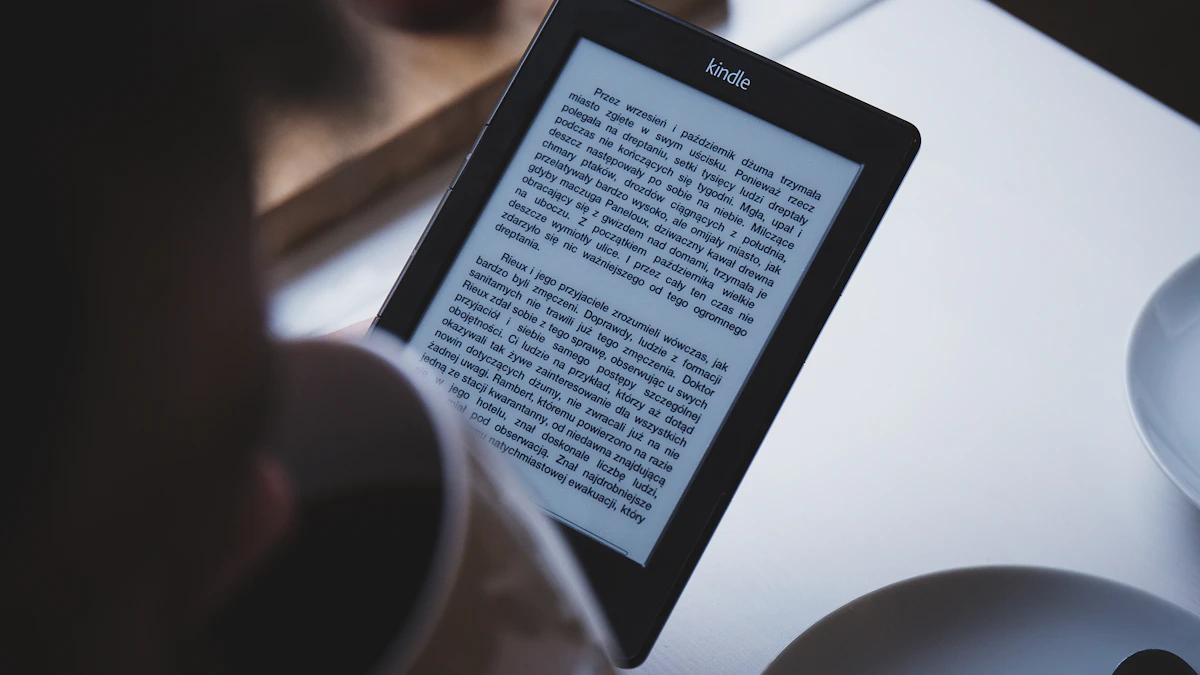
Amazon's brand new entry level Kindle has run into its first real problem. About a week after the 2026 lineup arrived, owners started posting photos of a bright glow creeping in from the edges of the screen, and the Kindle light bleed issue quickly became one of the most talked about gadget stories of the week. Amazon has now responded, though its two statements do not say quite the same thing. Here is what we know, who is affected, and what you can do if your new e-reader shows the problem.
What happened
The trouble surfaced on Reddit, where a post in the r/kindle community showed the new basic Kindle glowing along its borders in dark mode. Other owners chimed in with similar photos, describing what Android Central summarized as "very bright lights around the edges" of the device. The glow is easiest to see when the screen shows white text on a black background and the front light is turned up.
E-reader news site Good e-Reader reported that Amazon acknowledged a problem with some batches of the device. According to Android Authority, which relayed that report, Amazon's first statement said that "prominent light bleeding (especially in dark mode) is often considered a defect" and that "users experiencing severe light bleed on new units are typically advised to exchange the device."
Then the message shifted. On October 9, Amazon sent Android Authority an updated statement. In it, the company said customers "may see a glow around the edges of the book" when the device is in dark mode at maximum brightness in a dark setting, and that this "was expected in order for us to achieve a color bezel." Amazon suggested using "a lower brightness setting when in dark mode" to reduce the effect.
So on one hand, severe bleed is framed as a defect worth exchanging. On the other, some glow is described as a known side effect of the new design.
Why the Kindle light bleed shows up on the new model
The 2026 Kindle is a real redesign. Android Authority describes it as smaller, lighter and 30% faster than the model it replaces, with a flush bezel and a protective glass layer on top. Android Central reports that the lineup uses a reverse stack display without raised bezels, which is what makes the device thinner and lighter.
That flat front is the likely culprit. According to Android Headlines, the flush glass required a new layering stack that combines the touchscreen digitizer with the front light components. On some units, small gaps in that stack let light from the LEDs along the side spill unevenly toward the edges of the screen. Older Kindles hid the edges of the display under a raised plastic frame, which also helped mask any uneven lighting.
Amazon's own reference to a "color bezel" points the same way. Getting a colored, flush border around the screen seems to have come with a tradeoff in how light behaves at the edges.
A familiar story for Kindle fans
This is not the first time a new Kindle has shipped with lighting complaints. Front lit e-readers rely on tiny LEDs at the edge of the screen and a light guide that spreads their glow across the page. Small manufacturing differences can make that spread uneven. Back in 2012, Amazon acknowledged uneven lighting on the original Kindle Paperwhite, so complaints like these are not new.
Who is affected
Reports so far center on the standard, entry level Kindle, which Android Central lists at $150 with 16GB of storage and up to six weeks of battery life. Good e-Reader reported that the issue appears across all colors and on both the plastic and aluminum versions of the base model.
Android Authority and Android Headlines both say the Kindle Paperwhite and Kindle Colorsoft should not be affected. Android Central is more cautious, noting that some owners of 2026 models report the glow while others have not noticed anything at all. In other words, this looks like a batch issue rather than something every unit has.
If you bought the new Kindle and mostly read in light mode during the day, you may never see it. The people most likely to notice are night readers who use dark mode with the brightness high.
What to do if your Kindle glows at the edges
You do not need to panic or return the device straight away. Here is a sensible order of steps.
1. Test it properly
Switch to dark mode, open a book, turn the brightness all the way up and look at the screen in a dark room. Then lower the brightness step by step. A faint glow that disappears at normal settings is in line with what Amazon now calls expected behavior. Bright lines or shadows that you can see at everyday brightness are a different story.
2. Try Amazon's suggested fix
Amazon recommends lowering the brightness in dark mode. For many readers that will be enough, since a dark room rarely needs the front light near maximum anyway. Turning the light down also helps battery life.
3. Ask for an exchange if it is severe
If the glow is distracting at normal brightness, contact Amazon. Android Headlines reports that Amazon is offering free replacements for affected units, either through online customer service chat or Kindle warranty support by phone, and that support reps often ship a replacement before you send the old unit back. Your library syncs to the new device once you sign in. Keep in mind that Amazon's later statement leans on the idea that some glow is normal, so take clear photos in dark mode before you reach out. That makes your case easier.
If you are still inside the return window, you can also simply return the device and wait for later production batches. The same logic applies to any first wave gadget, as we noted when Amazon's Alexa tablets replaced the Fire line.
Why it matters
The basic Kindle is the device most people buy as a first e-reader or as a gift. It is also the one Amazon most needs to feel polished, because it sets expectations for the whole lineup. A visible flaw on a product whose entire job is to show text on a calm, even page is a bigger deal than it might be on a phone or laptop.
The mixed messaging matters too. Calling severe bleed a defect while describing some glow as expected leaves buyers to judge for themselves where one ends and the other begins. That kind of gray area tends to frustrate customers more than a clear recall or a clear denial.
It is also a reminder that the fall launch season is crowded. Companies are pushing out redesigned hardware on tight schedules, from tablets like the Galaxy Tab S12 Ultra to new laptops like the Surface Laptop Ultra. First production runs are where small manufacturing issues tend to show up.
What to watch next
A few things are worth keeping an eye on in the coming weeks:
- Whether Amazon updates its support pages with clear guidance on what counts as a defect.
- Whether later shipments of the base Kindle show fewer complaints, which would confirm a batch problem.
- Whether Paperwhite and Colorsoft owners start reporting the same glow once preorders reach customers in larger numbers.
If you are shopping for a new e-reader right now and reading at night matters to you, it may be worth waiting a few weeks, or buying from a seller with an easy return policy. For more launches and buying advice, see our gadgets coverage and our guide on how to choose a smartphone if you are weighing a bigger screen instead.
Frequently asked questions
Is the Kindle light bleed a defect?
It depends on how bad it is. Amazon's first statement said prominent light bleed is often considered a defect, while its later statement said some glow in dark mode at maximum brightness is expected because of the new color bezel.
Which Kindle models have the problem?
Reports focus on the 2026 base Kindle, across colors and both plastic and aluminum versions. Several outlets say the Paperwhite and Colorsoft should not be affected, though a few owners of other 2026 models have reported a glow.
Can I get a replacement Kindle?
Yes, if the bleed is severe. According to Android Headlines, Amazon is offering free exchanges through customer service chat or Kindle warranty support.
How do I reduce the glow without replacing the device?
Lower the front light brightness while using dark mode. Amazon itself recommends this, and the glow is most visible only at maximum brightness in a dark room.
Share this story
Spotted an error? Tell us