Key takeaways
- Nintendo said digital gifting will be added to Nintendo eShop on Nov. 16 for both Nintendo Switch and Nintendo Switch 2, while its support notes list an eShop update for Nov. 17.
- Gifts can only go to members of the sender's Nintendo Account family group, which holds up to eight accounts, and supervised accounts cannot send them.
- System update 23.5.0, released Nov. 9, is required, and Nintendo said gifts are delivered to the recipient's HOME Menu immediately after purchase.
In this story 3 sections
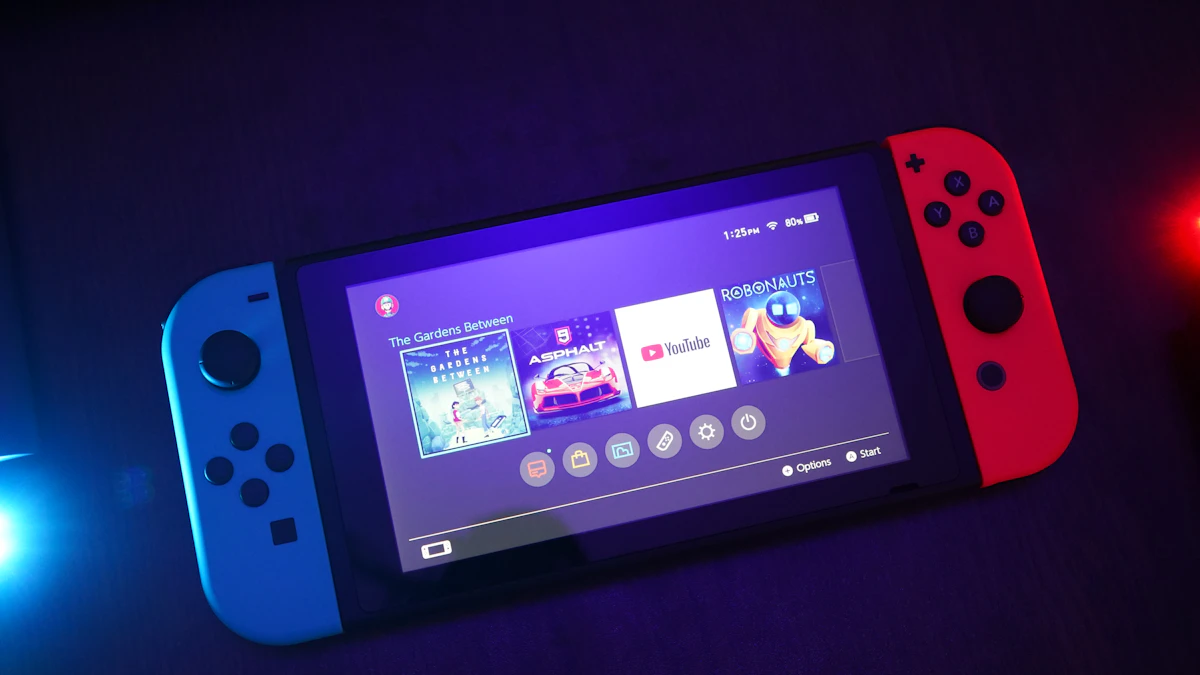
Nintendo eShop gifting will let Nintendo Switch and Nintendo Switch 2 owners buy a digital game and send it straight to someone in their Nintendo Account family group, Nintendo (TSE: 7974) said in an announcement posted Nov. 9. The company said the option will be added to Nintendo eShop on Nov. 16.
The groundwork is already on consoles. System update version 23.5.0, released Nov. 9, adds support for the upcoming gifting feature, according to Nintendo's system update notes. Those notes say gifting turns on after a separate Nintendo eShop update scheduled for Nov. 17, one day later than the date in the announcement. The two Nintendo pages do not explain the difference.
Gifts stay inside the family group
Recipients must belong to the sender's family group. Any Nintendo Account holder can create a group and invite others, with a cap of eight accounts in total, Nintendo said. Eligible purchases include games, downloadable content and upgrade packs bought through Nintendo eShop on the sender's own system.
Nintendo listed three limits:
- Supervised accounts cannot send gifts.
- Some products may not qualify for gifting.
- Each account can make only a limited number of gift purchases within a given period. Nintendo did not publish that number.
Sending a gift from the console
- Open Nintendo eShop on your system and find the game you want to give.
- On the product page, check the "Give as a Gift" box and continue to checkout.
- Pick the family member who should get it. If that person has more than one linked system, you can choose which console receives it.
- Choose a gift wrap color and any other options, then pay the way you normally would.
There is no delay setting in the steps Nintendo described. The company warned that "gifts are sent to your recipient immediately, so be sure you're ready!" On the other end, the gift shows up on the recipient's HOME Menu, where they can accept it and start playing right away.
What Nintendo has not said yet
The announcement does not cover refunds or cancellations for gifts, whether a Nintendo Switch Online membership is required, or how many gifts the purchase limit allows. It also does not say which countries outside the US will get the feature on the same date.
To be ready, owners need version 23.5.0 or later. Nintendo said the update downloads on its own when a system is online, and it can also be started by hand from System Settings. For a recent change on a rival platform, see our report on the Xbox cloud gaming preview for phones and TVs. More console and device coverage is on our tech page.
Sources
Share this story
Spotted an error? Tell us