Key takeaways
- A mismatched sender address, a link that points to a different website, and pressure to act immediately are the most reliable signs of a scam email.
- Real companies such as Google and Apple say they will never ask for your password or two factor code by email, so any message that does is a scam.
- In the US you can forward phishing emails to reportphishing@apwg.org and report them at ReportFraud.ftc.gov, and money lost to email fraud should be reported to your bank and the FBI's IC3.
In this story 6 sections
An email says your account is locked, a package is stuck, or a refund is waiting. You have about five seconds to decide whether it is real. Learning how to spot a scam email comes down to a short set of warning signs and one habit: never act on the message itself. This guide gives you the red flags, a checklist you can run on any suspicious message, and the official US places to report it.
Red flags that give a scam email away
The Federal Trade Commission describes phishing emails as messages that "tell a story" to push you into clicking a link or opening an attachment. These are the signs that show up again and again in the guidance from the FTC, CISA and Apple:
- A generic greeting such as "Dear customer" instead of your name.
- A problem with your account that you never heard about, like "suspicious activity" or a failed payment.
- Pressure to act right now, often with a threat that your account will close or you will be charged.
- A request for personal or financial details, such as a password, Social Security number, card number or a two factor code.
- An invoice or receipt you do not recognize, usually with a phone number to "cancel" the charge.
- A sender address that does not match the company, or a lookalike domain such as amazan.com.
- A link whose real address differs from the company's website, including shortened links you cannot read.
- An unexpected attachment, especially one you did not ask for.
- An offer that sounds too good, like a free coupon or a government refund you never applied for.
One sign has faded. CISA notes that AI tools now help scammers write emails with clean grammar, so a polished message is not proof of anything. Look at the other signs instead.
Why scam emails look so convincing now
Scammers copy logos, signatures and layouts from real companies, and the visible sender name can say anything they like. What they cannot easily fake is the real address behind the name and the real destination behind a link. That is why the checklist below focuses on those two things, plus a simple question about whether you even have a relationship with the sender.
If the message claims to come from a relative or your boss, the same rules apply. Our guide to AI deepfake scams aimed at families covers voice and video tricks that often arrive alongside these emails.
A step by step checklist for any suspicious email
Run through these steps before you click, reply or download anything.
- Ask whether you know the sender. The FTC suggests a simple test: do you have an account with this company, or do you know this person? If the answer is no, treat the message as a scam, report it and delete it.
- Check the real sender address. Tap or click the sender's name to reveal the full address. A bank will not write to you from a free webmail account or a misspelled domain.
- Compare it with past messages. Apple advises noticing when an email looks noticeably different from others you have received from the same company, or arrives at an address you never gave them.
- Inspect links without clicking. On a computer, hover over the link and read the address that appears. On a phone, press and hold to preview it. If it does not match the company's real website, stop.
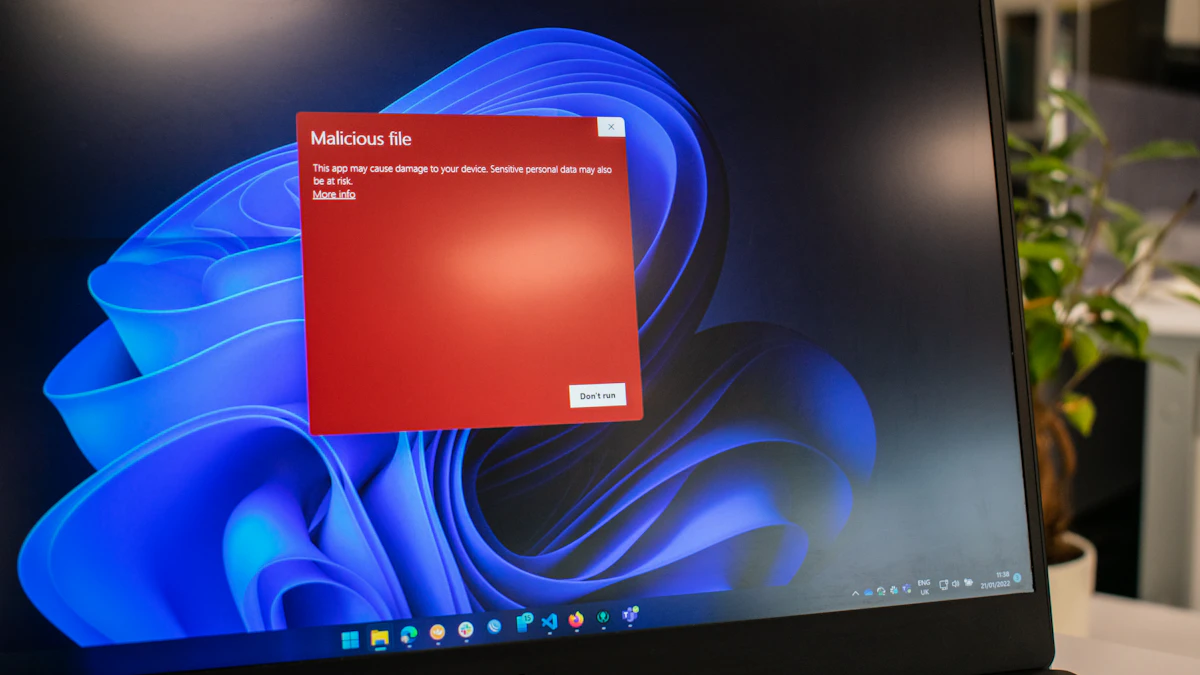
- Do not open surprise attachments. Apple lists unsolicited attachments as a common warning sign, since they are a frequent way to deliver malware.
- Never send sensitive information by email. Google says Gmail will never ask for your password over email, and Apple says it will never ask for your password, device passcode or two factor code. Treat any such request as a scam.
- Verify through a channel you trust. If the message might be real, go to the company's website by typing it yourself, or call a number from your statement or the back of your card. Do not use any link or phone number from the email.
- Skip the unsubscribe link. CISA warns against clicking anything in a suspicious message, including "unsubscribe," because it can confirm your address is active or lead to a malicious page.
- Be extra careful with payment changes. The FBI's Internet Crime Complaint Center says business email compromise scams often ask you to send money to new account details. Confirm any change by phone or in person with someone you already know.
- Report it, then delete it. Reporting helps your email provider filter similar messages for everyone.
How to report a scam email in the US
Reporting takes a minute and feeds the systems that block these messages.
- Forward it to the Anti Phishing Working Group at reportphishing@apwg.org, as the FTC recommends.
- Report it to the FTC at ReportFraud.ftc.gov.
- Use your email app's report button. In Gmail on a computer, open the message, click More next to Reply, then click Report phishing, according to Google's Gmail Help.
- Forward fake Apple emails to reportphishing@apple.com, per Apple Support.
- Text scams can be forwarded to SPAM (7726).
What to do if you already clicked or replied
Mistakes happen, and acting quickly limits the damage. Work through whichever of these apply to you.
You typed a password into a fake page
Change that password right away on the real site, and on any other account where you reused it. Turn on two factor authentication if it is not already on. A password manager makes it much easier to give every account its own password so one leak does not open the rest. Our 10 minute account protection guide walks through the other quick fixes.
You shared financial or identity details
If you think a scammer has your Social Security, credit card or bank account number, the FTC points you to IdentityTheft.gov, which builds a recovery plan based on what was exposed. Call your bank or card issuer using the number on your card and ask them to watch for fraud or replace the card.
You opened an attachment or downloaded something
The FTC advises updating your security software, running a full scan and removing anything it flags. If the click happened on your phone, see what to do after tapping a bad link on your phone.
You sent money
Contact your bank immediately and ask about recalling or reversing the transfer. For wire fraud and business email compromise, the FBI's Internet Crime Complaint Center says to contact your bank as soon as you notice, then file a detailed complaint at ic3.gov with the banking information. IC3 also notes it will never contact you directly to ask for information or money, so be wary of anyone claiming to be from IC3 offering to recover your funds.
A habit worth keeping
The safest rule is also the simplest: treat every link, attachment and phone number inside an unexpected email as untrusted, and reach the company on your own instead. Do that, and even a perfectly written scam has very little to work with. For more on staying safe online, browse our tech guides.
Sources
Share this story
Spotted an error? Tell us