Key takeaways
- Malware, short for malicious software, is any program installed without your knowledge to damage a device, spy on you, or steal data and money.
- The most common types include viruses, worms, trojans, spyware, ransomware, rootkits, coin miners and adware, and most arrive through links, attachments or fake downloads.
- Automatic updates, security software, offline backups and two factor authentication block most infections, and US victims can report losses to the FTC or the FBI's IC3.
In this story 8 sections
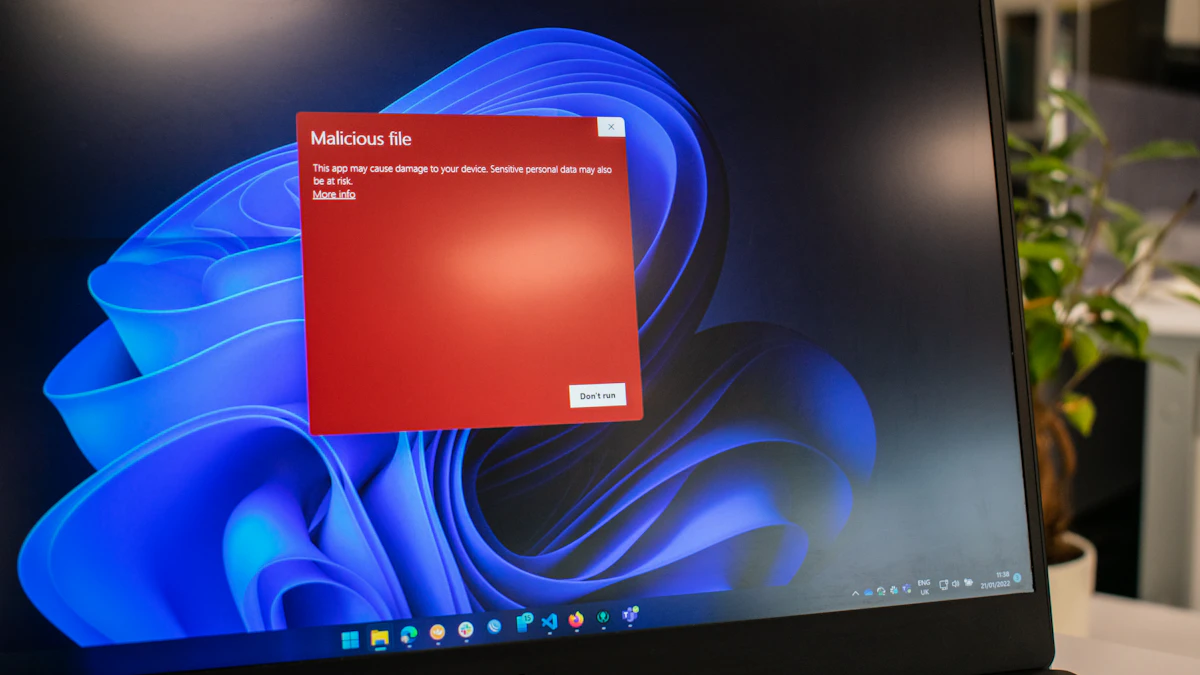
Malware is any software built to harm your device, spy on you, or steal from you, and it gets installed without your knowledge. The word is short for malicious software, and it covers a whole family of threats, from old school viruses to ransomware that locks your files until you pay. If you have ever wondered what is malware and whether your phone or laptop could be carrying some right now, this guide explains it in plain English.
How malware works, explained with a houseguest
Think of your computer as a house and the apps on it as guests you invited in. Most guests behave. Malware is the guest who came in by pretending to be someone else, then quietly copies your keys, reads your mail, or changes the locks.
The trick is almost always the invitation. Malware rarely breaks down the door. Instead, it rides in on something you chose to open: an email attachment, a "free" game, a fake update, or a link in a text message. Once it runs, it works quietly in the background.
Microsoft describes malware in its Defender documentation as malicious applications and code that damage and disrupt normal use of devices, and notes that the people behind it are often motivated by money. That money motive explains most of what malware does.
The main types of malware you will hear about
These are the malware types that come up most:
- Viruses attach themselves to legitimate files or programs and spread when those files are shared or opened.
- Worms copy themselves across networks on their own, without waiting for you to open anything.
- Trojans pose as useful software (a PDF reader, a video player, a game mod) and carry a harmful payload inside.
- Spyware watches what you type and do, then sends passwords, messages or browsing history to someone else.
- Ransomware encrypts your files and demands payment to unlock them.
- Rootkits burrow deep into the operating system so other malware can hide from security tools.
- Coin miners secretly use your processor to mine cryptocurrency for the attacker, which can make your device hot and slow.
- Unwanted software and adware flood you with ads, change browser settings, or install add-ons you never asked for.
What malware is actually after
The Federal Trade Commission's malware guide lists the usual goals: stealing usernames and passwords, bank account numbers or Social Security numbers, pushing unwanted ads, holding data for ransom, and leaving a device open to even more malware.
Where you are most likely to run into malware
Malware infections usually trace back to a handful of everyday moments:
- Email and text links. Phishing messages pretend to come from a bank, a delivery company or a coworker and push you to open a file or sign in on a fake page.
- Ads and pop ups. The FTC warns against clicking ads to download software, and against calling any phone number shown in a pop up "security warning." Those alerts are often tech support scams.
- Free movies, music and games. Unfamiliar sites offering paid content for free, and peer to peer file sharing, are common delivery routes.
- USB drives. A borrowed or found flash drive can carry malware onto a computer the moment it is opened.
- Outdated software. Old operating systems and apps have known holes that exploit kits look for.
Can your phone get malware?
Yes, phones can get malware, although the routes differ a little from computers. On Android, the bigger risk comes from installing apps from outside the Google Play Store or granting an app far more permissions than it needs. iPhones are harder to infect because apps come from the App Store, but malicious profiles, fake login pages and spyware still exist. A phone that suddenly drains its battery, runs hot, or shows ads everywhere deserves a closer look. Our guide on how to know if your phone is hacked walks through the specific signs.
Signs of a malware infection
According to the FTC, these are the most common warning signs on a computer:
- It slows down, freezes or crashes for no clear reason.
- Your browser home page changes, or searches redirect to sites you did not pick.
- New toolbars or add-ons appear.
- You see far more pop up ads than usual.
- You get repeated error messages from the operating system.
- Task Manager on Windows or Activity Monitor on a Mac will not open.
- Friends receive emails or social posts from you that you never wrote.
One sign alone can be innocent. Several at once is a strong hint.
Common malware myths
"Macs and iPhones can't get malware." They can. They are targeted less often than Windows and Android, but no system is immune, and Apple ships its own security updates for exactly that reason.
"I would notice if I had malware." Plenty of malware is designed to stay invisible. Spyware and coin miners succeed precisely because they do not announce themselves.
"Antivirus catches everything." Security software helps a lot, but it works best alongside updates, careful clicking and backups. A new or targeted threat can slip past.
"Only shady websites spread it." Supply chain attacks hide malicious code inside updates to legitimate software, and fake download ads can appear on ordinary sites.
What to do with this knowledge
Prevention comes down to a short list of habits, drawn from FTC and CISA advice:
- Turn on automatic updates for your operating system, browser and apps. CISA's StopRansomware guidance puts it simply: regularly patch and update software and operating systems.
- Use security software and set it to scan new files automatically. Windows includes Microsoft Defender at no extra cost.
- Keep offline backups of important files and test that they restore. If ransomware strikes, a backup is what saves you.
- Pause before opening unexpected attachments or links, even from people you know.
- Use strong, unique passwords and two factor authentication, so stolen passwords are less useful. A password manager makes this realistic.
If you think a device is already infected, the FTC suggests you stop logging in to accounts on it, update your security software, run a scan, then change your passwords and turn on two factor authentication. We have step by step help to remove a virus from a Windows PC and to remove a virus from an Android phone.
Lost money or data? Report it to the FTC at ReportFraud.ftc.gov. For ransomware or other cybercrime, CISA directs victims to file with the FBI's Internet Crime Complaint Center, which says to file even if you are unsure whether your case qualifies. Keep in mind that IC3 will never contact you directly asking for information or money, so treat any such message as a scam.
One last check worth doing today: open your device settings and confirm automatic updates are switched on. It closes the door most malware hopes to find open. For more practical security guides, browse our tech section.
Sources
Share this story
Spotted an error? Tell us