Key takeaways
- A basic single radio extender can lose about half its throughput, according to TP-Link, because it uses one channel to talk to both the router and your devices.
- Google recommends placing mesh points about 2 to 3 rooms apart, or 1 to 2 rooms apart in crowded areas like apartment buildings.
- If speeds are slow even right next to your router, the problem is your plan or provider, and no extender or mesh kit will fix it.
In this story 5 sections
If one bedroom or the back patio keeps dropping the signal, an extender is the cheapest patch. If weak spots show up all over a larger home, mesh WiFi is usually the better buy. And if your router is old or sitting in a closet, replacing or moving it can fix the problem before you add anything at all. That is the short version of the mesh WiFi vs extender question, and the rest of this guide explains how to tell which situation you are in.
All three approaches attack the same problem, but they work very differently. Knowing how each one moves data around your home matters more than any spec on the box.
How Mesh, Extenders and a New Router Differ
- Range extender: a single box that picks up your router's signal and rebroadcasts it. It does not add internet speed, and a basic model can lose about half its throughput in the process.
- Mesh WiFi: a set of matching units (a main router plus points) that work as one network with one name, designed to be spread across the house.
- Better router: one stronger device in a better spot. It fixes problems caused by old hardware or poor placement, but it cannot push a signal through every wall in a big or oddly shaped home.
- Setup effort: an extender takes the least work, a new router is a straight swap, and mesh asks you to plan where each point goes.
- Network names: extenders may use the same name as your router or a separate one, depending on the model. Mesh systems present a single network.
- Wired option: both mesh points and access points can connect over Ethernet, which removes most of the speed penalty of wireless relaying.
WiFi Range Extenders: The Quick Fix for One Room
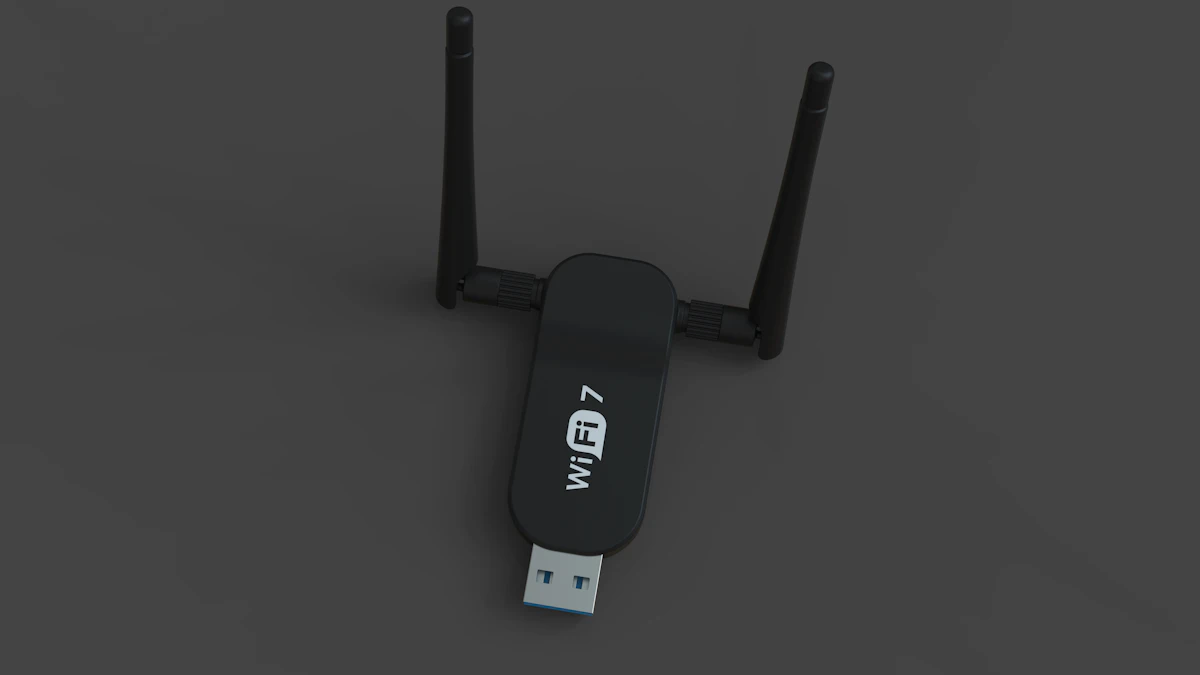
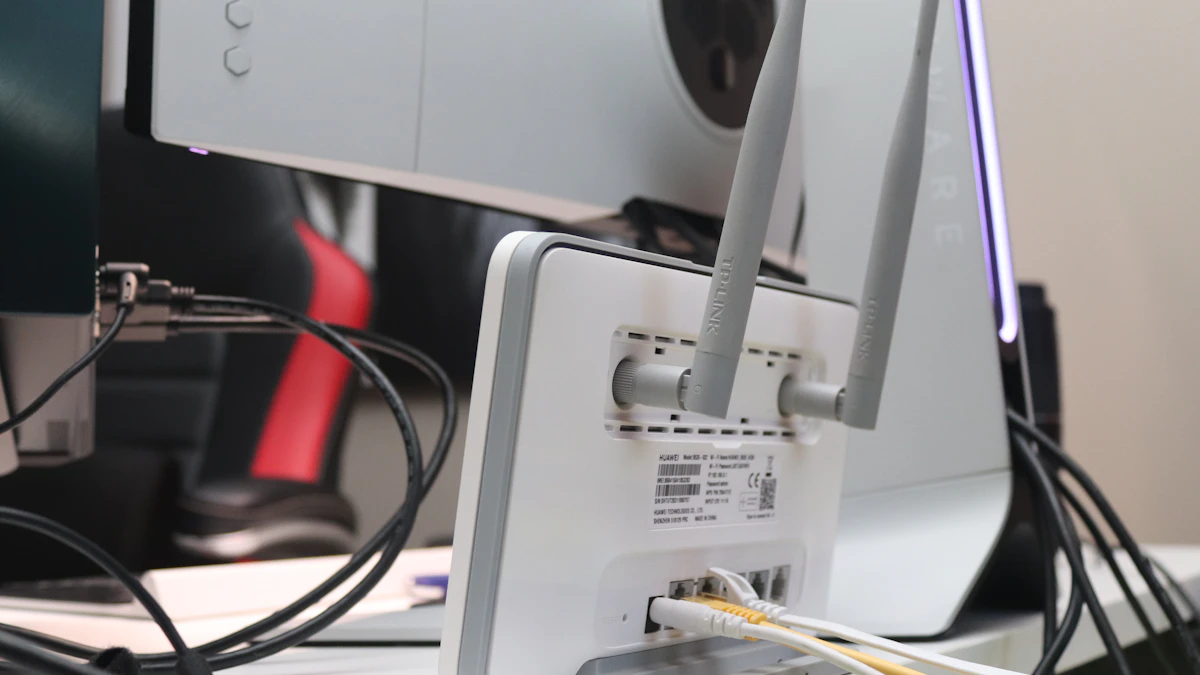
An extender sits between your router and the dead zone, listens to the existing signal and repeats it. Netgear describes its range extenders as creating "a second network that devices can connect to when they're too far from the main router," which is a fair summary of what most of them do.
TP-Link, which makes both extenders and mesh systems, is blunt about the limit in its explainer on how extenders work: an extender does not increase your internet speed or your router's wireless capacity. It only stretches coverage.
Where extenders do well
- Low cost and low effort. You plug it into a wall outlet, pair it with your router and you are done.
- Targeted coverage. For a single trouble spot, like a garage office or a far bedroom, it is often all you need.
- Works with your current router. Nothing else in your setup has to change.
Where extenders fall short
- Speed loss. A single radio extender uses the same channel to talk to your router and to your devices. TP-Link says throughput in that setup can fall by about half. Dual band and tri band models reduce the hit, but they are still limited by the wireless link back to the router.
- Placement is tricky. Both TP-Link and Netgear advise putting the extender roughly halfway between the router and the weak area. Put it inside the dead zone and it has a poor signal to repeat, so everything connected to it suffers.
- A second network name on some models. Phones and laptops may cling to the weaker network as you walk around, which feels like random slowdowns.
- They do not scale well. Chaining several extenders to cover a whole house multiplies the speed loss. TP-Link suggests wired access points instead of more relays when you need several rooms or floors covered.
Mesh WiFi: Built for Whole Home Coverage
A mesh system replaces your router (or works alongside your modem) with a main unit and one or more points. The units talk to each other and hand your devices between them, so you see one network everywhere.
Google's placement advice for Nest Wifi gives a useful sense of scale: points generally work best about 2 to 3 rooms apart, ideally raised up on a shelf rather than on the floor. In crowded areas like apartment buildings, where lots of neighboring networks compete, Google suggests moving points closer, about 1 to 2 rooms apart. It also recommends no more than 5 of its WiFi devices in one network, which tells you mesh is meant for homes, not campuses.
Where mesh does well
- Even coverage across floors. Multistory homes, long ranch layouts and houses with thick interior walls are where mesh shines.
- One network name. Devices move between points without you switching networks by hand.
- Room to grow. You can add a point later if a new room or a backyard becomes a problem.
- Wired backhaul. Google notes that mesh points can connect to each other over Ethernet as well as wirelessly. If your home has Ethernet jacks, wiring the points together keeps speeds high at every unit.
Where mesh falls short
- Cost. A multi unit kit costs more than a single extender, and often more than a good standalone router.
- Overkill for small spaces. In a studio or a compact apartment, a mesh kit may add little over one well placed router.
- Wireless hops still cost something. Without Ethernet between points, every relay uses some airtime, so placement still matters.
- You usually commit to one brand. Mixing mesh units from different companies generally does not work.
A Better Router: Fixing the Source
Plenty of dead zones are not really range problems. A router that is several years old, tucked inside a cabinet, parked on the floor behind a TV or stuck in a corner of the basement will struggle even in a modest home. Before buying extra hardware, try moving your current router to a central, elevated spot in the open. Google gives the same advice for its own units: higher and more central is better.
If moving it helps but not enough, a newer router may cover the space on its own. Our guide to modem vs router explains which box does what, which matters here because many people rent a combined unit from their internet provider and do not realize the WiFi half can be upgraded separately.
Where a new router does well
- Simplest network. One device, one name, no relays.
- Full speed close to the router. There is no hop to cut throughput in half.
- Fixes old hardware problems. Newer models handle more connected devices and modern phones and laptops better.
Where a new router falls short
- Physics still wins. One box in one spot cannot get through brick, concrete, metal or several floors as well as two or three units spread around.
- Placement is often fixed. If the fiber or cable line enters at one end of the house, that is where the router usually lives.
Which One Should You Pick?
Start with a quick test. Walk around with your phone and run a speed test near the router, in the middle of the house and in the problem area. Our walkthrough on how to check internet speed covers the tools. If speeds are poor even next to the router, the issue is your plan or your provider, not coverage, and why your internet is so slow is the better place to start.
If speeds are good near the router and drop off with distance, match the fix to your home:
- Renters in a small apartment with one weak corner: try moving the router first, then add an extender placed halfway to that corner.
- One trouble room in an otherwise fine house: an extender is the budget answer. A dual band model limits the speed loss.
- Two or more floors, or weak spots in several rooms: go with mesh. It is the one option designed to cover a whole home evenly.
- Homes with Ethernet jacks in several rooms: mesh with wired backhaul, or wired access points, gives the best speeds everywhere.
- Old router, modest home, most complaints near the router: replace the router before buying anything else.
- Gamers and people on video calls all day: whatever you choose, plug the main computer or console in with a cable if you can. Our comparison of Ethernet vs WiFi explains why a wire still beats every wireless option for steady latency.
Whatever you buy, give placement a second look a week later. Moving a mesh point one room over or raising an extender off the floor often makes more difference than the hardware itself. For more home network help, browse our tech guides or work through these ways to make your WiFi faster.
Sources
Share this story
Spotted an error? Tell us