Key takeaways
- Samsung said on Nov. 10 that Samsung Gallery can now sync photos and videos through Google account storage to other supported Galaxy devices.
- The feature starts on select Galaxy phones and tablets running One UI 9 and will expand to more devices in phases, with no models or dates named.
- Synced files use the same Google storage as Gmail and Drive, and deleting an item in Gallery removes it from the cloud and other linked devices.
In this story 3 sections
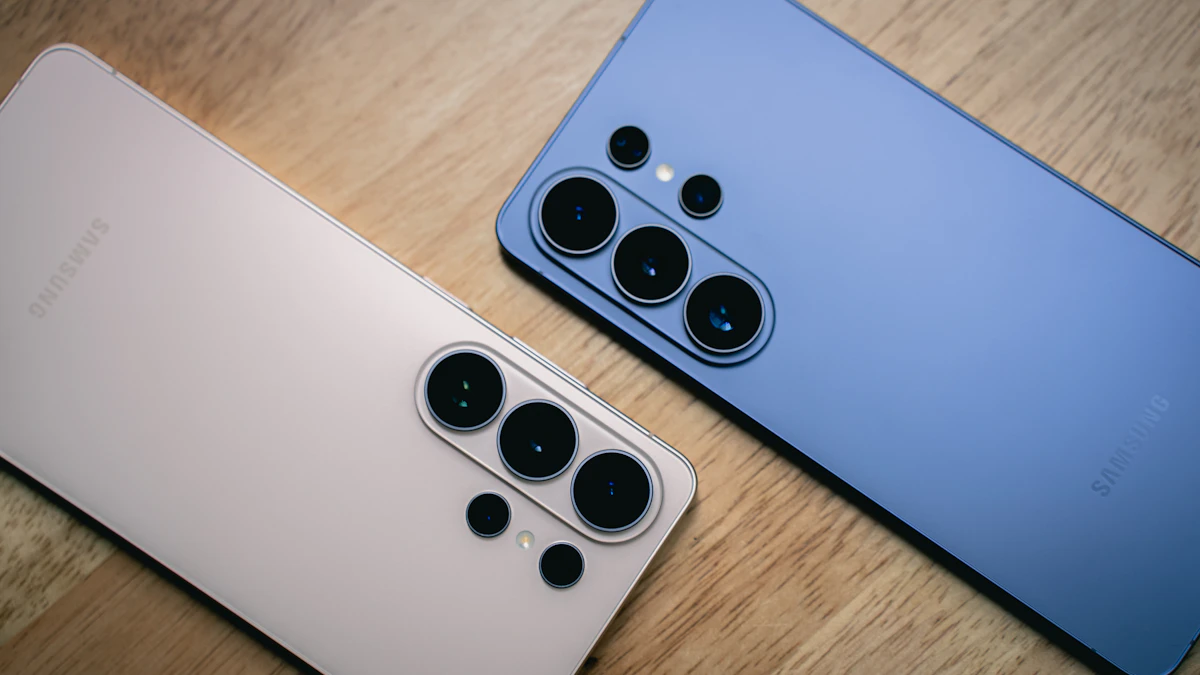
Galaxy owners can now keep the same photos and videos in Samsung Gallery across their phones and tablets. Samsung Gallery sync, announced by Samsung Electronics on Nov. 10, stores those files in the user's Google account and makes them viewable in the Gallery app on any other supported Galaxy device signed in to the same accounts.
The feature is starting on select Galaxy phones and tablets running One UI 9, and Samsung said it will reach other devices in phases. The company did not name specific models or give a schedule, and it noted that availability may vary by market and device.
What changes for Galaxy users
The storage behind the feature belongs to Google, a unit of Alphabet (NASDAQ: GOOGL), rather than to Samsung. Users need both a Samsung account and a Google account on the device, but no separate cloud account, according to Samsung's newsroom post.
A few details are worth knowing before turning it on:
- Storage is shared. Synced files count against the same Google storage used by Gmail, Google Drive and Google Photos. Google accounts include up to 15 GB at no charge, and more space requires a paid Google One plan. Samsung said the sync does not come with any extra allowance.
- Older cloud files stay hidden at first. At launch, Gallery shows only items synced through Gallery after the feature is switched on. Photos and videos already sitting in Google storage remain there but will not appear in Gallery automatically.
- Deletes travel everywhere. Removing a synced item in Gallery also removes it from the linked Google storage and from the user's other connected Galaxy devices.
- New devices show previews. On a newly set up Galaxy device, users see previews and can pick individual files to download.
Gallery also offers a "Free up space on this phone" option that deletes original files from the device once they are synced, while thumbnails stay visible.
How to turn it on
- Open Samsung Gallery and tap the cloud icon, or tap "Get started" on the tip card.
- Or go to Gallery settings and switch on "Sync photos and videos."
- Follow the prompts on screen.
The OneDrive change behind it
The move follows the end of direct syncing between Samsung Gallery and OneDrive from Microsoft (NASDAQ: MSFT), which stopped on Sept. 30, Samsung said. Photos and videos that were already sent to OneDrive can still be reached through OneDrive itself.
Samsung's post did not include details on encryption or how the synced data is handled beyond pointing to its privacy policy.
For more Galaxy news, see the US launch of Galaxy Buds On at $229 and the Galaxy SmartTag3, or browse our gadgets coverage.
Share this story
Spotted an error? Tell us