Key takeaways
- An E Ink e-reader reflects room light instead of shining a backlight at you, so it stays readable in sunlight and feels closer to paper.
- The 2026 Kindle Paperwhite is rated for up to 12 weeks per charge and costs $199.99, while the $449 iPad 11-inch is rated for about 10 hours.
- The American Academy of Ophthalmology says screen blue light does not harm your eyes, and tired eyes come mostly from blinking less while reading screens.
In this story 5 sections
If most of what you do on a screen is read books, an e-reader is the better buy. It is easier to read for hours, the battery lasts weeks instead of a day, and it costs less than a base iPad. A tablet wins when reading is only one of many jobs: comics and manga in color, magazines, PDFs with charts, video, email and apps. That is the short version of the e reader vs tablet question, and the rest of this guide explains where each one earns its place so you can match it to the way you actually read.
The key differences at a glance
- Screen type: e-readers use E Ink, a reflective display that bounces room light back like paper. Tablets such as the iPad use a backlit LCD, so the light shines toward your eyes.
- Battery life: Amazon rates the 2026 Kindle Paperwhite at up to 12 weeks per charge. Apple rates the iPad 11-inch at up to 10 hours of web browsing or video.
- Weight: the 2026 Paperwhite weighs about 204 grams. The iPad 11-inch weighs 477 grams, more than twice as much.
- Price: the base Kindle starts at $149.99 and the Paperwhite at $199.99. The base iPad starts at $449 after Apple's June 2026 price increase.
- Color: most e-readers are black and white. Color E Ink models exist, like the Kindle Colorsoft at $289.99, but colors look muted next to a tablet.
- What else it does: an e-reader is built for books. A tablet runs thousands of apps, plays video and handles work.
Why an e-reader is easier on long reading sessions
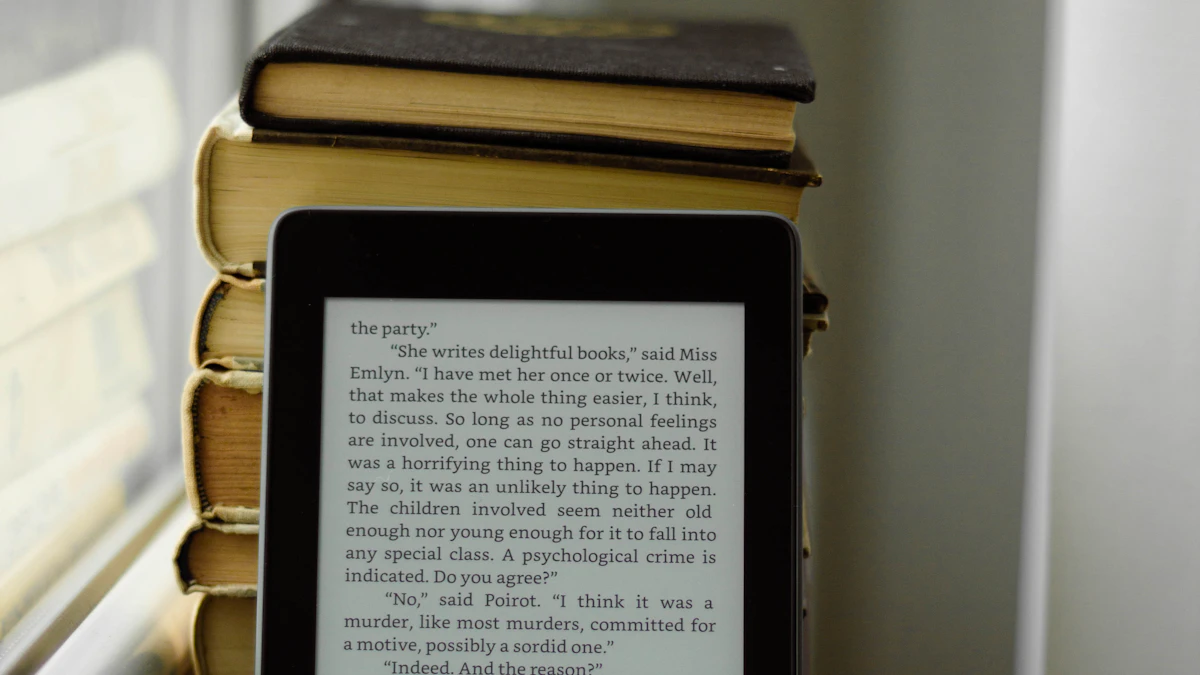
The difference starts with how the screen makes an image. According to E Ink, its displays use no backlight and instead reflect the light already in the room, so "the more ambient light, the brighter the display looks." That is why an e-reader stays readable at a sunny window or on a beach, while a tablet screen washes out and you end up cranking the brightness.
Think of it like the difference between reading a printed page and reading a lamp shade with text on it. Both work, but one is lighting your face for hours.
Strengths of an e-reader
- Battery that lasts weeks. E Ink only uses power when the image changes, such as when you turn a page. Holding a page on screen costs nothing. That is how the Paperwhite reaches its 12 week rating and the base Kindle reaches about 6 weeks, based on Amazon's figures reported by TechRadar.
- Light and pocketable. A 6 or 7 inch screen at around 140 to 204 grams is easy to hold in one hand in bed or on a train.
- Fewer distractions. No notifications, no video apps, no social feeds. You open it and read.
- Waterproof options. The Paperwhite and Colorsoft carry an IPX8 rating, which TechRadar describes as surviving 2 meters of fresh water for 60 minutes. That matters for bath and pool readers. The base Kindle is not waterproof.
Weak spots of an e-reader
- Slow refresh. Page turns are quick, but scrolling, zooming and menus feel sluggish next to a tablet.
- Small, mostly gray screens. PDFs built for letter size paper, textbooks with diagrams and full color comics are hard to read on a 6 or 7 inch E Ink panel.
- Limited apps. You get the store and library tools the maker supports. On a Kindle that means Amazon's ecosystem first.
- Color is a compromise. Color E Ink is real now, but it looks softer and less saturated than an LCD, and battery life drops. The Colorsoft is rated at about 8 weeks compared with 12 for the Paperwhite.
Why a tablet still makes sense for some readers
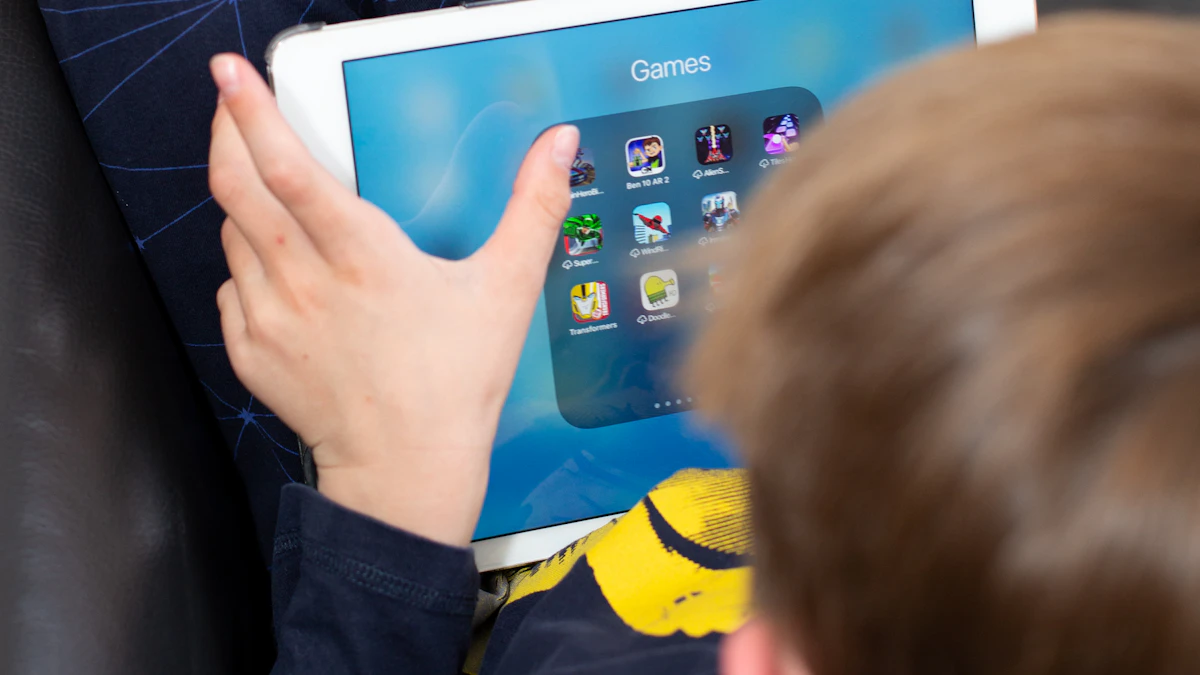
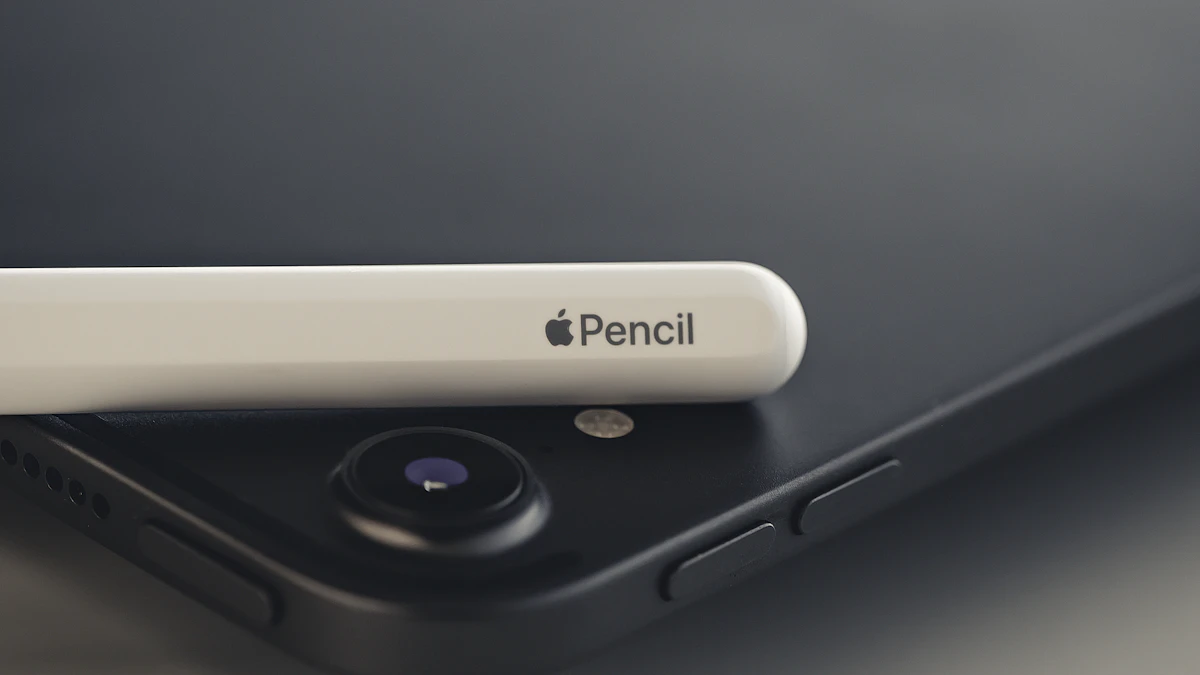
A tablet treats books as one app among many. If you read a lot of magazines, cookbooks, graphic novels or work documents, a big, sharp color screen is a real advantage. Apple lists the iPad 11-inch with an 11 inch Liquid Retina display at 2360 by 1640 pixels and 500 nits of brightness, plus support for Apple Pencil (USB-C) for marking up PDFs.
Strengths of a tablet
- Color and size. Manga, comics, children's picture books and illustrated nonfiction look the way they were designed.
- Every reading app in one place. Kindle, Apple Books, Google Play Books, Libby and Kobo apps can all live on the same device, so you are not locked to one store.
- Better for PDFs and study. Zooming, searching and handwriting notes with a stylus are fast.
- It does everything else. Video, video calls, email, browsing and games. If you only want one device, this is it.
Weak spots of a tablet
- Battery measured in hours. Around 10 hours of use means charging every day or two if you read heavily.
- Heavier to hold. At 477 grams, the iPad gets tiring held up above your face in bed.
- Glare and sunlight. A glossy, backlit screen fights bright light rather than using it.
- Distractions. A notification or a quick look at another app can end a reading session.
- Costs more. The base iPad at $449 is more than double the price of a base Kindle, and Android options vary widely in quality. Amazon has also replaced its Fire line with Alexa Tablets that run Google Play, so budget tablet choices are shifting.
Eye strain and blue light: what actually matters
"E-reader vs tablet eye strain" is one of the most searched follow ups on this topic, and the answer is more nuanced than "tablets hurt your eyes."
The American Academy of Ophthalmology says blue light from screens has not been shown to harm your eyes or cause eye disease, as reported by HealthDay. The academy points to a different cause of tired eyes: people blink less when they stare at a screen. Normal blinking is around 15 times a minute, and that rate can fall by about half during screen use, which leads to dry eyes, blurry vision and headaches.
So the real advantages of an e-reader are practical. There is no light shining at you, no glare to squint through, and the matte page feels closer to paper. E Ink itself describes its displays as less tiring on the eyes than an LCD. Blue light can still matter at night for a different reason: experts quoted by AARP say evening light can disrupt melatonin and sleep.
If you read on a tablet anyway, a few habits help:
- Turn on Night Shift on an iPad: open Settings, tap Display & Brightness, then tap Night Shift and set a schedule or turn it on until tomorrow.
- Match the screen brightness to the room instead of leaving it at maximum.
- Follow the AAO's 20-20-20 rule: every 20 minutes, look at something 20 feet away for at least 20 seconds.
- Use a sepia or dark page theme in your reading app for night reading.
Which one to pick for the way you read
- You read novels most nights: get an e-reader. A base Kindle at $149.99 covers it, and the Paperwhite adds a 7 inch screen, waterproofing and a warm light option.
- You read by the pool, at the beach or in the bath: an IPX8 rated e-reader such as the Paperwhite.
- You read manga or comics: black and white manga reads fine on a 7 inch e-reader. Full color comics are better on a tablet, though a color E Ink reader is a middle ground if battery life matters more than vivid color.
- You read textbooks, research papers or PDFs: a tablet with a stylus, or a large note taking e-reader like the 11 inch Kindle Scribe if you want E Ink.
- You want one device for everything: a tablet. Compare options in our iPad vs Samsung tablet guide.
- You are buying for a child: it depends on age and how much screen time you want to allow. Our best tablet for kids guide covers the tablet side, and both Kindle Kids models stick to reading.
- You get easily distracted: an e-reader. The lack of apps is the feature.
Plenty of heavy readers own both: an e-reader for books and a tablet for everything else. If you can only buy one and books are the main reason, start with the e-reader. Before you order a new Kindle, check reports on the 2026 Kindle light bleed issue and inspect the screen in the first days so you can return it inside the window if needed. You can find more device comparisons in our gadgets section.
Sources
- E Ink: Technology benefits
- Apple: iPad 11-inch (A16) technical specifications
- TechRadar: Kindle Paperwhite 2026 refresh
- Gagadget: New Kindles and US prices
- MacRumors: iPad roundup and pricing
- HealthDay: American Academy of Ophthalmology on screens and eye strain
- AARP: Blue light and eyestrain
- AbilityNet: Night Shift on iPhone and iPad
Share this story
Spotted an error? Tell us