Key takeaways
- The Logitech MX Keys S is the strongest all round choice for long typing sessions, with dished keys, a number pad and pairing for up to 3 devices at $119.99.
- If your wrists hurt, the Logitech ERGO K860 ($149.99) or the cheaper Wave Keys ($69.99) change your hand angle without forcing you to relearn how to type.
- Mac owners with Apple silicon get Touch ID on the Magic Keyboard ($149, or $199 with a numeric keypad), while the Keychron K3 Max offers slim mechanical switches for $109.99.
In this story 9 sections
- How we chose these keyboards
- Best for typing all day at a desk: Logitech MX Keys S
- Best for sore wrists without relearning to type: Logitech ERGO K860
- Best budget ergonomic keyboard: Logitech Wave Keys
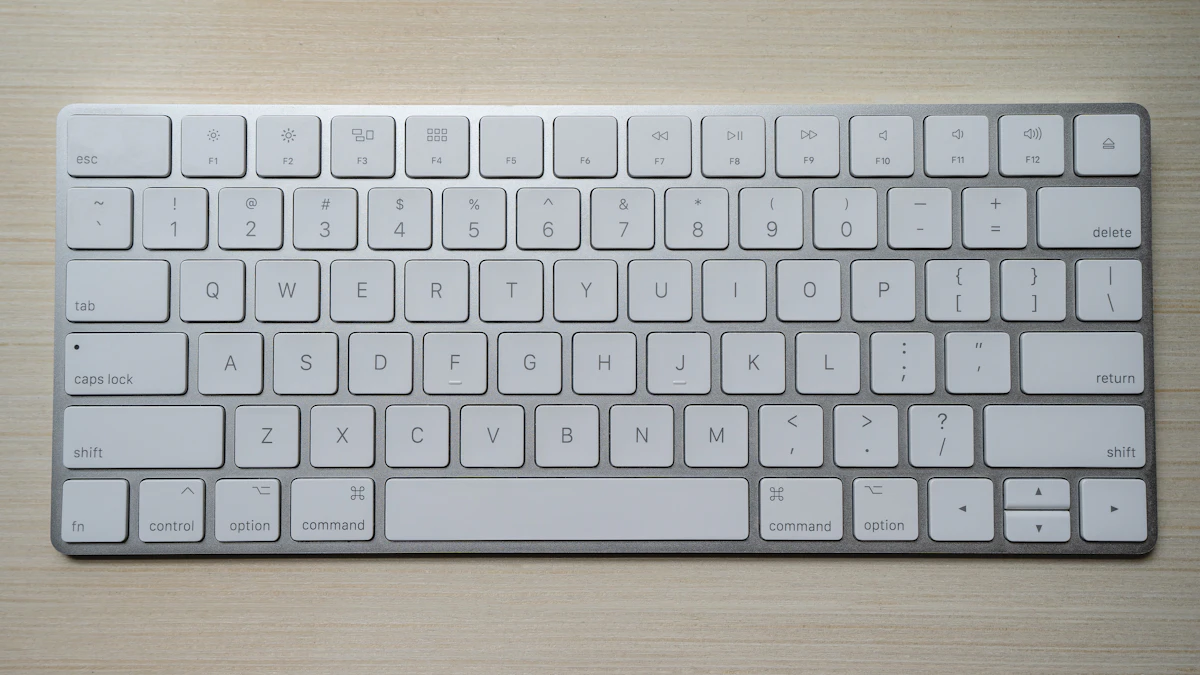
- Best for Mac users: Apple Magic Keyboard with Touch ID
- Best low profile mechanical keyboard: Keychron K3 Max
- Best cheap keyboard for typing: Logitech POP Icon Keys
- Keyboards to skip if typing is your main job
- A quick checklist before you buy
If you write for a living, answer email all day or are working through a thesis, the best keyboard for typing is the one that stops you from noticing it. That usually means steady key feel, a layout that keeps your hands close together, and a shape that does not bend your wrists. We sorted the current options by the kind of typist you are, because a writer on a MacBook and a data entry worker with sore wrists need very different boards.
How we chose these keyboards
We did not test these keyboards ourselves. The picks below are based on the makers' published specs and US prices, plus the conclusions of independent reviewers at Engadget (updated March 2026) and Tom's Guide (updated June 2026). We favored keyboards that are easy to buy in the US right now, work with more than one operating system where possible, and are built for long typing sessions rather than gaming. Prices are as shown on the official US stores in November 2026 and change often.
Best for typing all day at a desk: Logitech MX Keys S
Who it is for: anyone who types for hours, switches between a work laptop and a personal computer, and wants a full size layout with a number pad.
Why it stands out: Engadget names the MX Keys S its best keyboard for most people, praising the build, comfortable typing and the Logi Options+ software. Logitech describes the keys as spherically dished, which helps your fingertips land in the center of each key. It connects over Bluetooth or the Logi Bolt receiver and pairs with up to 3 devices, switching with one key press. It works with Windows, macOS, ChromeOS, Linux and iPadOS, and the backlight turns on as your hands approach.
Downsides: it is not cheap, Tom's Guide calls the backlighting limited, and there is no spot to store the receiver on the keyboard.
Price: $119.99 on Logitech's US store in November 2026 (list price $129.99).
Best for sore wrists without relearning to type: Logitech ERGO K860
Who it is for: typists who feel strain in their wrists or forearms but cannot afford weeks of slow typing while they adapt.
Why it stands out: the K860 uses a split, curved key frame and a pillowed wrist rest with three layers of fabric, foam and memory foam. Logitech says the rest gives 54% more wrist support and reduces wrist bending by 25%. Tilt legs at 0, minus 4 and minus 7 degrees let the front edge sit higher than the back, a position many ergonomic guides recommend. Engadget points out there is no real learning curve because the halves stay joined, and it keeps a full number pad.
Downsides: the wrist rest cannot be removed, and the board takes up a lot of desk space. It connects by Bluetooth or Logitech's Unifying receiver rather than the newer Bolt.
Price: $149.99 on Logitech's US store in November 2026.
Best budget ergonomic keyboard: Logitech Wave Keys
Who it is for: people who want a gentler wrist angle for less money and in a smaller footprint than the K860.
Why it stands out: the Wave Keys has a wave shaped key layout and a cushioned palm rest made with memory foam. Logitech says it was developed with its Ergo Lab and carries a United States Ergonomics certification. It runs for up to 3 years on two AAA batteries, connects by Bluetooth or the included Logi Bolt receiver, and works with Windows, macOS, ChromeOS, iPadOS, iOS and Android.
Downsides: the shape is milder than a true split keyboard, so it helps posture less if your shoulders are the problem. It also uses disposable batteries instead of a rechargeable cell.
Price: $69.99 on Logitech's US store in November 2026.
Best for Mac users: Apple Magic Keyboard with Touch ID
Who it is for: people on a Mac with Apple silicon who want the same flat, quiet feel as a MacBook keyboard plus fingerprint login.
Why it stands out: Touch ID handles logins and purchases, and the keyboard charges and pairs through USB-C. Apple says the battery lasts about a month or more between charges, depending on use. It weighs just 0.54 lb, so it is easy to move between rooms. If you work with numbers, the version with a numeric keypad adds a full right side block.
Downsides: Touch ID needs a Mac with Apple silicon running macOS 15.1 or later, the keys are very shallow, and there is no backlight. Tom's Guide notes the MX Keys S costs less and is its pick for Mac owners who do not need Touch ID.
Price: $149 for the compact version and $199 for the version with a numeric keypad on Apple's US store in November 2026.
Best low profile mechanical keyboard: Keychron K3 Max
Who it is for: typists who like the crisp, consistent feel of mechanical switches but do not want a tall board that forces their wrists upward.
Why it stands out: the K3 Max is a slim 75% layout with 84 keys, so the mouse sits closer to your body. Keychron offers several low profile switches, including Gateron Red (light and smooth), Brown (a soft bump) and Blue (clicky). It connects three ways: 2.4 GHz wireless, Bluetooth 5.1 for up to three devices, or a USB-C cable. It ships with both Mac and Windows keycaps and supports QMK and VIA, which lets you remap any key.
Downsides: there is no number pad, battery life drops a lot with the backlight on (Keychron lists up to 73 hours, but far less with RGB lit), and only the RGB hot swappable variant lets you change switches yourself.
Price: $109.99 on Keychron's US store in November 2026.
Best cheap keyboard for typing: Logitech POP Icon Keys
Who it is for: students, shared desks and anyone who wants a quiet, compact wireless keyboard without spending much.
Why it stands out: Engadget names it the best budget keyboard. Logitech describes contoured, low profile keys for quiet typing, customizable action keys, multi device pairing and support for both Windows and Mac. Engadget notes it runs on two AAA batteries and has programmable keys.
Downsides: Engadget says the key travel could be better, and the compact layout drops the number pad.
Price: $49.99 on Logitech's US store in November 2026.
Keyboards to skip if typing is your main job
- Gaming boards with magnetic or Hall effect switches. Models like the Wooting 80HE are built for rapid trigger gaming. Engadget lists it at $199.99, which is a lot to pay for features a writer will never use.
- Fully split keyboards, unless you are ready to retrain. Engadget says the ZSA Voyager takes weeks to relearn typing on. It can be excellent for some people, but start with the K860 or Wave Keys if you only want relief.
- Heavy, tall mechanical boards without a wrist rest. Thick cases raise the keys and push your wrists back. If you go that route, budget for a rest.
- Very cheap no name keyboards. Wobbly keys and uneven feel are tiring over a long day, and spending a little more gets you a board from a maker that publishes specs and offers support.
A quick checklist before you buy
- Count your computers. If you switch between two or three, look for multi device pairing like the MX Keys S or K3 Max.
- Decide on the number pad. Spreadsheet work favors full size. A compact board keeps your mouse closer, which is easier on your shoulder.
- Check your operating system. Touch ID only works on Apple silicon Macs, and some keys on Windows boards are labeled differently on a Mac.
- Choose your feel. Scissor keys (MX Keys S, Magic Keyboard) are quiet and shallow. Mechanical switches (K3 Max) have deeper travel and more feedback.
- Think about power. AAA batteries can last years. Rechargeable boards are lighter on waste but need a cable now and then.
- Plan the rest of the desk. A keyboard is only half the setup. Our guide to the best monitor for working from home covers screen height, and a USB C hub or dock keeps receivers and cables tidy on a laptop.
If your laptop keyboard is the reason you are shopping, it may be worth reading our laptop picks for working from home too, since a better built in keyboard means fewer accessories in your bag. Whichever board you pick, give it a full week before judging it, and keep it clean with the same steps in our guide to cleaning a laptop screen and keyboard. For more gear guides, browse our gadgets section.
Sources
Share this story
Spotted an error? Tell us