Key takeaways
- The 13 inch MacBook Air with M5 is the best fit for most remote workers, with a 12MP Center Stage camera, three beamforming mics and support for two external displays.
- For Windows offices, the Surface Laptop 13.8 inch adds a USB-A port to its USB4 ports, while the HP EliteBook Ultra G1i offers a 9MP webcam with a privacy shutter.
- Before buying, confirm your company software runs on the chip you choose, aim for 16GB of memory and a 1080p or better webcam, and budget for a dock if the laptop has only USB-C.
In this story 9 sections
- How we chose these work from home laptops
- Best for most remote workers: MacBook Air 13 with M5
- Best Windows laptop for everyday office work: Surface Laptop 13.8 inch (8th Edition)
- Best for video calls and company IT: HP EliteBook Ultra G1i
- Best big screen for spreadsheets: Lenovo ThinkPad X9 15 Aura Edition
- Best value Windows laptop: Acer Swift Go 14 AI
- Best Chromebook for browser based work: Acer Chromebook Plus Spin 714
- What to skip for home office work
- Quick buying checklist for a remote work laptop
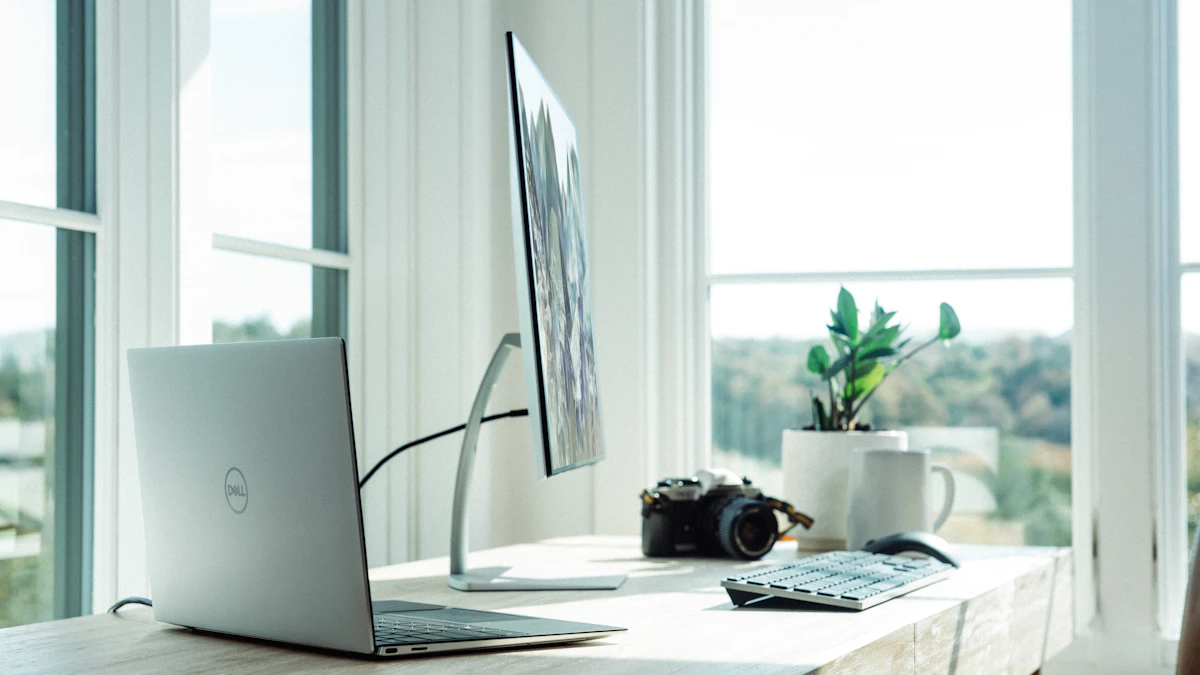
A laptop that works fine in a coffee shop can wear you down after eight hours at a kitchen table. When you work from home, the parts that matter most are the ones you stare at and talk through all day: the webcam, the microphones, the keyboard, and how easily it drives an external monitor. The best laptop for working from home is usually not the fastest one. It is the one that makes your video calls look and sound clean, plugs into your desk setup without a pile of dongles, and still lasts a full day when you move to the couch.
How we chose these work from home laptops
We did not test these laptops ourselves. We started with manufacturer spec pages from Apple, Microsoft and Acer, then compared independent reviews, mainly the work from home roundups from Forbes Vetted and SlashGear and the lab reviews published by Laptop Mag and Notebookcheck. We weighed webcam resolution, microphone setup, port selection, external display support and published battery results more heavily than raw speed, because those are what a remote workday leans on. Every pick here is sold in the US, and prices are the ones listed by the maker or a named outlet in November 2026. Laptop prices move constantly around holiday sales, so check the retailer before you buy.
Best for most remote workers: MacBook Air 13 with M5
Who it is for: anyone whose job runs on email, documents, Slack, Zoom or Teams, and who wants a quiet laptop that will feel quick for years.
Why: Forbes Vetted names the M5 MacBook Air its best laptop for working from home overall. For call heavy days the specs line up well. According to Apple's MacBook Air spec page, it has a 12MP Center Stage camera that keeps you framed as you move, Desk View for showing papers on your desk, and a three mic array with directional beamforming. It can run up to two external displays, which is rare at this price, and Apple rates it for up to 15 hours of wireless web use. The base model starts with 16GB of memory and 512GB of storage, and it weighs 2.7 pounds. It is fanless, so it makes no noise on a call.
Downsides: there are only two Thunderbolt 4 ports plus MagSafe and a headphone jack, so you will want a USB-C hub or dock for a full desk setup. Forbes also flags the 60Hz screen. If your company relies on Windows only software, check with IT first.
Price: Apple launched the 13 inch model at $1,099 and the 15 inch at $1,299 in the US. If you work in spreadsheets all day and want a bigger screen without a monitor, the 15 inch is the one to look at.
Best Windows laptop for everyday office work: Surface Laptop 13.8 inch (8th Edition)
Who it is for: people whose employer runs on Microsoft 365 and Windows, and who want a clean, simple laptop without a lot of preinstalled extras.
Why: Microsoft's Surface Laptop page lists a 13.8 inch, 120Hz touchscreen, a choice of Snapdragon X2 Plus or X2 Elite chips, and up to 16 hours of active web browsing. The port mix is more practical than most thin laptops: two USB-C (USB4) ports, a full size USB-A port for an older mouse or headset dongle, a headphone jack and the Surface Connect charging port. It weighs 2.96 pounds.
Downsides: the Snapdragon chips are Arm processors. Most office apps run natively now, but if you use an older VPN client, a specialized accounting tool or custom company software, confirm it supports Windows on Arm. There is no HDMI port, so plan on a USB-C monitor or adapter.
Price: $1,199.99 on Microsoft's US store in November 2026.
Best for video calls and company IT: HP EliteBook Ultra G1i
Who it is for: people on camera for much of the day, and anyone whose employer buys business laptops with security and management features built in.
Why: Notebookcheck rated it 90 percent and called it a great total package. The webcam is the standout: a 9MP camera with a physical privacy shutter and an IR sensor for face sign in. It has three Thunderbolt 4 ports plus a USB-A port, a 14 inch 2,880 by 1,800 OLED screen at 120Hz, and a weight of about 2.6 pounds. Notebookcheck also praised its very quiet cooling and its haptic touchpad. Forbes Vetted picked it as its best small business laptop for working from home.
Downsides: memory cannot be upgraded later, so buy the amount you need. Notebookcheck found the keyboard shallower than HP's EliteBook X models and noted the battery life is a little weaker than rivals. There is no HDMI port, and Forbes describes the speakers as tinny, so a headset helps.
Price: SlashGear listed it at $1,793.15 in November 2026 for a Core Ultra 7 model with 32GB of memory. Business configurations vary a lot, so compare the exact memory and storage before you order.
Best big screen for spreadsheets: Lenovo ThinkPad X9 15 Aura Edition
Who it is for: people who work in wide spreadsheets, timelines or dashboards and do not always have an external monitor nearby.
Why: it pairs a 15.3 inch OLED screen with a light 3.1 pound body. Laptop Mag gave it an Editor's Choice badge and recorded 16 hours and 24 minutes in its web surfing battery test. Its webcam is an 8MP camera with an electronic shutter and IR face sign in, and Laptop Mag described it as 4K. Unlike most thin laptops it includes an HDMI 2.1 port, which makes plugging into a monitor or TV easy, along with two Thunderbolt 4 ports and a USB-A port.
Downsides: Laptop Mag called its price to performance ratio poor, and longtime ThinkPad fans should know there is no red TrackPoint nub. Notebookcheck points out the memory is soldered and the screen is glossy only, which can reflect a bright window behind you.
Price: SlashGear listed it at $1,869.99 in November 2026. Notebookcheck noted a cheaper Core Ultra 5 base configuration with 16GB of memory.
Best value Windows laptop: Acer Swift Go 14 AI
Who it is for: remote workers who want a Windows laptop with good ports and a sharp screen without spending over $1,000.
Why: Acer's spec page lists a 2K OLED display, a 1080p IR camera with a privacy shutter, a fingerprint reader, Wi-Fi 7 and an Intel Core Ultra (Series 2) chip. Ports are its strongest point at this price: two Thunderbolt 4 ports, HDMI 2.1, a microSD slot, and, per SlashGear, two USB-A ports too. That is enough to connect a monitor, keyboard, mouse and headset with no hub.
Downsides: SlashGear notes the display is not glare free and the laptop is a bit thick. It also cites PCMag's dislike of the keyboard and small trackpad, and Laptop Mag's battery result of just over eight hours, which is short of a full workday away from the charger.
Price: $759.99, as listed by SlashGear in November 2026.
Best Chromebook for browser based work: Acer Chromebook Plus Spin 714
Who it is for: people whose work lives in Google Workspace, web apps and video calls, and who want a fast, low maintenance laptop.
Why: Acer lists a 1440p QHD webcam with HDR, which is sharper than most laptops at this price. It also has a 14 inch 1,920 by 1,200 touchscreen that folds into a tablet, Thunderbolt 4, USB-A and HDMI ports, and a weight of 1.46 kg (about 3.2 pounds). SlashGear reports PCMag measured almost 15 hours of battery life.
Downsides: ChromeOS cannot run full desktop Microsoft Office or most Windows software, so check your job's tools first. SlashGear also lists weak speakers and no fingerprint reader.
Price: $669, as listed by SlashGear in November 2026.
What to skip for home office work
- Gaming laptops as your main work machine. Forbes lists only up to 4 hours of battery for its gaming pick, which weighs close to 6 pounds. Fans can also be loud on calls.
- Laptops with 8GB of memory for Windows multitasking. With Teams, a browser full of tabs and a spreadsheet open at once, 16GB is the comfortable floor.
- 720p webcams. If you are on camera daily, a blurry image is the first thing coworkers notice. Look for 1080p or higher.
- Spending extra on a powerful chip for office work. SlashGear's Dell 16 Premium pick costs over $3,000 with a dedicated graphics card and lasted just under seven hours in Trusted Reviews' test. That power only pays off for video editing or 3D work.
Quick buying checklist for a remote work laptop
- Check that your company's software and VPN run on the operating system and chip you pick (especially Arm based Windows laptops and Chromebooks).
- Look for a 1080p or better webcam, ideally with a privacy shutter.
- Count the ports you need for your desk, and add a dock to the budget if the laptop has only USB-C.
- Confirm it supports the number of external monitors you plan to use.
- Get at least 16GB of memory on Windows or a Mac, since it usually cannot be added later.
- Compare independent battery test results, not only the maker's claim.
If you are still choosing between platforms, our MacBook vs Windows laptop comparison covers the tradeoffs, and our guide to choosing a laptop explains specs in plain terms. Once the laptop is set up, take ten minutes to secure your Wi-Fi router at home, and if calls keep freezing, start with our fixes for slow internet. More picks live in our gadgets section.
One last tip: before you buy, sit through a test call on a friend's laptop or a store display model with the same webcam. A sharp camera and clear mics will matter more to your workday than an extra few points on a benchmark.
Sources
- Apple: MacBook Air tech specs
- Apple Newsroom: MacBook Air with M5
- Microsoft: Surface Laptop
- Acer: Swift Go 14 AI
- Acer: Chromebook Plus Spin 714
- Forbes Vetted: Best laptops for working from home
- SlashGear: Best laptops for working from home
- Notebookcheck: HP EliteBook Ultra G1i review
- Laptop Mag: ThinkPad X9 15 Aura Edition review
- Notebookcheck: ThinkPad X9 15 Aura Edition review
Share this story
Spotted an error? Tell us