Key takeaways
- Apple rates the M5 MacBook Air at up to 18 hours of battery life and the MacBook Pro at up to 24 hours, while Microsoft says Windows laptop battery life varies significantly by device.
- Windows laptops are the better choice for PC gaming, Windows only work software and the widest range of prices, from budget models to Copilot+ PCs.
- Apple's Windows Migration Assistant can move files from a PC running Windows 10 or later to a new Mac over Wi-Fi.
In this story 4 sections
For most people buying a laptop this year, the MacBook vs Windows laptop decision comes down to three things: how much you want to spend, which software you can't live without, and whether you play PC games. If you want long battery life, a quiet machine and few decisions, a MacBook is the easier pick. If you need a specific Windows program, want a wide choice of designs and prices, or game seriously, a Windows laptop wins.
That is the short version. The rest of this guide explains where each side pulls ahead, using Apple's and Microsoft's own published specs rather than marketing claims, so you can match the choice to how you actually work. If you are still at the stage of figuring out screen size and storage, our guide on how to choose a laptop covers the basics first.
The key differences between a MacBook and a Windows laptop
- Who makes it: every MacBook comes from Apple. Windows laptops come from dozens of brands, including Dell, HP, Lenovo, Asus, Acer and Microsoft's own Surface line.
- Range of models: Apple currently sells three laptop families (MacBook Neo, MacBook Air and MacBook Pro). Windows covers everything from basic school laptops to thick gaming machines, 2 in 1 convertibles and detachable tablets.
- Chips: current MacBooks use Apple's own chips (A18 Pro in the Neo, M5 in the Air, and M6, M5 Pro or M5 Max in the Pro). Windows laptops run on Intel, AMD or Qualcomm Snapdragon processors.
- Battery claims: Apple rates the MacBook Air at up to 18 hours and the MacBook Pro at up to 24 hours. Windows battery life depends heavily on the model, and Microsoft itself says it "varies significantly by device."
- Gaming: Windows has the far larger PC game library and laptops with dedicated graphics cards. Mac gaming has improved but still trails.
- Software: both run Microsoft 365, Chrome, Zoom, Slack, Spotify and the Adobe apps. Some engineering, accounting and industry tools are Windows only, while Final Cut Pro and Logic Pro are Mac only.
- Touchscreens and pens: many Windows laptops offer touch, pens or a fold back screen. On the Mac side, only the new MacBook Pro with PROLED XDR Display has a touchscreen, and no MacBook folds into a tablet.
The MacBook option
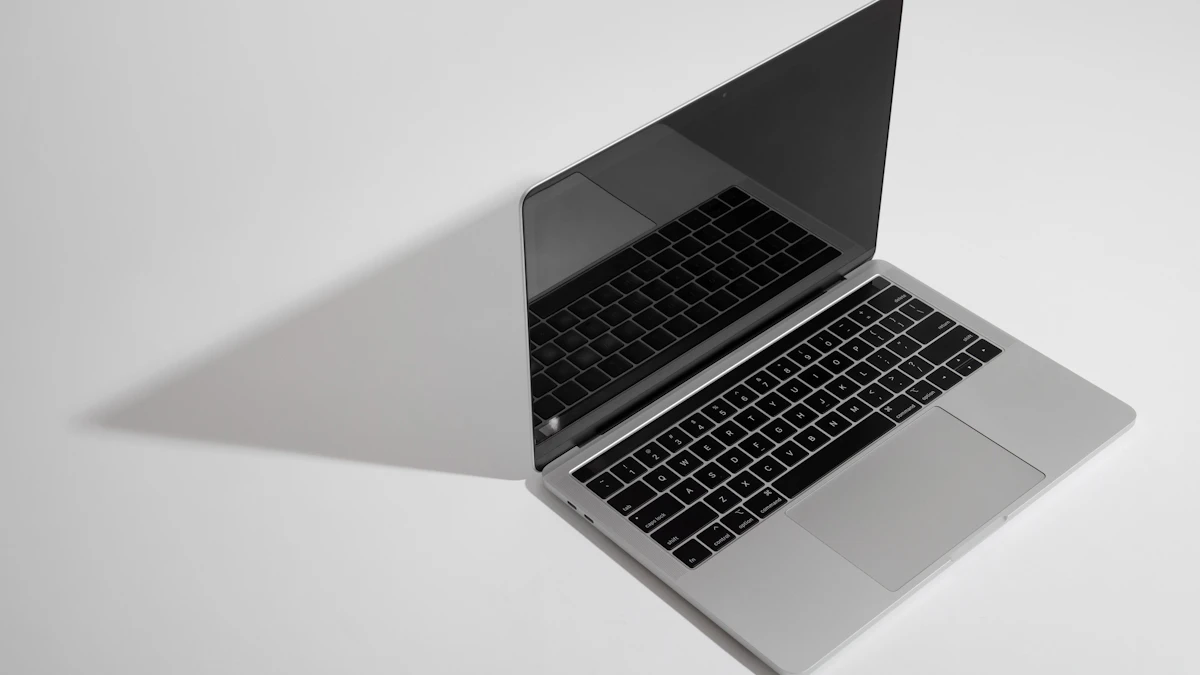
Apple's lineup is small, which is both its appeal and its limit. The MacBook Neo is the entry model, built around the A18 Pro chip with a 13 inch display, 8GB of memory and 256GB of storage to start, and Apple quotes up to 16 hours of battery life. The MacBook Air comes in 13 inch and 15 inch sizes with the M5 chip, and Apple lists 16GB of unified memory and 512GB of storage on its base configurations. The MacBook Pro comes in 14 inch and 16 inch sizes and adds faster chips, more ports and brighter displays for heavier work. A newer MacBook Pro with PROLED XDR Display adds Apple's first Mac touchscreen; our comparison of the touchscreen MacBook Pro and the M6 model breaks down that choice.
Where MacBooks are strong
Battery life is the headline. Apple's claim of up to 18 hours for the Air and up to 24 hours for the Pro comes from Apple's own testing, so your results will be lower with heavy use, but Apple silicon has a well earned reputation for staying cool and quiet. The Air has no fan at all, which means silence even under load.
The hardware and software come from one company, so updates arrive for every supported model at the same time. Apple's macOS compatibility list for macOS 27 covers every MacBook Air and MacBook Pro with Apple silicon going back to 2020, which tells you how long these machines tend to stay current.
If you already use an iPhone, the extras add up: AirDrop between devices, iMessage and phone calls on the laptop, copy on one device and paste on the other. Our AirDrop guide shows how that sharing works in practice.
Where MacBooks fall short
Choice is limited. You get a handful of sizes and colors, a touchscreen only on the priciest MacBook Pro, and no way to add memory or storage after purchase, so you have to buy the configuration you will need for years. Upgrading memory and storage at checkout is where MacBook prices climb fastest.
Gaming is the other gap. Many popular PC titles, especially competitive online games with anti-cheat software, are still not available for macOS. And if your job or class depends on a Windows only program, you would need a workaround such as a cloud version or a virtual machine, which adds cost and hassle.
The Windows laptop option
"Windows laptop" is really hundreds of laptops. That variety is the main reason to choose one. You can find a lightweight ultrabook, a convertible with a pen, a 17 inch workstation or a gaming laptop with a dedicated graphics card, at almost any price point.
Every new Windows laptop ships with Windows 11. Microsoft's Windows 11 specifications also define a premium tier called Copilot+ PCs, which need a processor with a neural processing unit rated above 40 trillion operations per second, at least 16GB of memory and at least 256GB of storage. Qualifying chips include AMD Ryzen AI 300 and 400 series, Intel Core Ultra 200V and 300V series, and the Snapdragon X series.
Where Windows laptops are strong
Price range and choice. On Microsoft's own Copilot+ shop page in November 2026, retailer listings started at $854.99 for a Dell 2 in 1, and plenty of basic Windows laptops sell for less than that. Shoppers who just need email, documents and video calls can spend far less than the cost of any Mac.
Gaming and specialist software are the other big wins. Steam's catalog, dedicated Nvidia and AMD graphics, and nearly every business, engineering and CAD program run on Windows first. Many models also let you swap or add storage, and some still let you upgrade memory.
Touchscreens, pens, fingerprint readers, face login cameras, and extra ports such as HDMI and USB A are common, even on mid priced models.
Where Windows laptops fall short
Quality varies a lot between brands and even between models from the same brand. Battery life ranges from excellent to disappointing, and Microsoft's own shop warns that listed figures come from manufacturers and change with settings and use. Read independent reviews of the exact model, not just the brand.
Many Windows laptops also arrive with extra trial software you will want to remove. Because Windows is the bigger target, keeping security updates on and knowing the warning signs of an infection matter more; our guide to removing a virus from a Windows PC is worth bookmarking.
One more thing for anyone keeping an older PC: Windows 10 support ended on October 14, 2025. Microsoft's consumer Extended Security Updates keep those PCs protected only until October 12, 2027, after which you will need Windows 11 hardware or a different machine.
Which one should you pick
Students: a MacBook Air or MacBook Neo suits most majors thanks to its battery life and light weight. Check your program's requirements first, though. Some engineering, architecture and nursing courses require Windows software or specific testing apps. Our list of the best laptops for college students covers both sides.
Office and remote workers: either works if your employer supports it. Microsoft 365, Teams and Zoom run well on both. If your company uses Windows only tools or manages its laptops through Windows, follow IT's lead.
Gamers: choose Windows. A gaming laptop with a dedicated graphics card will play far more titles than any Mac.
Video editors, photographers and musicians: both are capable. A MacBook Pro is a strong choice if you like Final Cut Pro or Logic Pro, or want to edit on battery. Windows makes sense if your workflow depends on Nvidia graphics or plugins that are Windows only.
Programmers: a Mac handles web, mobile and most general development, and it is required for building iPhone apps. Windows is better for .NET, game development and some hardware work.
Tight budgets: a Windows laptop gives you the most choice at low prices. If you want a Mac, the MacBook Neo is Apple's entry point.
iPhone owners: a MacBook gets you the most from the devices you already own.
Switching from Windows to Mac is easier than it used to be. Apple's Windows Migration Assistant moves your files from a PC running Windows 10 or later over Wi-Fi, and on the Mac you start it from System Settings, General, Transfer or Reset.
Before you pay, list the three apps you use most and confirm each one runs on the system you are leaning toward. That five minute check settles the MacBook vs Windows laptop question for most buyers. You can browse more laptop coverage in our Gadgets section.
Sources
Share this story
Spotted an error? Tell us