Key takeaways
- The Dell UltraSharp U2725QE is the most complete pick for laptop users, with 140W Thunderbolt 4 charging, 2.5Gb ethernet and a KVM switch.
- The Dell Pro 27 Plus P2725HE brings a 90W USB-C hub and ethernet to a 1080p screen that sold for under $300 in November 2026.
- Mac owners get the closest color match from the BenQ MA320U, while the BenQ PD3225U suits photo and video work with factory calibration.
In this story 8 sections
- How we chose these monitors
- Best overall for laptop users: Dell UltraSharp 27 4K (U2725QE)
- Best budget pick for a one cable desk: Dell Pro 27 Plus (P2725HE)
- Best affordable 4K: Dell 27 Plus 4K (S2725QC)
- Best for Mac users: BenQ MA320U
- Best for photo, video and design work: BenQ PD3225U
- What to skip
- Quick buying checklist
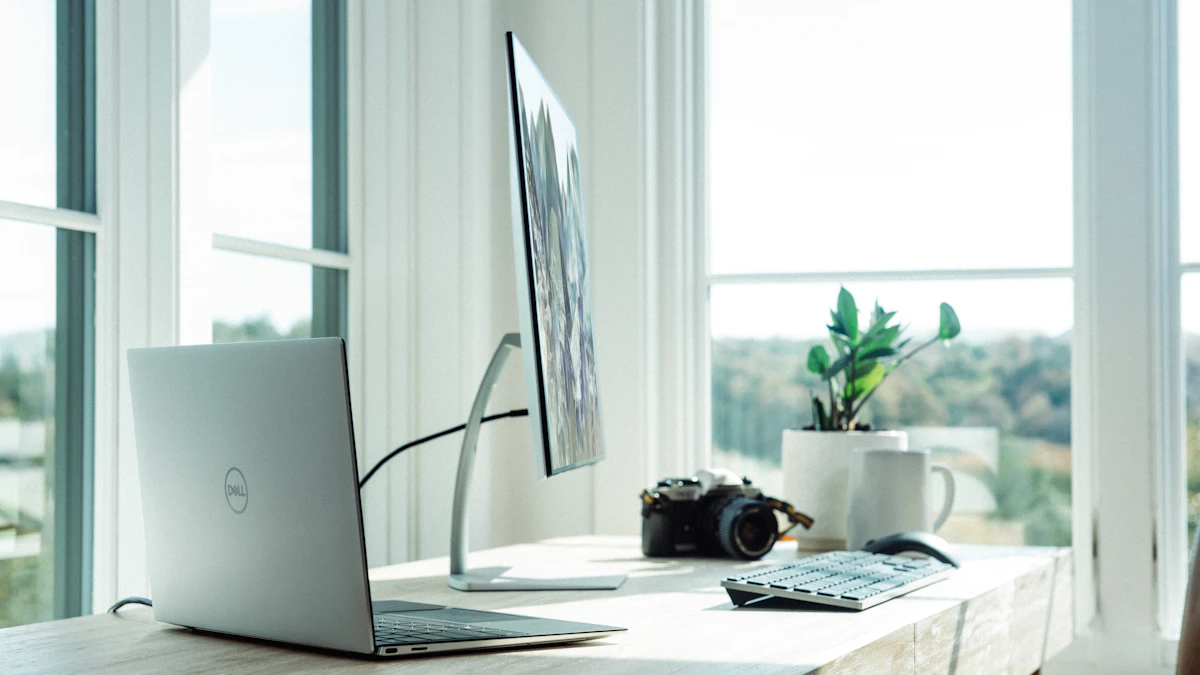
The best monitor for working from home is the one that turns your laptop into a full desk setup with a single cable, keeps text sharp through an eight hour day, and fits the space you actually have. For most people that means a 27 inch screen with a USB-C port that charges the laptop, though Mac owners and anyone editing photos or video have better options. The five picks below cover those needs, from a sub $300 office screen to a color accurate 32 inch display.
How we chose these monitors
We did not test these monitors ourselves. Each pick is based on manufacturer spec pages, current US retail prices, and published reviews from outlets that measure monitors with their own equipment, including TechRadar's home working guide, ITPro and Expert Reviews. We weighted the features that matter for remote work: USB-C power delivery (so one cable handles video, data and charging), screen sharpness at a normal viewing distance, stand adjustment, and built-in extras like ethernet or a KVM switch for people who juggle a work laptop and a personal computer. Prices are what we saw at major US retailers in November 2026 and they move often, especially around holiday sales.
Best overall for laptop users: Dell UltraSharp 27 4K (U2725QE)
Who it's for: people who dock a work laptop every morning and want one screen to handle everything.
The U2725QE is a 27 inch 4K panel using Dell's IPS Black technology, rated at 3,000:1 contrast, which means deeper blacks than standard IPS screens. Its refresh rate goes up to 120Hz, so scrolling long documents and spreadsheets looks smoother than on the 60Hz office monitors many companies still issue. The bigger story for home workers is the hub. A Thunderbolt 4 port supplies up to 140W to a laptop, according to ITPro and Expert Reviews, enough for most large laptops. It also has 2.5Gb ethernet, several USB ports, and a KVM feature that lets one keyboard and mouse switch between two computers.
The stand adjusts for height, tilt, swivel and pivot, so you can set the screen at eye level instead of stacking it on books. Retail listings also mention an ambient light sensor and Dell's ComfortView Plus low blue light mode.
Downsides: both ITPro and Expert Reviews found backlight uniformity weaker than they expected at this price, with some dimming near the edges. It has no built-in speakers or webcam, and its response time is slow for fast games.
Price at the time of writing (November 2026): about $640 to $650, with Adorama listing a sale price of $649.99 against a $799.99 list price.
Best budget pick for a one cable desk: Dell Pro 27 Plus (P2725HE)
Who it's for: people who mostly live in email, chat, documents and video calls and want a tidy desk without spending much.
This is a 27 inch 1080p IPS screen at 100Hz, which TechRadar picked as its best Full HD option for home working. The reason it stands out is the hub, which is usually found on pricier models: a USB-C connection that delivers up to 90W to your laptop, an ethernet port for a wired connection that is steadier on video calls than Wi-Fi, and a DisplayPort output for chaining a second monitor. The stand adjusts well and the back has a VESA mount if you prefer a monitor arm.
Downsides: 1080p on a 27 inch screen looks soft up close, so small text is less crisp than on a 4K panel. There are no speakers and no Thunderbolt.
Price at the time of writing (November 2026): about $260 to $290. CDW listed it at $259.99 and TechRadar's deals block showed $287.
Best affordable 4K: Dell 27 Plus 4K (S2725QC)
Who it's for: home workers who want a sharp 4K screen and a USB-C connection but don't need ethernet or a big hub.
The S2725QC pairs a 27 inch 4K IPS panel with a 120Hz refresh rate and AMD FreeSync Premium, an unusual combination at this price. RTINGS describes it as a cost friendly 4K productivity monitor and an update to the older S2722QC. A single USB-C cable carries video and up to 65W of charging, according to Best Buy's listing, and it adds two HDMI inputs plus USB-A ports.
Downsides: 65W is fine for thin laptops but may not keep a power hungry 16 inch laptop fully charged under load. There is no built-in camera, and it lacks the larger hub of the UltraSharp.
Price at the time of writing (November 2026): Best Buy listed it at $369.99, with open box units from about $265.
Best for Mac users: BenQ MA320U
Who it's for: MacBook owners who want colors on the monitor to match the laptop screen next to it.
BenQ built the MA series around Mac users. According to the BenQ MA320U product page, this 32 inch 4K monitor covers 97% of the P3 color space, reaches 550 nits, and uses a Nano Matte panel that cuts reflections from windows behind you. BenQ says its color tuning was benchmarked to closely match a MacBook Pro display. A 90W USB-C port charges the laptop, and TechRadar notes a built-in KVM switch for anyone who also runs a Windows work machine. The stand offers 115mm of height adjustment plus tilt, swivel and pivot.
Downsides: it uses USB-C rather than Thunderbolt, so data speeds through the monitor's ports are lower than on a Thunderbolt dock. TechRadar rated the speakers as fine for meetings but not much else. BenQ also sells a 120Hz version, the MA320UG, if smoother motion matters to you.
Price at the time of writing (November 2026): about $504, per TechRadar's deals listing.
Best for photo, video and design work: BenQ PD3225U
Who it's for: designers, photographers and video editors who work from a home studio and need accurate color.
The PD3225U is a 32 inch 4K IPS Black panel with 2,000:1 contrast. On the BenQ PD3225U page, BenQ states coverage of 98% P3, 100% sRGB and 100% Rec.709 with a Delta E of 2 or less, and each unit is factory calibrated. It connects over Thunderbolt 3, with TechRadar listing 85W of laptop charging, and it includes a KVM switch controlled by BenQ's hotkey puck.
Downsides: it costs far more than an office monitor needs to, and some of its software features only work on macOS. It runs at 60Hz.
Price at the time of writing (November 2026): about $850, with TechRadar listing $849.99.
What to skip
- Cheap 1080p monitors at 32 inches or larger. The pixels spread so wide that text looks fuzzy at desk distance. At 32 inches, 4K is the sensible minimum.
- Monitors without USB-C if you use a laptop. An HDMI only screen means a separate charger and a dongle on your desk. If you already own one, a USB-C hub or dock can fill the gap.
- Gaming monitors sold as work monitors. A 240Hz panel looks impressive on a spec sheet, but many skip the adjustable stands, USB-C charging and matte coatings that matter more during a workday.
- Glossy screens in sunny rooms. Unless your desk faces away from windows, a matte finish saves you from squinting at reflections all afternoon.
Quick buying checklist
- Check your laptop's port. Make sure it supports video over USB-C (DisplayPort Alt Mode or Thunderbolt). Most recent MacBooks and business laptops do, but some budget models only charge through USB-C.
- Match the wattage. Look up your laptop charger's rating. If it ships with a 100W charger, a 65W monitor will charge it slowly under heavy use.
- Measure your desk. Check the width and depth against the monitor's dimensions with the stand attached, and leave room to sit roughly an arm's length from the screen.
- Pick resolution by size. 1080p is acceptable at 24 inches, 1440p or 4K at 27 inches, and 4K at 32 inches.
- Confirm stand adjustment. Height adjustment matters most for neck comfort. If the stand lacks it, check for a VESA mount so you can add an arm.
- Think about calls. None of these picks has a built-in webcam, so plan on a separate camera or keep using your laptop's.
If you are still choosing the computer that will sit next to the screen, our guide to the best laptop for working from home pairs well with this one. For a second screen you can pack in a bag, see whether portable monitors are worth it, and browse more desk gear in our gadgets section. One last tip: once your monitor arrives, set it so the top edge sits at or slightly below eye level. That small adjustment does more for an all day setup than any spec on this list.
Sources
Share this story
Spotted an error? Tell us