Key takeaways
- A full Bitcoin node downloads and checks every block and transaction itself, then relays valid data to other nodes, while miners are the ones who create new blocks.
- Bitcoin.org lists about 750 GB of disk, 2 GB of RAM and roughly 150 GB of monthly upload for a recommended full node, plus a one time sync of about 740 GB.
- Pruning lets a node keep only recent block data, cutting storage to around 7 to 10 GB without giving up validation, though running a node earns no bitcoin.
In this story 9 sections
- What is a Bitcoin node in plain terms?
- Is a Bitcoin node the same as a Bitcoin miner?
- What is the difference between a full node and a light wallet?
- How much storage and bandwidth does a Bitcoin node need?
- Can you run a Bitcoin node without a huge hard drive?
- What hardware do people use to run a Bitcoin node?
- Do you get paid for running a Bitcoin node?
- What is a Lightning node?
- Should you run your own Bitcoin node?
Every Bitcoin payment you have ever seen confirmed was checked by thousands of computers that nobody is paid to run. Those computers are nodes. If you have been asking what is a Bitcoin node, the short version is this: it is a copy of the Bitcoin software that downloads the blockchain, checks every rule for itself, and passes valid transactions on to other nodes. The questions below cover what that means in practice, how it differs from mining, what it costs in disk space and bandwidth, and whether running one makes sense for you.
What is a Bitcoin node in plain terms?
A Bitcoin node is a computer running Bitcoin software that keeps its own record of the network and checks new transactions and blocks against the rules. The project site Bitcoin.org defines a full node as a program that fully validates transactions and blocks, and notes that most full nodes also accept those transactions and blocks from peers, validate them, and relay them to other full nodes.
Think of it like a referee who keeps a personal copy of the rulebook and the full score history. Nobody has to tell the referee whether a play was legal. The referee checks. If a block breaks a rule, such as spending coins that do not exist or creating more bitcoin than allowed, a full node rejects it no matter who sent it.
That is why nodes matter. Bitcoin has no central server deciding what counts. The shared blockchain is only trusted because so many independent nodes keep checking it.
Is a Bitcoin node the same as a Bitcoin miner?
No. A node checks and shares transactions and blocks, while a miner competes to create new blocks. Mining uses specialized hardware to find a valid block, and the winner collects the block reward and fees. A node does none of that work. It simply verifies what miners produce and refuses anything invalid.
Miners need nodes too, because a miner has to know the current valid chain before building on top of it. But a node does not need to mine. Most people who run a node at home never mine at all. If you want the mining side of the picture, our guide on how Bitcoin mining works explains block rewards and proof of work, and what a mining pool is covers how small miners team up.
What is the difference between a full node and a light wallet?
A full node checks every block from the very first one, while a light wallet trusts full nodes for most of that work. The Bitcoin developer guide describes two main ways a client can validate the chain: full nodes and SPV (simplified payment verification) clients.
An SPV client downloads only block headers, which are 80 bytes each, and then asks full nodes for the transactions it cares about. That keeps it small enough for a phone. The tradeoff, according to the same guide, is that a full node serving an SPV client can lie by omission (by leaving out a transaction), and asking for data tied to specific addresses can leak privacy.
Many mobile wallets work in some version of this lighter model. That is fine for everyday spending. If you want to see how wallets hold keys and talk to the network, read how crypto wallets work.
How much storage and bandwidth does a Bitcoin node need?
A standard full node needs roughly 750 GB of disk space today, and that number keeps growing. Bitcoin.org's Bitcoin Core requirements page lists these figures for a minimum recommended setup:
- Disk: about 750 GB
- RAM: 2 GB
- Download: around 500 MB per day (about 15 GB per month)
- Upload: around 5 GB per day (about 150 GB per month)
- First sync: a one time download of about 740 GB
The full node page on the same site adds that the drive should handle at least 100 MB/s read and write speeds, that upload speed should be at least 400 kilobits per second, and that nodes on fast connections often upload 200 GB or more a month. It also suggests keeping the node running at least 6 hours a day.
The first sync (called the initial block download) is the slow part. Your computer has to fetch and check every block since 2009, which can take a long time on older hardware or a slow drive.
Can you run a Bitcoin node without a huge hard drive?
Yes, by turning on pruning. A pruned node still downloads and checks every block, but it deletes old block data after verifying it. Bitcoin.org says pruning can cut disk use from over 750 GB to around 7 GB, and the smallest allowed prune setting is 550 MiB of block data. The official Bitcoin Core download page puts it this way: you can store as little as 10 GB total without giving up any security.
The catch is that a pruned node cannot serve old blocks to other nodes, and some features, such as a full transaction index or rescanning old wallet history, do not work with pruning on.
What hardware do people use to run a Bitcoin node?
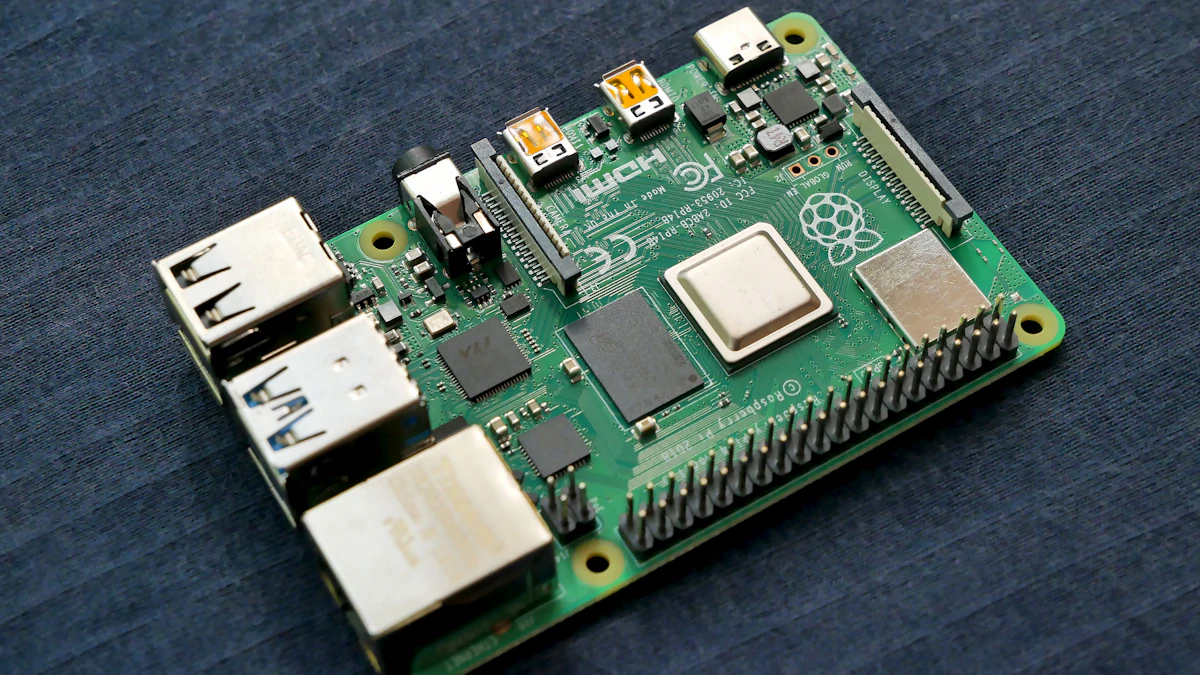
Common choices are an ordinary desktop, an old laptop, or a small single board computer like a Raspberry Pi paired with an external SSD. The published minimums (2 GB of RAM and a fast drive) are modest, so a dedicated low power box that stays on all day is easy to justify. Bitcoin Core runs on Windows 10 or later, macOS 14 or later, and Linux, according to the requirements page, and the download page offers builds for ARM Linux as well.
You will see prebuilt "node in a box" devices for sale. They are convenient, but they run the same open source software you can install yourself for free. Storage speed matters more than raw processor power, so a spinning hard drive is a common reason a first sync drags on for days.
Do you get paid for running a Bitcoin node?
No. Running a node earns no bitcoin. Block rewards and fees go to miners. The payoff is indirect: you verify your own payments instead of trusting someone else's server, you get better privacy than a light wallet that asks strangers about your addresses, and you add one more independent check to the network.
Bitcoin.org also notes that to help the network fully, you need to allow incoming connections. Bitcoin Core uses port 8333 for that by default. Running a node without opening that port still lets you verify everything for yourself; you just help fewer peers.
What is a Lightning node?
A Lightning node runs separate software for the Lightning Network, a payment layer built on top of Bitcoin for fast, small transfers through payment channels. It typically connects to a Bitcoin full node underneath to watch the main chain. So a Lightning node is an add on, not a replacement. A common path is to start with a plain Bitcoin node and only add Lightning later if you want to route or receive Lightning payments directly.
Should you run your own Bitcoin node?
It is worth it if you hold a meaningful amount of bitcoin in self custody, care about privacy, or simply want to verify the rules yourself. You can skip it if you buy small amounts on an exchange and never move them, since in that case the exchange is doing the checking for you anyway.
If you do try it, a practical path looks like this:
- Download Bitcoin Core only from the official site and verify the release signature using the steps on the download page. At the time of writing (November 2026), the current release listed there was version 32.1.
- Put the data folder on an SSD, not a spinning drive.
- Turn on pruning if you have less than about 1 TB to spare.
- Leave it running through the first sync, then point your wallet at your own node.
One last check before you start: look at your internet plan. If it has a monthly data cap, the first sync alone can use roughly 740 GB, so plan that download around your billing cycle. For more beginner explainers, browse our crypto section.
Sources
Share this story
Spotted an error? Tell us