Key takeaways
- Coinbase only withdraws dollars, so you sell crypto into your cash balance first, then use Cash, Withdraw and Withdraw Cash to send it to your bank or PayPal.
- Money added from a bank can be traded right away but stays on hold for withdrawal until Coinbase receives it, and Coinbase says support cannot shorten that hold.
- Standard ACH cash outs take three to five business days, while outgoing wires take one to three business days and carry a $25 fee.
In this story 9 sections
- The standard cash out path in the Coinbase app and on the web
- Withdraw button missing or cash balance shows $0
- Available balance is lower than your total balance
- Sale went through but the cash out says wait
- Withdrawal blocked to a different bank account
- Money left Coinbase but has not reached your bank
- Account restricted or under review
- A withdrawal code text you never requested
- When to contact Coinbase support
Quick answer: Sell your crypto into your Coinbase cash balance, then go to Cash, tap Withdraw and send the dollars to your linked bank, PayPal or another listed destination. If the button is grayed out or the money never shows up, the cause is nearly always an empty cash balance, a hold on recently deposited funds or an account restriction, and the fixes below run from quickest to hardest.
Most people searching how to withdraw from Coinbase fall into one of two groups. Some have crypto and simply want dollars in the bank. Others already tried and got stuck on a hold notice, a missing button or a transfer that seems to have vanished. This guide covers both, using Coinbase's own help pages as the reference, because menu names shift between app versions.
The standard cash out path in the Coinbase app and on the web
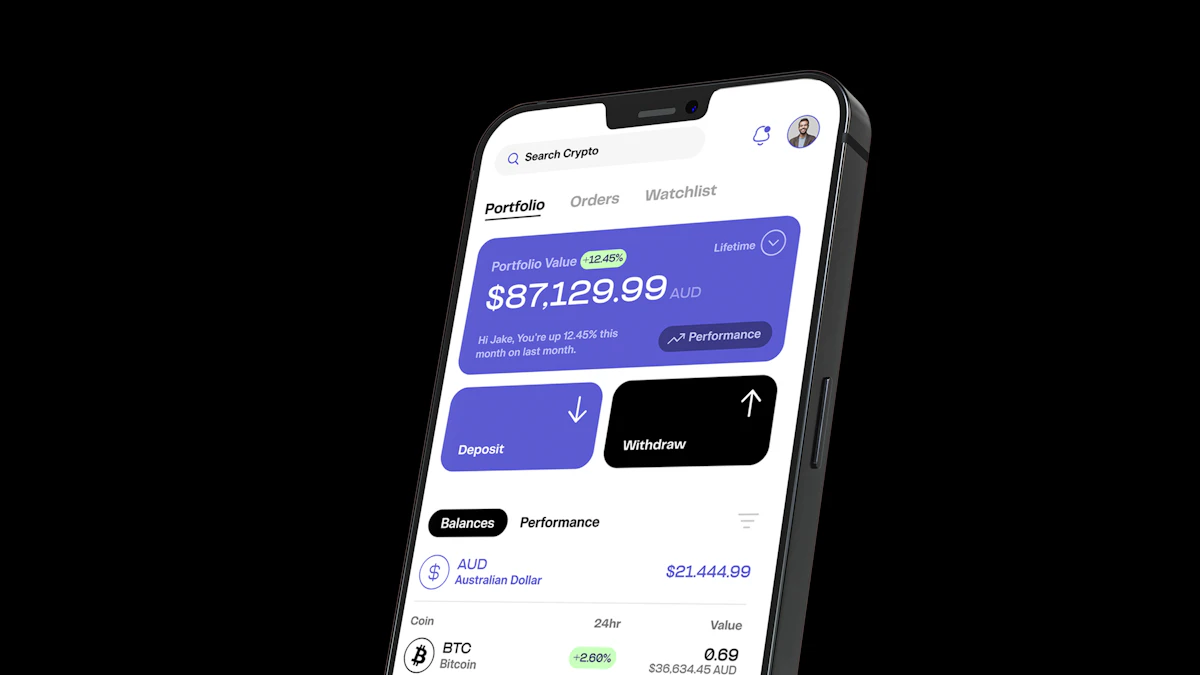
Coinbase sends dollars, not crypto, to your bank. So the crypto has to become cash first, and Coinbase says that selling into your cash balance is instant. Once the dollars are there, the withdrawal itself takes a few taps.
In the mobile app:
- From Home, tap Cash.
- Tap Withdraw, then Withdraw Cash.
- Type an amount, or tap Withdraw Maximum to move everything.
- Confirm the currency and pick a destination under Transfer To.
- Tap Preview, read the details and fees, then tap Withdraw now.
On the website, start on the Home page, select Withdraw Cash, enter the amount, choose the destination under Transfer To, then click Preview and Withdraw Now. Both versions are spelled out on Coinbase's cash out help page.
Where the money can go, according to Coinbase's payment methods page for US customers:
- Bank account (ACH): three to five business days.
- Instant cash out to a bank account: listed as instant for eligible accounts.
- PayPal: listed as instant.
- Wire transfer: one to three business days, with a $25 fee on outgoing wires and no minimum.
Apple Pay and Google Pay are for buying only, so they never appear as a cash out option. Coinbase shows the fee for your chosen method on the preview screen before you confirm, which is the place to compare a fast transfer against the slower standard bank route.
Withdraw button missing or cash balance shows $0
This is the most common snag, and the quickest fix. Your money is still sitting in crypto, so there are no dollars to withdraw yet.
To sell, tap Buy / Sell, choose Sell, pick the coin and the amount, then tap Preview sell and Sell now. The proceeds land in your USD balance and the Withdraw option becomes usable. Coinbase states there is no cap on how much crypto you can sell for cash.
If your goal is moving coins to another wallet rather than getting dollars, that is a send, not a withdrawal. Our guide to how crypto wallets work explains which kind of wallet makes sense before you move anything.
Available balance is lower than your total balance
A gap between the two numbers means part of your money is on hold. When you add cash from a bank, Coinbase lets you buy and trade with it right away, but you cannot withdraw it until the bank actually delivers the money. Coinbase's funds on hold page says it requests the cash from your bank within three to five days, and the hold lifts once that money arrives.
A few details that save frustration:
- Hold length depends on your account history, payment activity and transaction history, so two people can see different dates.
- Holds typically expire by 11:59 PM Pacific time on the date shown, though Coinbase can extend them for disputed transactions or account safety.
- Coinbase says its support team cannot shorten a hold, and banking rules prevent it as well.
The fix is waiting for the date listed next to your available balance. Asking support to speed it up will not work.
Sale went through but the cash out says wait
Coinbase notes that a short holding period can apply when you cash out the proceeds of a sale to your bank account. It does not publish a fixed length for this. Check the available balance, which shows what you can withdraw right now, and try again once the amount matches what you expect. You can still sell more crypto during this time.
Withdrawal blocked to a different bank account
Sometimes a hold has cleared but the withdrawal is still refused. Coinbase gives two options here: wait and try again later, or send the money back to the same bank account it originally came from. If that account is closed, Coinbase asks you to contact support. Cash outs are also subject to your transfer protection settings, so a recent security change on your account can add a delay.
Money left Coinbase but has not reached your bank
Coinbase counts processing time in business days, meaning Monday through Friday, 9 AM to 5 PM, excluding holidays. A request made late in the day starts the next business day. The expected time appears on the confirmation screen before you submit.
Standard ACH is the slowest common route. Coinbase's documentation for its Exchange product notes that three to five business days can stretch to seven to ten calendar days once weekends are counted. If the quoted window has passed, Coinbase's help center says to contact your bank and ask whether it placed a hold on the incoming transfer.
Account restricted or under review
Coinbase may temporarily stop an account from sending crypto off the platform to prevent losses from irreversible transactions. The fix is in your notifications. Look for any request to verify your identity or deal with a failed send, and complete it. During a review you may still be able to convert crypto to cash and withdraw to your verified bank, though Coinbase says it cannot guarantee that. Wire transfers also require a verified account with a USD wallet.
A withdrawal code text you never requested
Searches for a Coinbase withdrawal code text or withdrawal email scam are common for a reason. If a message claims a withdrawal is pending and urges you to call a number or click a link, ignore it and open the Coinbase app directly to check your activity. The FTC's crypto scam guidance warns never to click a link in an unexpected text or email, even one that looks like it comes from a company you use, and points out that crypto payments typically cannot be reversed.
If you were tricked, report it at ReportFraud.ftc.gov and to the FBI at ic3.gov, then tell Coinbase. Our guide on how to spot a crypto scam lists the other tactics worth knowing.
When to contact Coinbase support
Reach out through the app or help.coinbase.com, never a phone number from a search ad or text, when:
- The hold date has passed and your available balance has not updated.
- The bank account your money came from is closed.
- A restriction notice appears with no clear step to complete.
One last check before a large sale: selling crypto to cash out can create a taxable gain or loss, even if the dollars sit in Coinbase for weeks. Our explainer on crypto taxes covers what to record, and you can find more guides like how to buy bitcoin in our crypto section.
Sources
- Coinbase Help: Cash out available balance
- Coinbase Help: Payment methods for US customers
- Coinbase Help: Funds on hold
- Coinbase Help: Understand your available balance
- Coinbase Help: How long does a sell or cash out take
- Coinbase Help: Sell or cash out crypto
- Coinbase Help: Unable to send assets from a restricted account
- Coinbase Help: USD ACH withdrawals (Exchange)
- FTC: What to know about cryptocurrency and scams
Share this story
Spotted an error? Tell us