Key takeaways
- A passkey uses a pair of cryptographic keys, so the website only stores a public key and your private key never leaves your control.
- Because each passkey is tied to the real website it was made for, a fake login page cannot capture it the way it can capture a typed password.
- Adding a passkey to a Google account keeps your password and recovery options in place, and a lost device's passkey can be removed under Passkeys and security keys.
In this story 9 sections
- How does a passkey work behind the scenes?
- What is the difference between a passkey and a password?
- Are passkeys actually safer, or is this just a new trend?
- What is a passkey for Google, and how do you set one up?
- What is a passkey on iPhone?
- What about Microsoft, Amazon and Facebook passkeys?
- Can I use a passkey on a computer that is not mine?
- What happens if I lose my phone?
- Should you switch to passkeys now?
A website asks you to "create a passkey" and you are not sure what you are agreeing to. Here is the short version of what is a passkey: it is a login that replaces your password with the same thing you already use to unlock your phone or computer, such as your face, your fingerprint or your screen PIN. The FIDO Alliance, the industry group behind the standard, describes it as a sign in credential that can live on your phone, your computer or a hardware security key.
How does a passkey work behind the scenes?
A passkey works by splitting your login into two matching keys, one that the website keeps and one that never leaves your control.
When you create a passkey, your device makes a pair of cryptographic keys for that one account. According to Apple's passkey security page, the public key goes to the website's server and the private key stays with you. When you sign in, the site sends a challenge, your device signs it with the private key after you unlock it, and the server checks the answer with the public key. Apple notes that the server never learns what the private key is.
Think of it like a mailbox with a slot. Anyone can drop a letter in (the public key), but only the person with the key to the box can open it (the private key). A website holding only the public part has nothing useful for a thief to steal.
Your face or fingerprint is just how you unlock the private key on your own device. Google says the biometric data used for fingerprint or face unlock stays on your device and is never shared with Google, and Microsoft says the same about its accounts.
What is the difference between a passkey and a password?
The big difference is that a password is a secret you type and send, while a passkey is never typed, sent or shared at all.
That changes a few practical things:
- Nothing to remember. You unlock with your face, fingerprint or device PIN instead of recalling a string of characters.
- Nothing to reuse. Each passkey is created for one account on one site, so a breach at one company cannot be replayed somewhere else.
- Nothing to hand over. Google points out that passkeys can't be shared, copied, written down or accidentally given to someone else.
- Tied to the real website. Microsoft explains that a passkey created for netflix.com can only be used with netflix.com, which is why a lookalike page cannot collect it.
That last point matters most. Most account takeovers start with a fake login page, a trick covered in our guide to what phishing is and how it works. A password can be typed into the wrong page. A passkey simply will not respond to a site it was not made for.
Are passkeys actually safer, or is this just a new trend?
Yes, passkeys are safer than passwords for most people, mainly because they shut down phishing and password reuse.
Apple calls them highly phishing resistant because no shared secret is transmitted during sign in. The FIDO Alliance says phishing resistance was a core design goal of the standard. Passwords, by contrast, are behind a large share of breaches; the FIDO Alliance cites a Verizon finding that 77% of hacking related breaches involve stolen credentials.
Passkeys are not magic, though. If someone knows your phone PIN and has your unlocked phone in hand, they can use what is on it. Keep a strong screen lock and do not create passkeys on shared or borrowed devices, which Google specifically warns against.
What is a passkey for Google, and how do you set one up?
A Google passkey lets you sign in to your Google account with your device's screen lock instead of your password.
Google's help page, Sign in with a passkey instead of a password, lists the steps:
- Go to myaccount.google.com/signinoptions/passkeys.
- Tap Create a passkey.
- Unlock your device with your fingerprint, face or screen lock when prompted.
To store the passkey on a physical security key instead, choose Create a passkey, then Use another device.
Adding a passkey does not remove your password or your recovery options. You can still sign in with the password, and if you would rather be asked for the password first, turn off Skip password when possible under "How you sign in to Google" in the Security and sign in section. Also, Google says a brand new passkey may take up to 7 days to become available for sign in.
Work or school accounts may be set up differently by an administrator, so a passkey there might act as a second step rather than a full replacement. For the rest of your Google security settings, see our walkthrough on how to secure your Google account.
What is a passkey on iPhone?
On iPhone, a passkey is stored in iCloud Keychain and unlocked with Face ID, Touch ID or your passcode.
Apple says passkeys sync across your Apple devices through iCloud Keychain, which is end to end encrypted with keys that Apple does not know. That means a passkey you create on your iPhone is also ready on your iPad and Mac signed in to the same Apple Account. Any Apple Account using iCloud Keychain must have two factor authentication turned on.
What about Microsoft, Amazon and Facebook passkeys?
They work the same way, because almost every major site uses the same FIDO standard.
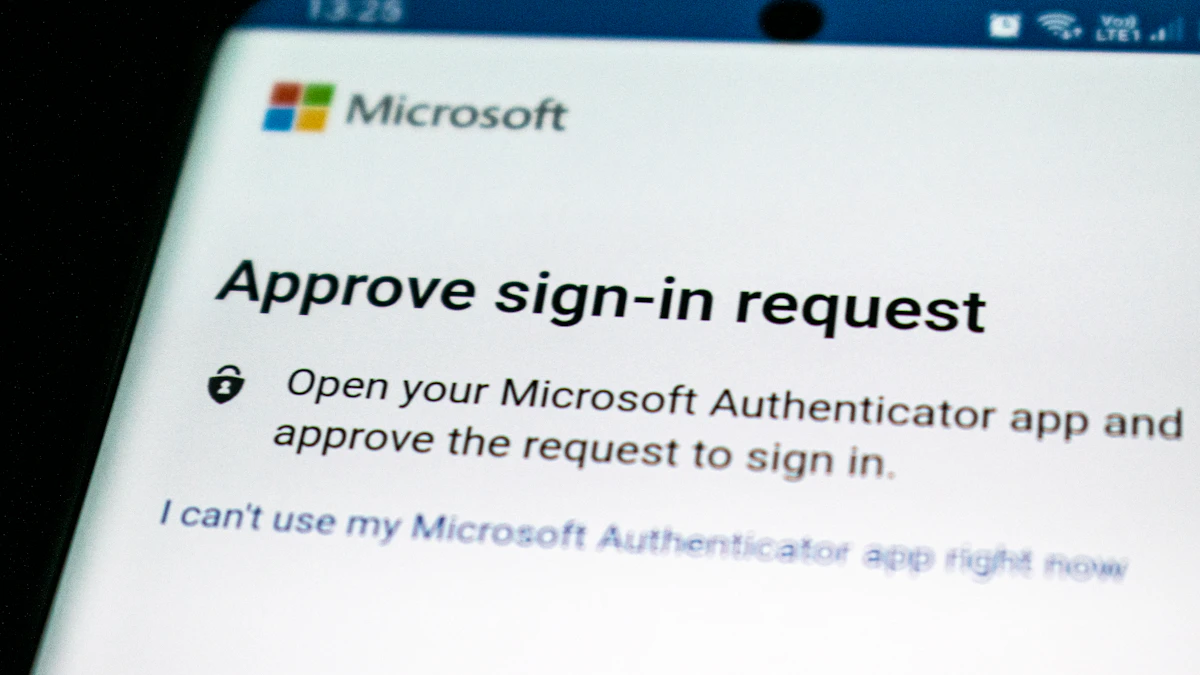
Microsoft's support page, What are passkeys and why they matter, explains that on a Windows PC you approve a passkey with Windows Hello (PIN, fingerprint or face), and on a phone with Face ID, a fingerprint or your usual unlock PIN.
On Amazon, Facebook or any other site, the prompt usually appears in the security or login settings, or right after you sign in. The approval step is always your own device's unlock method.
Can I use a passkey on a computer that is not mine?
Yes, you can use the passkey on your phone to sign in on a nearby computer without copying anything to that computer.
On Google, you enter your username on the computer, choose Try another way, then Use your passkey. A QR code appears. You scan it with your phone, confirm the sign in and verify with your fingerprint, face or PIN. Keep Bluetooth on: Microsoft and Google both describe a proximity check that confirms your phone is near the computer, which stops a faraway scammer from abusing the QR code.
What happens if I lose my phone?
You do not lose your accounts, as long as your passkeys are synced or you kept another way in.
Synced passkeys, the kind Apple, Google and Microsoft password managers create, are backed up to your cloud account and come back when you sign in on a new device. Apple even describes a way to recover iCloud Keychain if every device is gone.
Device bound passkeys are different. Microsoft says these are stored only on the device where they were created, and the FIDO Alliance counts hardware security keys in this group. If you rely on one, register a backup key or keep your password and recovery options current.
If a phone is lost or stolen, remove its passkey. On Google, open Security and sign in, tap Passkeys and security keys under "How you sign in to Google," pick the passkey and choose Remove.
Should you switch to passkeys now?
For your most important accounts, yes, switching is worth it.
Start with your email account, since it can reset almost everything else, then your Apple, Google or Microsoft account, then banking and shopping. You do not have to go all in on day one. Passkeys and passwords can live side by side, and many sites will keep your password as a fallback.
Keep a password manager for the sites that do not support passkeys yet, and pair it with the quick habits in our guide to protecting your online accounts in 10 minutes. More security explainers are on our tech page.
One practical tip before you leave: the next time a site offers a passkey, accept it, then sign out and back in once. Seeing how quick it is tends to settle the question better than any explanation.
Sources
Share this story
Spotted an error? Tell us