Key takeaways
- Apple says Apple Intelligence can use up to 14GB on newer iPhones like the iPhone 17 Pro and up to 8GB on other supported models.
- User reports gathered by GSMArena range from about 9GB to 16GB, and turning off Apple Intelligence or Siri does not appear to free the space.
- A Siri language workaround can shrink the files to about 100MB, but it disables Apple Intelligence because the languages no longer match.
In this story 4 sections
Fifteen gigabytes. That is roughly how much space some iPhone owners say Apple Intelligence storage took up after they installed iOS 27, according to user reports collected by GSMArena. On a 128GB phone that is a real bite, and the complaints are spreading as more people update.
The reported numbers vary from phone to phone. GSMArena says some users see about 16GB set aside, while others see closer to 9GB. It also points to an odd detail: some reports come from places where Apple Intelligence is not even offered, such as iPhones in the EU.
What Apple's own numbers say
Apple published its requirements for the new version of Apple Intelligence in an Apple support article dated October 22. The figures depend on the device:
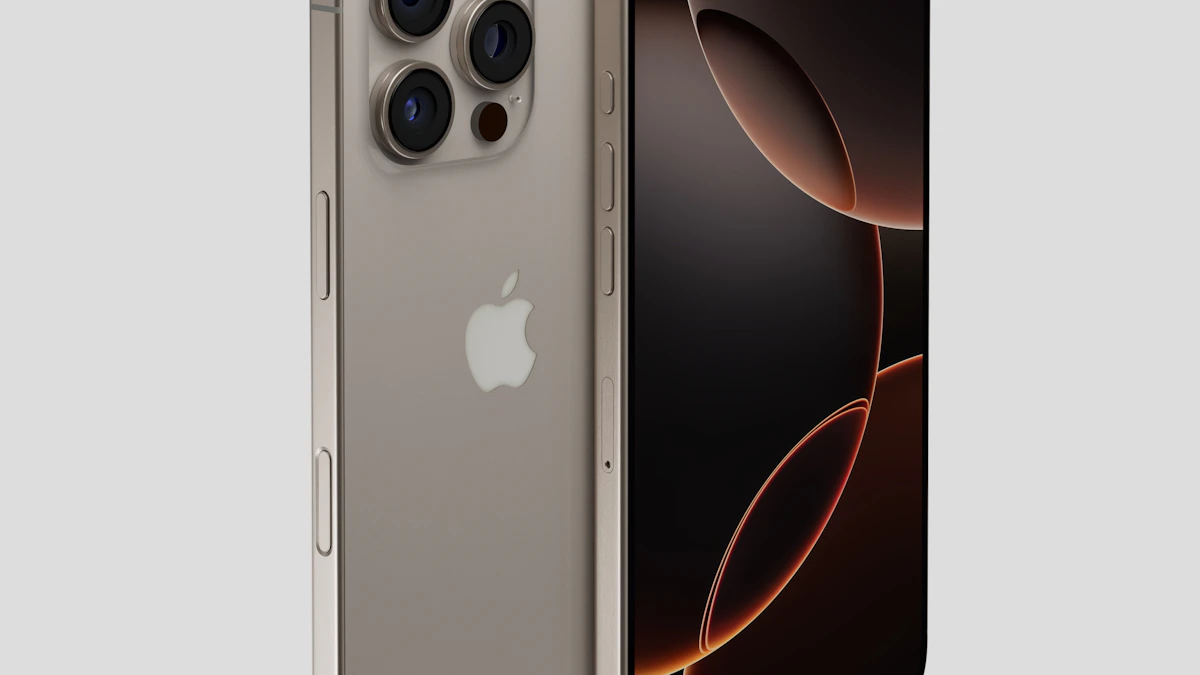
- Up to 14GB on iPhone Duo, iPhone 17 Pro models and later, iPhone Air, iPads with M4 or later and at least 12GB of memory, Macs with M3 or later and at least 12GB of memory, and Apple Vision Pro with M5.
- Up to 8GB on other iPhones, iPads, Macs and Vision Pro models that support Apple Intelligence.
- Up to 1.5GB on Apple Watch.
Apple also adds a caveat. Its page says storage used by Apple Intelligence may temporarily go above those limits during and shortly after a software update, while new models download and older ones are removed. That could explain some of the higher readings, but Apple has not addressed the user complaints directly.
Owners of 128GB iPhones feel it first
Not everyone needs to worry. If you have a 256GB or larger phone with plenty of free space, an extra 8GB to 14GB is easy to absorb.
The squeeze falls on three groups:
- People with 128GB iPhones. GSMArena says some iPhone 16 owners with 128GB of storage report about 30% of the phone taken up by iOS and AI files, on top of space reserved for updates.
- People outside supported regions. If Apple Intelligence does not work where you live, losing space to it is harder to accept.
- People who never use the AI features. GSMArena reports that switching off Apple Intelligence or Siri does not appear to give the space back.
The list of devices that support Apple Intelligence in iOS 27 is long. Apple's page includes iPhone 15 Pro and Pro Max, every iPhone 16 model or later, iPhone Air, iPhone Duo and Macs with M1 or later. If you are shopping for a new phone, this is one more reason to look at storage size, not only the chip. Our refurbished iPhone checklist covers what else to check.
Steps to take before you run out of room
- Check the real number first. Open Settings, then General, then iPhone Storage, and look at how much space the system and Apple Intelligence are using.
- Wait a day after updating. Because Apple says the space can briefly run high after an update, give the phone time to finish removing old models, then check again.
- Clear the usual suspects. Old videos, offloaded apps and message attachments often free more space than any AI setting. Apple keeps a general iPhone storage guide for this.
- Think twice about the Siri language trick. GSMArena describes a workaround shared by users: setting Siri to an English variant Apple Intelligence does not support, such as South African or New Zealand English. GSMArena says this cut the space to around 100MB on its test phone after a reboot, but it did not fully remove the issue. The tradeoff is real. Apple's requirements say the device and Siri languages must match a supported language, so this will turn off Apple Intelligence features.
- Do not change your Apple Account region to dodge it. GSMArena warns against this because it can mean canceling subscriptions or spending down your account balance.
If storage is too tight to manage, moving to a bigger phone may be the cleaner fix. Our guides on setting up a new iPhone from your old one and selling an old iPhone can help with that switch.
Apple's AI push keeps growing
The storage jump comes as Apple expands its AI features, including its recent Apple Intelligence launch in China with Alibaba's Qwen. Bigger on device models tend to mean better features without sending data to the cloud, but they have to live somewhere, and on a phone that space is shared with your photos and apps.
A good habit for now: before the next iOS update, make sure you have at least 15GB free. That leaves room for both the update and the AI models that come with it. More phone and gadget coverage is on our gadgets page.
Sources
Share this story
Spotted an error? Tell us