Key takeaways
- Apple designs iPhones for ambient temperatures between 32 and 95 degrees Fahrenheit, and heavy use in hotter conditions can permanently shorten battery life.
- Charging while gaming or streaming, direct sunlight, weak signal and background apps are the most common reasons a phone overheats.
- If a phone shows a temperature warning, turn it off or unplug it, move it somewhere cooler and wait, and contact support if it keeps shutting down.
In this story 10 sections
- Warm During Setup, Updates or Backups Is Expected
- Hot While Charging: Unplug, Uncase and Check the Cable
- Hot in the Sun or the Car: Move It Somewhere Cooler
- Hot All the Time: Find the App That Will Not Stop
- Hot on FaceTime or Video Calls: Ease the Load
- Hot With Weak Signal, Hotspot or Roaming
- Hot and Slow or Laggy: That Is the Phone Cooling Itself
- Hot After an Update or for No Reason: Update and Restart
- If a Temperature Warning Appears
- When to Get It Repaired
If you are asking why is my phone so hot, the usual answer is that it is working hard: charging, streaming, gaming, recording video or restoring a backup, often while sitting in a warm spot. If it cools down once you stop, that is normal, but if it stays hot at rest, shows a temperature warning or shuts itself off, work through the fixes below.
Heat is wasted energy from the processor, radios, screen and battery, so anything that works them harder or traps heat inside warms the glass. Apple says iPhones are designed for ambient temperatures between 32 and 95 degrees Fahrenheit, and that using one in very hot conditions can permanently shorten battery life, so it is worth taking a hot phone seriously even when it seems fine.
Warm During Setup, Updates or Backups Is Expected
Before you change anything, think about what the phone did in the last hour. Apple, Google and Samsung all list the same short set of "normal" heat triggers:
- Setting up a new phone or restoring it from a backup
- Installing a software update, especially a major one
- Downloading or syncing a lot of data
- Recording high resolution video or using the camera for a long time
- Playing games or streaming video
- Wireless or fast charging
Apple's guide to iPhone temperature is clear that if no temperature warning appears, you can keep using the device and it will cool once the task ends.
Hot While Charging: Unplug, Uncase and Check the Cable
Heat while charging is the most common version of this question, and it has a few separate causes.
- Stop using it while it charges. Gaming, video calls or navigation on top of charging stack two heat sources. Google's Pixel help page names heavy app use while charging as a classic trigger.
- Take the case off. Samsung suggests removing the case or cover as one of its first cooling steps, because a thick case holds heat against the battery.
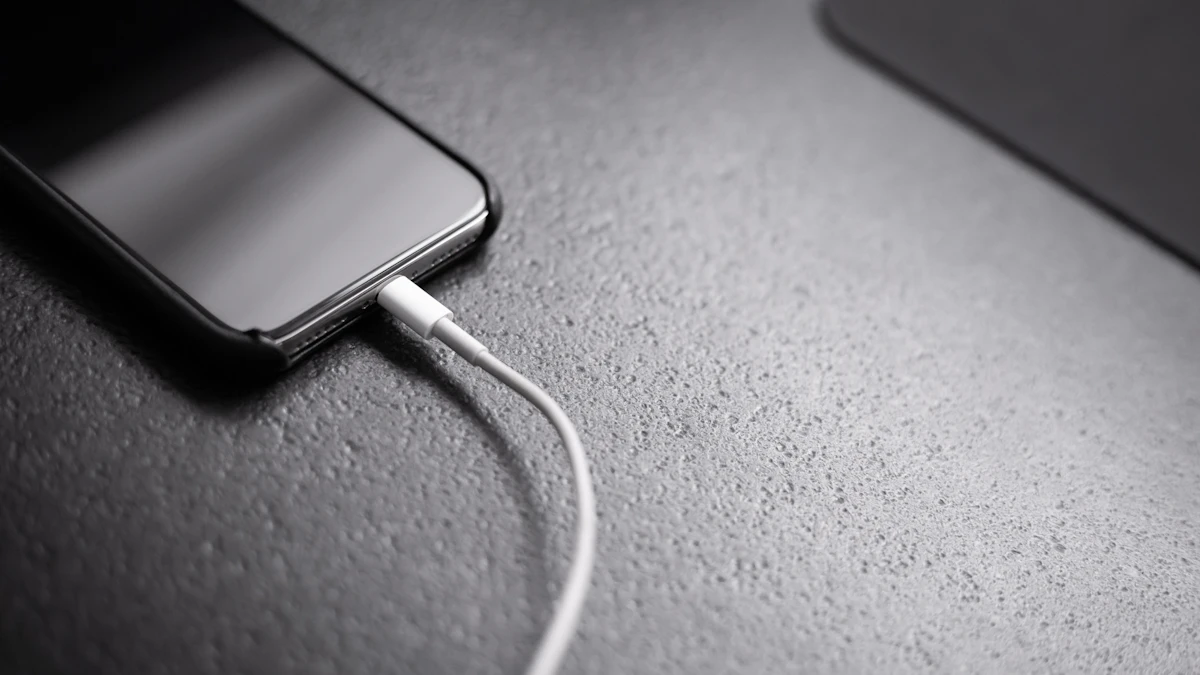
- Inspect the cable and port. Samsung lists damaged USB cables and a charging port with liquid, dust or metal debris among the causes of overheating, and recommends a certified charger and cable.
- Watch the wireless pad. Wireless charging runs warmer than a cable. Samsung warns against leaving metal objects, magnets or cards with magnetic stripes between the phone and the pad.
If the phone gets too hot, it protects itself. On an iPhone you may see a notice that charging is on hold until the phone returns to normal temperature. Pixel and Galaxy phones also slow or pause charging. That pause is a safety feature, not a fault.
Hot in the Sun or the Car: Move It Somewhere Cooler
Direct sunlight and parked cars are the fastest way to overheat a phone that is doing nothing at all. Apple says to store an iPhone between minus 4 and 113 degrees Fahrenheit and points out that the inside of a parked car can go past that range.
Dashboard navigation in summer is a double hit: bright screen, busy radios and sun on the glass. If you see the "iPhone needs to cool down" alert while navigating, the screen may switch off but spoken directions keep going. Move the phone to a shaded vent or a cup holder until it recovers.
Hot All the Time: Find the App That Will Not Stop
When the phone is warm even in your pocket, something is usually running in the background.
On a Galaxy phone, Samsung points to Settings > Battery > Battery usage to see which apps are using power. On a Pixel 6 or later, Google lets you check temperature directly at Settings > Battery > Battery diagnostics > Phone is very warm, which gives recommendations based on the current reading. On an iPhone, the Battery screen in Settings shows usage by app.
Look for anything unexpected, like a navigation app you forgot to close or a sync that keeps restarting. Close it, then see if the heat drops within 15 or 20 minutes. If a battery hog shows up again and again, our guides to fixing an iPhone battery that drains fast and extending battery life on Android go deeper.
Hot on FaceTime or Video Calls: Ease the Load
Video calls use the camera, the screen, the processor and the network all at once, so a hot phone during a long FaceTime or Meet call is normal. To reduce it:
- Lower screen brightness. On a Pixel the path is Settings > Display & touch > Brightness level.
- Switch to Wi-Fi if you are on mobile data. Google recommends Wi-Fi over cellular when possible.
- Prop the phone on a stand instead of holding it, so the back can release heat.
Hot With Weak Signal, Hotspot or Roaming
A phone hunting for a weak signal pushes its radio harder, and that produces heat. Samsung lists weak signal, no reception and roaming as causes. Using your phone as a mobile hotspot for a laptop for hours is another steady source. Turn the hotspot off when you are done, and turn off Wi-Fi, GPS and Bluetooth when you are not using them, as Samsung suggests.
Hot and Slow or Laggy: That Is the Phone Cooling Itself
If your phone is hot and laggy at the same time, the lag is usually a result of the heat, not a separate problem. Google says Pixels may reduce processor speed, slow charging, disable the camera flash or camera, and limit mobile data or Wi-Fi when warm. Apple lists dimmer screens, weaker cellular signal, a disabled flash and lower frame rates. Samsung says its phones limit brightness and performance, stop charging and may close running apps.
Let it cool before deciding it is slow for another reason. If it is still sluggish when cool, our guide to speeding up a slow iPhone covers the next steps.
Hot After an Update or for No Reason: Update and Restart
Software bugs can cause runaway heat, and the fix is often a patch. Samsung's support pages say to check Settings > Software update and tap Download and install on Galaxy phones. Then restart the phone, which clears stuck processes.
If heat started right after you installed a new app, the app may be the problem. Samsung suggests testing in Safe Mode, which runs the phone without third-party apps. If it stays cool there, remove recent apps one by one. An app you do not remember installing, along with heat and data use, can also be a sign of malware, so it is worth running through how to tell if your phone is hacked.
If a Temperature Warning Appears
A warning screen means the phone has passed its safe limit. Apple's steps are simple: turn the phone off, move it somewhere cooler and out of direct sun, and let it cool down. Google says to unplug the phone if it is charging and not to use it until it cools. Samsung notes that a second warning can shut the phone down. An iPhone showing this warning may still be able to make emergency calls.
Do not put the phone in a freezer or refrigerator. Sudden cold is its own problem, and Apple notes that very cold devices can stop charging too.
When to Get It Repaired
Contact support or book a repair if any of these happen:
- The phone is hot while idle, unplugged and cool to the room after the fixes above
- It shuts down from heat repeatedly. Google says to contact Pixel support in that case
- The back or screen bulges, or the case no longer fits flat
- It gets hot while switched off, or you smell something burning
Samsung's overheating help page points Galaxy owners to the Samsung Members app or a service center, and its guide on normal Galaxy heat says hardware faults may need professional repair. If an older iPhone runs hot and drains quickly, checking your iPhone battery health number is a good step before you book an appointment.
One habit prevents most of this: keep the phone out of direct sun, and stop heavy use while it charges. More phone guides live in our Gadgets section.
Sources
Share this story
Spotted an error? Tell us