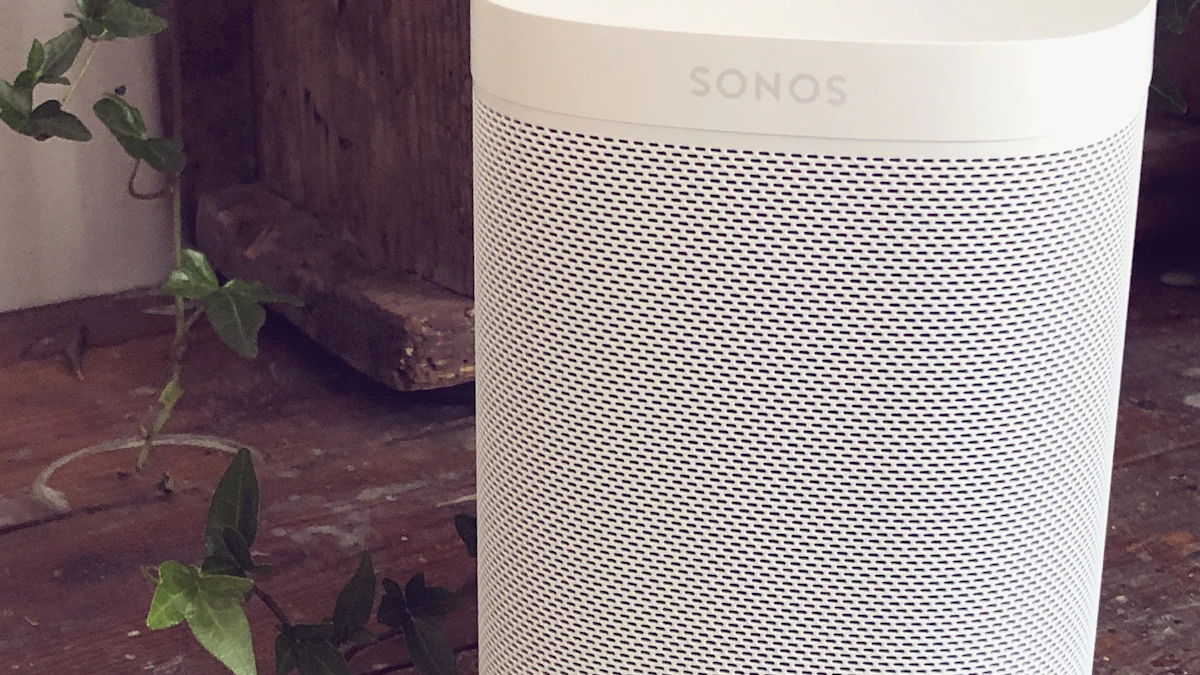
Key takeaways
- Sonos 27voice and Classic Sonos Voice Control cannot run on the same system, so upgrading switches every speaker in the house at once.
- Sonos says 27voice processes requests in its cloud and deletes recordings and transcripts once a request is fulfilled, while Classic handles commands on the speaker.
- Early Access is free, limited to US customers in US English, and requested from the Settings screen of the Sonos app on a first come basis.
In this story 5 sections
Say "Hey Sonos, play something mellow for a rainy Sunday" to most Sonos speakers today and nothing useful happens. The current assistant wants an exact artist, album or playlist name. Sonos 27voice, the company's new AI assistant, is built for exactly that kind of loose request, and it is heading into Early Access for US households this fall as a free, opt in upgrade.
The catch is that you have to pick one. Sonos says 27voice and the existing Sonos Voice Control "cannot both be installed on a single system," so switching changes every speaker in the house at once. Here is how the two compare, using what Sonos has published on its support site and community forum.
Two assistants, one wake word
Both answer to "Hey Sonos," and both are free. The difference is where the thinking happens and how much they can understand.
Classic Sonos Voice Control
The original assistant, which Sonos introduced in 2022, is being renamed Classic Sonos Voice Control in the app. According to a Sonos staff post on the company's community forum, "Nothing about how it works is changing."
- Requests are processed on the speaker itself, not in the cloud.
- It handles specific commands: play this album, skip, turn it up.
- No back and forth conversation and no general knowledge answers.
- Weather works only for the location set in your app.
- It speaks English and French.
- It keeps working for basic requests when a portable speaker is in Bluetooth mode.
Sonos 27voice
Sonos says it built and tuned 27voice itself, aiming it at music, mood and control. The Sonos support page for 27voice says it can start music, move it between rooms, group and ungroup speakers, set timers, check the weather, control supported smart home products and answer general knowledge questions.
- Requests run on Sonos cloud infrastructure, with some open ended requests passed to outside AI services, according to the Sonos forum post.
- It understands vague or chained requests, such as grouping every speaker and finding an evening playlist in one sentence.
- It keeps context, so follow up questions work.
- Weather works for any location.
- US English only during Early Access.
- It needs an internet connection and does not work offline.
Where the new assistant still falls short
Sonos has been unusually blunt about the gaps. Its own forum post calls 27voice opt in, says "it will change, and it will occasionally miss," and lists what it cannot do yet:
- No alarms (timers work), no announcements or intercom, no routines, no calls and no shopping.
- The queue only grows. You can add songs or play something next, but you cannot remove, reorder or save the queue as a playlist.
- It cannot search your local music library by voice. Sonos Playlists that contain library tracks still play by name.
- It cannot share a speaker with Google Assistant, though Amazon Alexa can sit on the same speaker.
- A Move 2 at a campsite with no WiFi gets no 27voice at all.
That last point matters for anyone who bought a portable Sonos for travel. Classic control at least covers the basics without a network.
Privacy: what leaves your speaker
Wake word detection still happens on the speaker under both systems, and Sonos says your voice is not sent to the cloud until it hears "Hey Sonos." After that, 27voice works differently. Its language model runs in the cloud, and Sonos says it deletes voice recordings and transcripts once a request is fulfilled rather than saving them.
Sonos also tells users not to use 27voice for account numbers, passwords or medical details. That is sensible advice for any cloud assistant, and it echoes questions lawmakers have raised about always listening hardware like Meta's AI glasses. If you are adding more connected speakers, it is also a good moment to lock down your home router, since every voice request now depends on that connection.
How to request Early Access
Sonos says enrollment is first come, first served and not guaranteed, and only US based customers can apply. There may be a delay between signing up and getting in. The steps on the Sonos setup guide:
- Update to the latest Sonos app and open Settings.
- Find the tile labeled "Join Early Access for Sonos 27voice" and tap Request Early Access.
- The Voice Assistants tile will change to "You're on the list."
- Once approved, it changes to "Set up Sonos 27voice." Any Sonos product with a microphone can run it.
- If you change your mind, go to Voice Assistants, then Sonos 27voice settings, and tap Downgrade to return to Classic.
Which one fits your home
The new assistant arrives as part of the Sonos 27 software update, which Sonos rolled out to its S2 speakers in September alongside ChatGPT and Claude connections through Sonos 27mcp. The voice piece is the part most owners will actually notice day to day.
- Stay on Classic if your household speaks French, if you rely on alarms or Google Assistant, if you play mostly from a local music library, or if you take a portable speaker off WiFi often.
- Try 27voice if you stream from services like Spotify or Apple Music, ask for music by mood more than by name, and want weather or quick answers without pulling out a phone.
- Mixed homes should note there is no room by room option. Sonos says you cannot run Classic in one room and 27voice in another.
Because downgrading takes a few taps, there is little risk in trying it once your invite arrives. Sonos staff say 27voice will be available globally once it leaves Early Access, though the company has not given a date. For more speaker and smart home coverage, see our gadgets section, and check how much space AI features take on phones in our look at Apple Intelligence storage on iOS 27. Smart home owners may also want to read how cheap Android TV boxes ended up in a botnet.
Sources
Share this story
Spotted an error? Tell us