Key takeaways
- Live Rewind shows a text snippet of the last 15 seconds of conversation when you double press the Digital Crown on an Apple Watch Series 12 or Ultra 4.
- Siri Recap writes short Apple Intelligence summaries of your conversations, which Apple says are deleted after up to seven days unless saved.
- Apple says no audio is recorded or stored, and the features launch in English only, with no EU or China availability and no access for users under 18.
In this story 7 sections
- What does Live Rewind actually show on the Apple Watch?
- How is Siri Recap different from a transcript?
- Which Apple Watch models get Live Rewind and Siri Recap?
- Does the Apple Watch record my conversations?
- Who can't use the new Audio Intelligence features yet?
- When will Live Rewind reach everyone?
- Is this worth turning on?
Missed the name someone said three seconds ago? Apple now has a fix for that on your wrist. Apple Watch Live Rewind and its companion feature, Siri Recap, are live in the first watchOS 27.3 beta, which Apple seeded on November 3. Both were shown at Apple's September event, and this is the first time owners can actually try them.
The two features fall under what Apple calls Audio Intelligence. One turns the last few seconds of a conversation into text. The other quietly takes notes on conversations through the day and turns them into short summaries. They raise obvious privacy questions, so Apple has published a detailed support document alongside the beta. Here is what people are asking about them.
What does Live Rewind actually show on the Apple Watch?
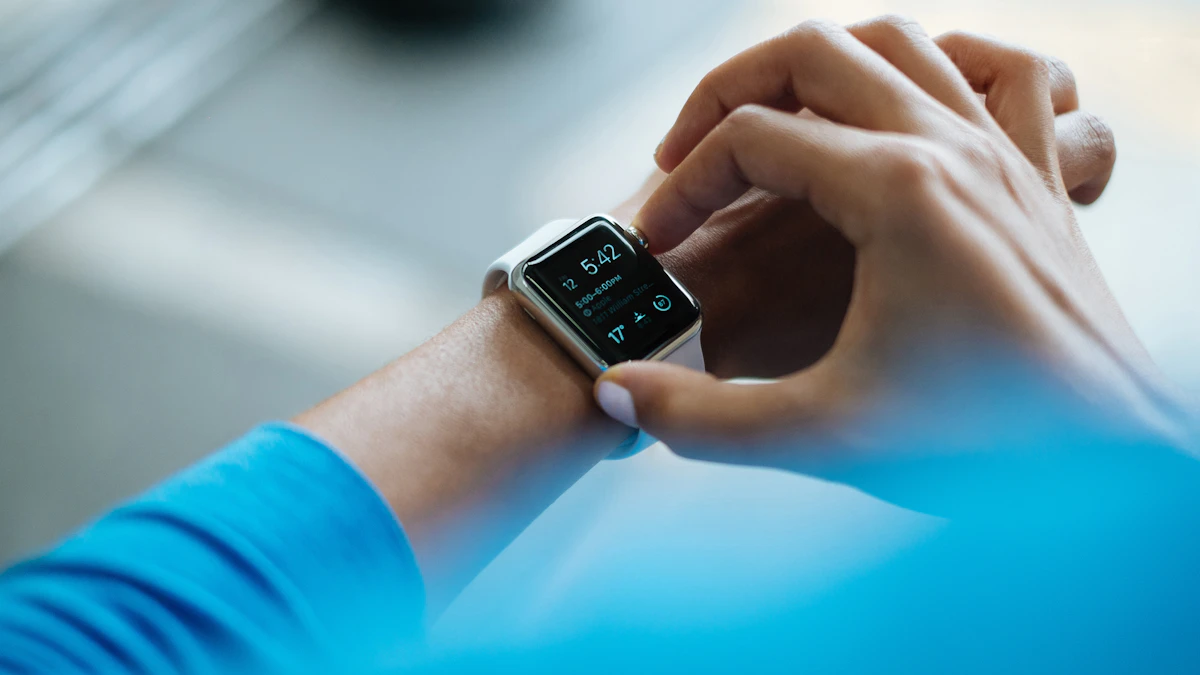
Live Rewind displays a text snippet of roughly the last 15 seconds of what was said around you. You call it up by double pressing the Digital Crown. According to Engadget, you can then ask Siri a question about that snippet or save it to the Siri app for later.
The idea is simple: you are in a loud room, someone gives you a phone number or a street name, and you lose it. Instead of asking them to repeat it, you glance at your wrist. MacRumors reports that the watch plays an audible chime when Live Rewind is used, even when the watch is in silent mode, so the people around you know it happened.
How is Siri Recap different from a transcript?
Siri Recap runs in the background and builds high level summaries of conversations you have during the day. Each one gets a title and a few key points generated by Apple Intelligence. It is not a word by word record. MacRumors notes that Recap does not include a full transcript, and Apple says summaries are deleted automatically after up to seven days unless you choose to save them.
Engadget adds that Apple says the summaries will leave out sensitive information such as financial details. You read and manage them from the Siri app. That app is also where Apple has been pulling in outside apps, as we covered in our look at the Siri AI developer preview.
Which Apple Watch models get Live Rewind and Siri Recap?
Only two: the Apple Watch Series 12 and the Apple Watch Ultra 4. Both use the S11 chip, which MacRumors says matters because raw audio is handled inside a protected part of that chip called the Secure Exclave. Older watches, including the Series 11, are left out.
The watch alone is not enough. You also need a recent iPhone running Apple Intelligence and the Siri AI beta. Apple's list covers the iPhone 16, 16 Plus, 16 Pro and 16 Pro Max, the full iPhone 17 family including the iPhone 17e and iPhone Air, plus the iPhone 18 Pro, 18 Pro Max and iPhone Duo. The iPhone 16e is not on the list. If your phone is tight on space, keep in mind that Apple Intelligence storage can climb to around 15GB on some models.
Does the Apple Watch record my conversations?
Apple says no. Its support page on Audio Intelligence states that audio is not recorded or stored and that raw audio is never accessible. For Live Rewind, the text snippets disappear permanently from the watch about 30 seconds after the display dims.
Siri Recap works differently because it produces lasting summaries. Apple says those are created with its Apple Foundation Models running on Private Cloud Compute, the company's server system that it says does not keep personal data. That is a claim users have to take on trust, and it is the kind of question lawmakers have already raised about other always listening wearables, such as in the Meta AI glasses privacy letter from Senators Wyden and Markey.
There is also a social side Apple cannot solve with chips. The person across the table may not know your watch is summarizing what they say. The Live Rewind chime helps with that feature. Recap, by design, runs in the background.
Who can't use the new Audio Intelligence features yet?
Several groups are excluded at launch:
- Anyone outside English. Apple says the features start in English with more languages to follow.
- Users in the EU, where the features will not be available at first.
- Users in China, where Apple says they are not available.
- Users under 18. Apple's support page says the features are not available to them. MacRumors described a lower age limit with parental approval, but Apple's own document is the stricter one.
Engadget also reports daily usage limits, though it did not give exact numbers.
When will Live Rewind reach everyone?
Right now it is a developer beta, so it is aimed at testers rather than everyday owners. Apple's support page only says the features arrive in beta "later this year" with watchOS 27.3. MacRumors expects watchOS 27.3 to ship in December alongside iOS 27.3, but Apple has not confirmed a date.
If you own a Series 12 or Ultra 4 and do not want to deal with beta bugs, waiting for the public release is the safer move. Beta builds can have problems with timekeeping and battery, a reminder of the recent Apple Watch daylight saving time bug that hit stable software.
Is this worth turning on?
For people who often miss details in noisy places, Live Rewind looks like the more useful of the two, and it is the easier one to explain to the people around you. Siri Recap is more ambitious and more personal, and how comfortable you feel with it will depend on how much you trust Apple's privacy promises. Smart speaker makers are wrestling with the same tradeoff, as the Sonos 27voice rollout shows.
For more wearable and phone news, see our gadgets section.
Share this story
Spotted an error? Tell us