Key takeaways
- Apple says the wrong hour appears only on the Always On display while the wrist is down, and alarms are not affected.
- Switching to another watch face and back, or restarting the watch, clears the error right away.
- Apple says the glitch also resolves itself at midnight after the time change if owners do nothing.
In this story 3 sections
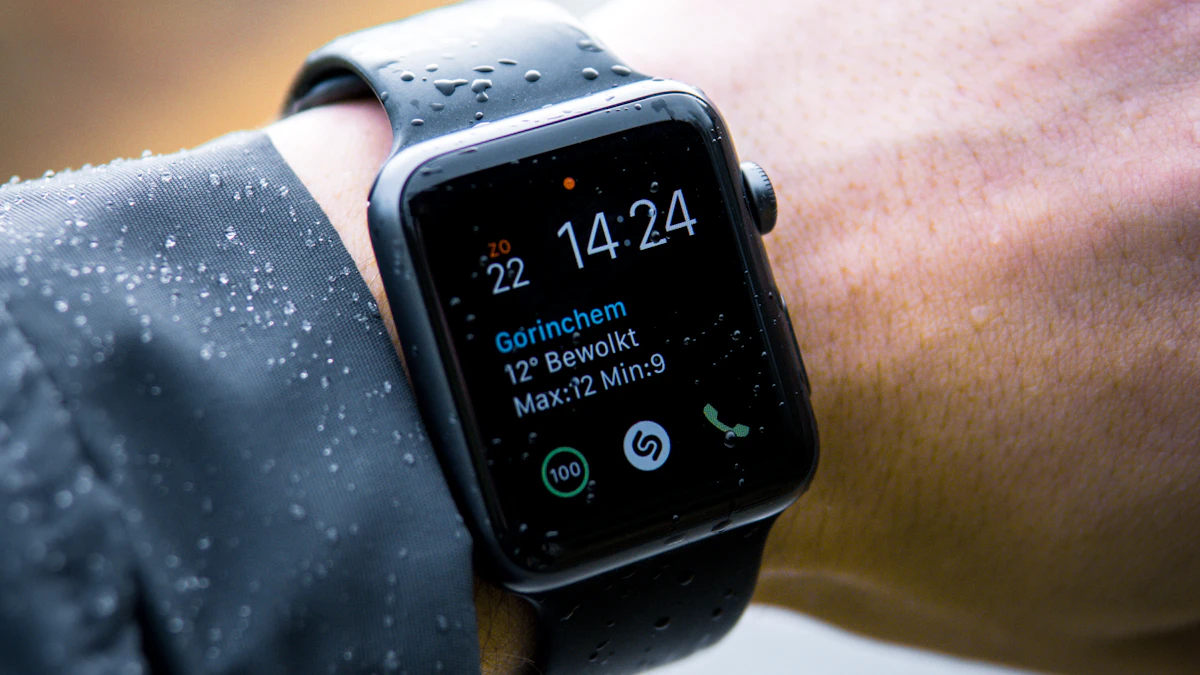
If your Apple Watch showed the wrong hour when you glanced at it this morning, the watch is not broken. Apple has acknowledged an Apple Watch daylight saving time bug that can leave the Always On display stuck on the old hour after the clocks change, and it has posted two quick fixes. Clocks fell back across most of the US early Sunday, November 1, so this is the first day many American owners could run into it.
The glitch is cosmetic. In a support document dated October 30, Apple says the incorrect time appears only on the Always On display while your wrist is down. Raise your wrist or tap the screen and the watch shows the correct hour. Apple also says features like alarms are not affected, so an alarm set for 7 a.m. still goes off at 7 a.m. new time.
Two ways to clear the extra hour
Apple lists two fixes, and either one takes less than a minute:
- Change to any other watch face, then switch back to the face you normally use.
- Restart the Apple Watch.
There is also a third option, which is doing nothing at all. According to Apple, the issue resolves itself at midnight following the time change. For most US owners, that means the screen should be right by Monday morning with no input.
If you wear the watch to bed or check it in the dark without lifting your arm, the face swap is the faster route. It is also worth a quick check if you have a second watch in the house, since a family member may not notice the problem until they are late for something.
Europe saw the glitch a week earlier
The bug did not start in the US. MacRumors reported on October 26 that Apple Watch owners in the UK and central Europe, where clocks went back on October 25, were finding their Always On screens still showing summer time. Those reports came from watches running watchOS 27, although the site said it was not clear which software versions or watch models were involved. Restarting cleared the problem for several of those owners.
Apple's note does not name affected models or a watchOS version, and it does not promise a dedicated software update. It only repeats the usual advice to keep the watch updated for the latest bug fixes. MacRumors reported the support steps on Sunday as the US change took effect.
The next clock change is in March
For most people this is a small annoyance rather than a real failure. Still, a glanceable screen is the whole point of an Always On display, and an hour of drift is the kind of thing that makes someone miss a train or a meeting. If you are weighing whether an Apple Watch or a simpler band suits you better, our guide on how to choose a smartwatch and our fitness tracker guide walk through the tradeoffs. Apple's wider home push is also picking up, with its HomeView smart display due this month, and Android owners have their own urgent fix to install after the SMS of death patch.
US clocks spring forward again on Sunday, March 14, 2027. If Apple has not shipped a fix by then, the same face swap should be your first move. You can find more wearable news on our gadgets page.
Sources
Share this story
Spotted an error? Tell us