Key takeaways
- Amazon says the 2026 Echo Dot has a built-in smart home hub with Zigbee, Matter and Thread support, so it can anchor most other Alexa devices without a separate bridge.
- Philips Hue bulbs work with Alexa by voice only through the Hue Bridge, according to the Hue spec sheet, so budget for the bridge if voice control is the goal.
- Ring says a paid subscription is needed to save doorbell video, so the monthly fee belongs in the real cost of any Alexa doorbell pick.
In this story 8 sections
- How we chose these Alexa picks
- Best brain for the whole setup: Echo Dot (2026)
- Best first gadget for under $25: Amazon Smart Plug
- Best smart lighting: Philips Hue White and Color Ambiance A19
- Best thermostat for saving on heating: ecobee Smart Thermostat Essential
- Best for the front door: Ring Battery Doorbell (2nd Gen)
- What to skip
- Quick checklist before you buy
Plenty of gadgets print "Works with Alexa" on the box, but that label covers everything from a $25 plug to a $250 doorbell, and some of them quietly need an extra hub or a subscription before they do what you expect. This guide picks smart home devices that work with Alexa for five common jobs: running the system, switching a lamp, lighting a room, heating the house and watching the front door. Each pick has a clear owner in mind, a downside worth knowing and a price at the time of writing.
How we chose these Alexa picks
We did not test these products in our own homes. The picks are based on what the makers publish (spec pages, compatibility lists and support documents), list prices from the makers and major US retailers checked in November 2026, and how independent outlets such as Tom's Guide describe the product families. We favored devices with a stated Alexa connection, a setup that runs through the Alexa app or a widely used companion app, and a current US listing. Prices move constantly around holiday sales, so treat each figure as a snapshot, not a promise.
One more filter: we gave extra weight to products that support Matter, the shared smart home standard. Amazon's Matter developer documentation says Matter Echo devices can control lighting, plugs, sensors, door locks, window coverings, thermostats, fans, air purifiers, some appliances and robot vacuums, over either Wi-Fi or Thread. A Matter device also leaves you room to add another assistant later without buying new hardware.
Best brain for the whole setup: Echo Dot (2026)
Who it is for: anyone starting from scratch, or anyone whose old Echo cannot talk to newer Thread and Zigbee gadgets.
Why it stands out: Amazon's Echo lineup announcement from October 2026 says the new Echo Dot has a built-in smart home hub that supports Zigbee, Matter and Thread. That trio matters more than the speaker inside it. Zigbee covers a huge catalog of older sensors and bulbs, Thread is the low power network many new Matter devices use, and Matter handles the rest. With one small speaker you can pair most of the other picks below without a separate bridge box.
Downsides: its sound is fine for voice answers and background music, but it is still a compact speaker. If music is the main reason you want an Echo, compare options in our smart speaker buying guide first. Older Echo models vary a lot in which radios they include, so do not assume your 2019 Dot can do the same job.
Price at the time of writing (November 2026): Amazon announced it at $99.99. Matter Alpha, a site that tracks Matter hardware, reported lower retail listings in late November, so it is worth checking for a sale.
Best first gadget for under $25: Amazon Smart Plug
Who it is for: renters, beginners and anyone who wants to try voice control on a lamp, fan or holiday lights before spending more.
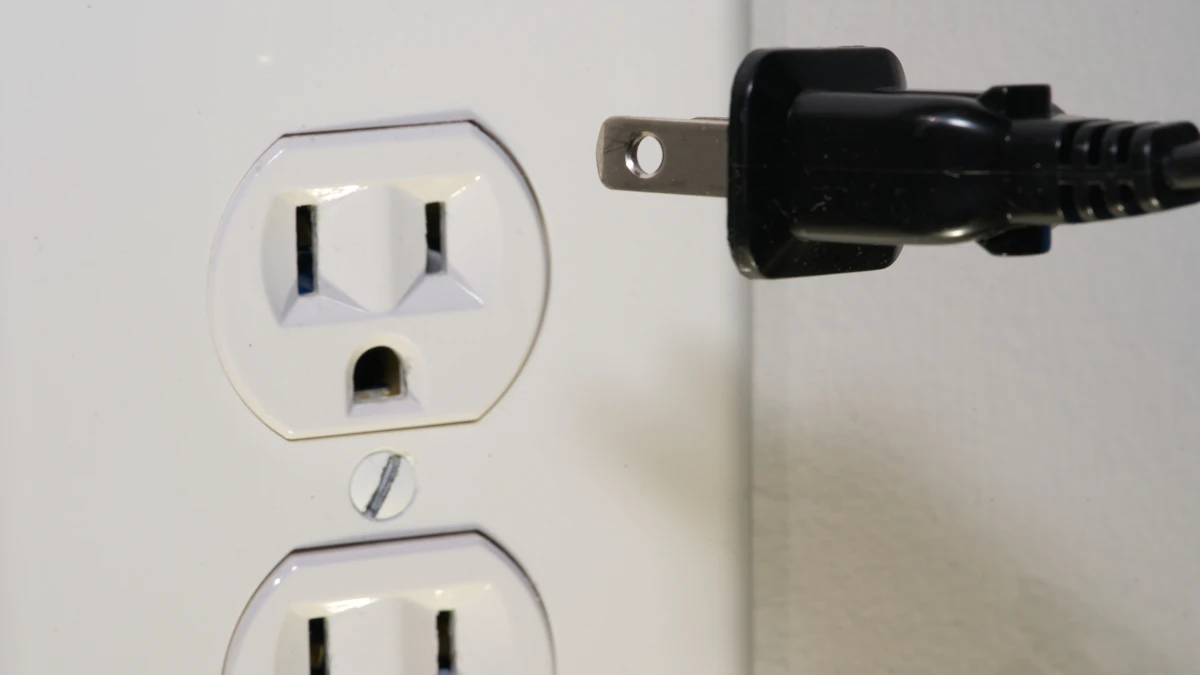
Why it stands out: a smart plug is the simplest way to make an ordinary device respond to Alexa. You plug it into the wall, plug the lamp into it, and add it in the Alexa app. Amazon's plug is built around Alexa, so there is no second app to install, and it supports Amazon's Frustration-Free Setup when bought on Amazon.com and linked to your account at checkout, according to Amazon's setup FAQ. Routines are where it earns its keep: lights on at sunset, the coffee maker off at 10 a.m., the fan on when you say "I'm home."
Downsides: Best Buy's listing describes it as working with Alexa and does not mention Matter. That means it is an Alexa-only plug. If your household mixes Alexa with Google or Apple devices, a Matter plug from another brand is the more flexible buy. It also only switches power on and off, so it will not dim a lamp or control anything that needs a button pressed after power returns.
Price at the time of writing (November 2026): $24.99 list at Best Buy, with holiday sale pricing shown below that.
Best smart lighting: Philips Hue White and Color Ambiance A19
Who it is for: people who want lighting that changes color temperature through the day, scenes for movie night and bulbs that keep working even when the internet drops.
Why it stands out: the Philips Hue product page lists up to 810 lumens, a white range from 1,000 to 20,000 Kelvin plus full color, dimming down to 0.2 percent and a rated life of 25,000 hours. It speaks both Bluetooth and Zigbee, and Hue lists Matter among its third party options. Tom's Guide has long pointed to the size of the Hue catalog (bulbs, strips, outdoor lights) and the quality of the Hue app as reasons to start here.
Downsides: Hue's own spec sheet says voice assistants, Alexa included, require the Hue Bridge. Bluetooth control from your phone works without it, but if voice is the point, budget for the bridge too. Hue is also among the pricier bulb brands, so outfitting a whole house adds up fast.
Price at the time of writing (November 2026): $54.99 for a single bulb on Philips Hue's US store, before the bridge.
Best thermostat for saving on heating: ecobee Smart Thermostat Essential
Who it is for: homeowners with a standard 24 volt heating and cooling system who want schedules, remote control and voice adjustments without paying for a premium model.
Why it stands out: Best Buy lists it as Energy Star certified with a touch screen and says it works with most 24 VAC systems, including heat pumps and boilers. The listing's Q&A confirms it works with Alexa, Google Assistant and Apple Home. That lets you set the temperature by voice and fold it into routines, such as dropping the heat when an "away" routine runs. When it launched in early 2025, Engadget and MacRumors covered it as ecobee's lower cost model.
Downsides: if you want a thermostat that doubles as an Alexa speaker, Tom's Guide pointed to ecobee's more expensive Premium model for that, so the Essential is the plain option. Older homes with high voltage baseboard heat or no 24 volt wiring will not be a fit, so check your wiring before buying. Our smart thermostat guide walks through that check.
Price at the time of writing (November 2026): $139.99 list, with a $109.99 Black Friday deal at Best Buy.
Best for the front door: Ring Battery Doorbell (2nd Gen)
Who it is for: renters and homeowners without doorbell wiring who want a camera doorbell from the company that also makes Alexa.
Why it stands out: Amazon owns Ring, which makes it the most natural doorbell brand for a home already built around Echo devices. Amazon's March 2026 Ring announcement lists the second generation Battery Doorbell with 2K video and a rechargeable design, priced well below the Plus and Pro models.
Downsides: Tom's Guide notes the base model does not have the removable battery pack found on the Plus and Pro, so charging can mean taking the doorbell off the wall. Tom's Guide also notes that you need a paid Ring subscription to save and review recorded video. Factor that monthly cost into the real price.
Price at the time of writing (November 2026): $99.99 list. The Plus is $179.99 and the Pro with 4K video is $249.99.
What to skip
Some Alexa gadgets look like bargains and turn out to be dead ends. Be careful with:
- Zigbee gear paired with the wrong Echo. Amazon's setup FAQ names only some Echo models as having a Zigbee hub, so check your model first or the device will need its own bridge.
- Security kits where Alexa is a paid add-on. Tom's Guide found that some DIY alarm systems only unlock voice control on a monitoring plan, so read the plan details before you buy.
- Cameras and doorbells priced without the subscription. A low sticker price can hide years of monthly fees for video history.
- No name Wi-Fi devices with no Matter support and a thin app. If the company stops updating its Alexa skill, the device loses its voice control.
- Bulbs on dimmer switches that cut power. Smart bulbs need constant power, so a wall dimmer or switch that someone flips off takes them offline.
Quick checklist before you buy
- Check which Echo you own and whether it includes Zigbee, Thread or Matter support.
- Look for the Matter logo if you might use another assistant later.
- Confirm whether the device needs a bridge, hub or subscription to use Alexa.
- Make sure your Wi-Fi reaches the spot where the device will live. Our guide to securing your home Wi-Fi router is worth a look before adding a dozen new connections.
- Check the return window, since compatibility problems usually show up in the first week.
When you have a Matter device that is already set up with another assistant, Amazon's help page explains that you generate an 11 digit pairing code in that assistant's app, then open the Alexa app and go to Devices, tap the plus icon, choose Add Device, pick the Matter icon and select Try Numeric Code Instead? to enter it. Amazon also notes that the QR code or pairing code printed on a device or its box is meant for first time setup or after a factory reset, so keep the packaging insert somewhere safe.
If you are still mapping out which rooms to start with, our smart home starter guide helps you plan, and more device coverage lives in our gadgets section. Start with one hub and one plug, live with them for a week, and you will know quickly which job you want Alexa to take on next.
Sources
- Amazon: Introducing the new Echo Dot and Echo Studio
- Amazon Developer: Matter support
- Amazon: Frustration-Free Setup FAQ
- Amazon: Set up another assistant's Matter device with Alexa
- Philips Hue: White and color ambiance A19 bulb
- Best Buy: ecobee Smart Thermostat Essential
- Best Buy: Amazon Smart Plug
- Amazon: New Ring battery doorbells
- Tom's Guide: Ring battery doorbells
- Tom's Guide: Best Alexa compatible devices
- Matter Alpha: 2026 Echo devices
Share this story
Spotted an error? Tell us