Key takeaways
- Google lists the Google Home Speaker, Nest Hub (2nd gen), Nest Hub Max, Nest Wifi Pro and Google TV Streamer (4K) as hubs that can run Thread Matter devices, while older speakers only handle Matter over Wi-Fi.
- Google Home Premium, which unlocks longer video history and Gemini camera features, costs $10 a month for Standard or $20 a month for Advanced.
- Ring doorbells and cameras do not sync with Google Home, so Google's own Nest Doorbell and Nest Cam are the simpler choice for a Google based home.
In this story 9 sections
- How we picked these Google Home devices
- Best hub to run everything: Google Home Speaker
- Best cheap first step: Kasa smart plugs
- Best smart lighting: Philips Hue White and Color Ambiance A19
- Best for heating and cooling: Nest Learning Thermostat (4th gen)
- Best video doorbell: Nest Doorbell (wired, 3rd gen)
- Best indoor camera: Nest Cam Indoor (wired, 3rd gen)
- Devices to skip or double check
- A quick checklist before you buy
Does that "Works with Google" badge actually mean the gadget will show up in your Google Home app and answer to your voice? Usually yes, but the details matter: some devices need a separate bridge, some need a Thread hub you may not own, and a few big brands barely talk to Google at all. This guide picks smart home devices that work with Google for six common jobs, from running the system to watching the front door, with the catch for each one and its price at the time of writing.
How we picked these Google Home devices
We did not install or test these products ourselves. The picks come from what the makers publish (Google Store listings, Google Home Help pages and manufacturer spec sheets), US list prices we checked in November 2026, and how independent outlets describe these product lines, mainly the Android Central roundup of Google Home compatible gear updated on November 26, 2026. We favored products that set up inside the Google Home app or through a widely used companion app, are sold in the US right now, and support Matter, the shared standard that lets one device work with several assistants. If Matter is new to you, our explainer on what Matter means in a smart home covers the basics.
Prices move a lot around Black Friday, so treat every figure below as a snapshot.
Best hub to run everything: Google Home Speaker
Who it is for: anyone starting fresh, or anyone whose older Google speaker cannot reach newer Thread gadgets.
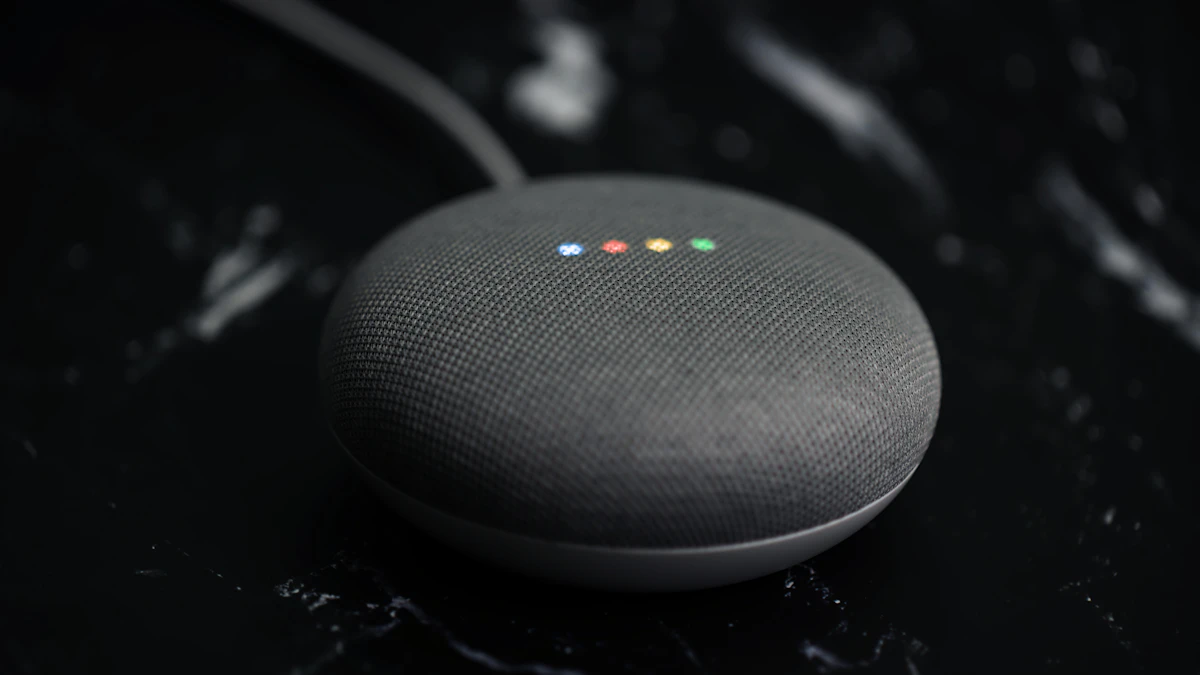
Why it stands out: Google's Matter hub list names the Google Home Speaker (2026) as a hub for both Wi-Fi and Thread Matter devices. That second part is the reason to buy it. Thread is the low power mesh network many new sensors, locks and bulbs use, and a Google speaker such as the Nest Mini or Nest Audio only handles Matter over Wi-Fi. The speaker is also built around Gemini, Google's newer voice assistant, and can pair with a Google TV Streamer for home theater sound, according to the Google Home Speaker announcement.
Downsides: some of the most talked about Gemini features, including Gemini Live conversations on speakers, sit behind a Google Home Premium subscription. If you want a screen instead, Google lists the Nest Hub (2nd gen) and Nest Hub Max as Thread capable too, and the Google TV Streamer (4K) and Nest Wifi Pro also qualify.
Price at the time of writing (November 2026): $99.99, the price Google set when it launched in June 2026.
Best cheap first step: Kasa smart plugs
Who it is for: renters, beginners and anyone who wants a lamp or a fan on a schedule without rewiring anything.
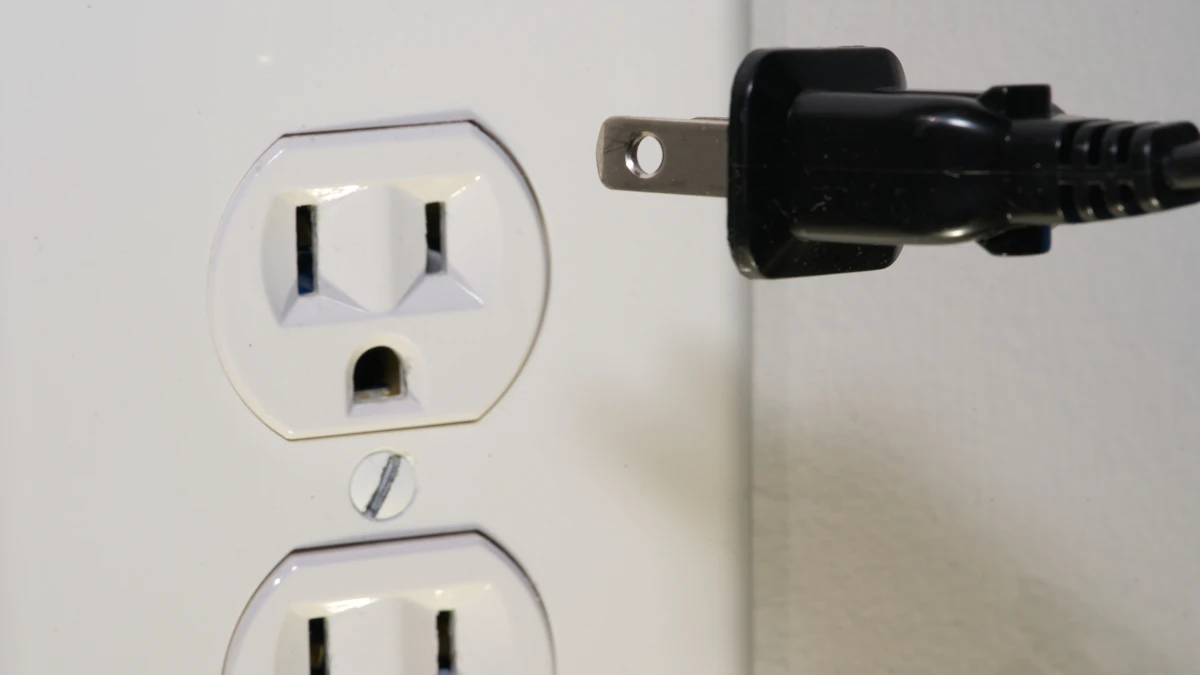
Why it stands out: TP-Link's Kasa Smart Plug Mini (EP25) works with Google Assistant, supports Google Seamless Setup and tracks how much power the connected device uses, according to its TP-Link store listing. It handles loads up to 15 amps (1,800 watts) and carries a two year limited warranty. If you would rather skip the Kasa app and add the plug straight to Google Home as a Matter device, TP-Link sells a Matter certified version, the Kasa Smart Wi-Fi Plug Slim (KP125M), which also monitors energy use.
Downsides: both run on 2.4GHz Wi-Fi only, so a router that hides that band can trip up setup. Space heaters and other high draw appliances are a poor match for any plug in this class; our smart plug safety guide explains what to keep off them.
Price at the time of writing (November 2026): the EP25P4 listing on TP-Link's US store showed $39.99 on sale, down from $49.99.
Best smart lighting: Philips Hue White and Color Ambiance A19
Who it is for: people who want color, warm evening light and dependable schedules across several rooms.
Why it stands out: Philips Hue lists this bulb at up to 810 lumens (a 60 watt equivalent), dimmable down to 0.2 percent, with Matter among its supported third party systems. It connects over Zigbee and Bluetooth, so it works without Wi-Fi, and Philips promises a minimum support period of 60 months from purchase. Both Android Central and Digital Trends keep Hue on their Google Home lists.
Downsides: Philips notes that voice assistants need a Hue Bridge, so plan on a starter kit if you want to say "Hey Google, dim the bedroom."
Price at the time of writing (November 2026): $54.99 for one bulb on the Philips Hue US store, which also listed a three pack on sale for $79.91.
Best for heating and cooling: Nest Learning Thermostat (4th gen)
Who it is for: homeowners with a common central heating and cooling setup who want the thermostat to learn their routine.
Why it stands out: Google says this model is Matter certified and works with 85 percent of systems. It ships with one Nest Temperature Sensor, and you can add up to six more for rooms that run hot or cold. There is no required subscription.
Downsides: heating only, cooling only, zoned and heat pump systems may need a C wire or a Nest Power Connector, according to the Google Store listing. Check the compatibility tool before you buy. Our smart thermostat guide walks through the wiring questions to ask first.
Price at the time of writing (November 2026): $279.99 list. The Google Store showed it at $219.99 in a Black Friday deal ending December 2, 2026.
Best video doorbell: Nest Doorbell (wired, 3rd gen)
Who it is for: anyone with existing doorbell wiring who wants live view on a Nest Hub or the Google Home app.
Why it stands out: this is Google's own doorbell, so it shows up in Google Home without a third party link. The Google Store lists 2K HDR video and a square 1:1 view that spans 166 degrees diagonally. Out of the box you get six hours of event video previews and built in alerts.
Downsides: it must connect to a 16 to 24 VAC doorbell transformer, and longer video history, familiar face alerts and video search need Google Home Premium, which costs $10 a month (Standard) or $20 a month (Advanced). Annual plans are $100 and $200.
Price at the time of writing (November 2026): $199.99 on the Google Store.
Best indoor camera: Nest Cam Indoor (wired, 3rd gen)
Who it is for: pet owners and parents who want to check a room from their phone or a Nest Hub screen.
Why it stands out: like the doorbell, it is a first party Google product, so setup, live view and alerts all live in the Google Home app. Google lists it among the cameras covered by Google Home Premium, whose Advanced tier adds event descriptions and video history search.
Downsides: it needs a power outlet nearby, and the smarter alerts and longer history again require a subscription. If you only want a quick peek now and then, budget for the hardware alone and skip the plan.
Price at the time of writing: TechCrunch reported a $99.99 price when Google announced it in October 2025. Check the Google Store for current pricing, since holiday sales change it often.
Devices to skip or double check
- Ring doorbells and cameras. Digital Trends notes that Ring products do not sync with Google Home or Google Assistant, a common surprise for buyers. Ring belongs to Amazon, so it fits better with devices that work with Alexa.
- Newer Sonos speakers. Android Central points out that recent Sonos models do not support Google Assistant, so an older Sonos One may work where a new speaker will not.
- Thread gadgets without a Thread hub. A Nest Mini, Nest Audio or first gen Nest Hub can run Wi-Fi Matter devices but not Thread ones, according to Google's hub list. Buy a Thread lock or sensor only if you own (or plan to buy) one of the Thread capable hubs named above.
- Apple Home first products. If most of your household uses iPhones and you prefer Siri, compare our list of smart home devices for Apple Home before committing to Google.
A quick checklist before you buy
- Look for the Matter logo or a clear "Works with Google Home" badge on the box or spec page.
- Confirm your phone meets Google's Matter requirements: Android 8.1 or later, or iOS 16.5 or later, according to Google Home Help.
- Make sure your home Wi-Fi has IPv6 turned on, which Google lists as a requirement for Matter.
- Check whether the device uses Thread, and if so, whether you own a Thread capable Google hub.
- Read the fine print on subscriptions for cameras and doorbells, and decide whether six hours of previews is enough.
- For thermostats and wired doorbells, check your wiring before you order.
Once a Matter device arrives, adding it is short: open the Google Home app, tap Add (+) at the top right, choose Device and scan the Matter QR code. Snap a photo of that code before the box goes in the recycling, in case you ever need to set the device up again. You can browse more of our coverage in Gadgets.
Sources
- Google Home Help: Prepare your smart home for Matter
- Google Home Help: Set up Matter devices with Google Home
- Google: Meet the new Google Home Speaker
- Google Store: Google Home Premium
- Google Store: Nest Doorbell (wired, 3rd gen)
- Google Store: Nest Learning Thermostat (4th gen)
- TechCrunch: Google unveils new Nest cameras and doorbell
- TP-Link: Kasa Smart Plug Mini EP25
- TP-Link: Kasa Smart Wi-Fi Plug Slim KP125M
- Philips Hue: White and color ambiance A19 bulb
- Android Central: Best Google Home compatible devices
- Digital Trends: Best Google Home compatible devices
Share this story
Spotted an error? Tell us