Key takeaways
- Matter is a smart home standard run by the Connectivity Standards Alliance that lets certified devices from different brands pair with Apple Home, Google Home, Amazon Alexa, Samsung SmartThings and Home Assistant.
- Matter runs over Wi-Fi, Ethernet and Thread, and Thread devices need a Thread border router such as a HomePod mini, Apple TV 4K, Nest Hub (2nd gen) or Nest Wifi Pro.
- Google Home requires a Matter hub, while an iPhone on iOS 18 or later can add and control Matter accessories without one, though Apple still recommends a hub.
In this story 6 sections
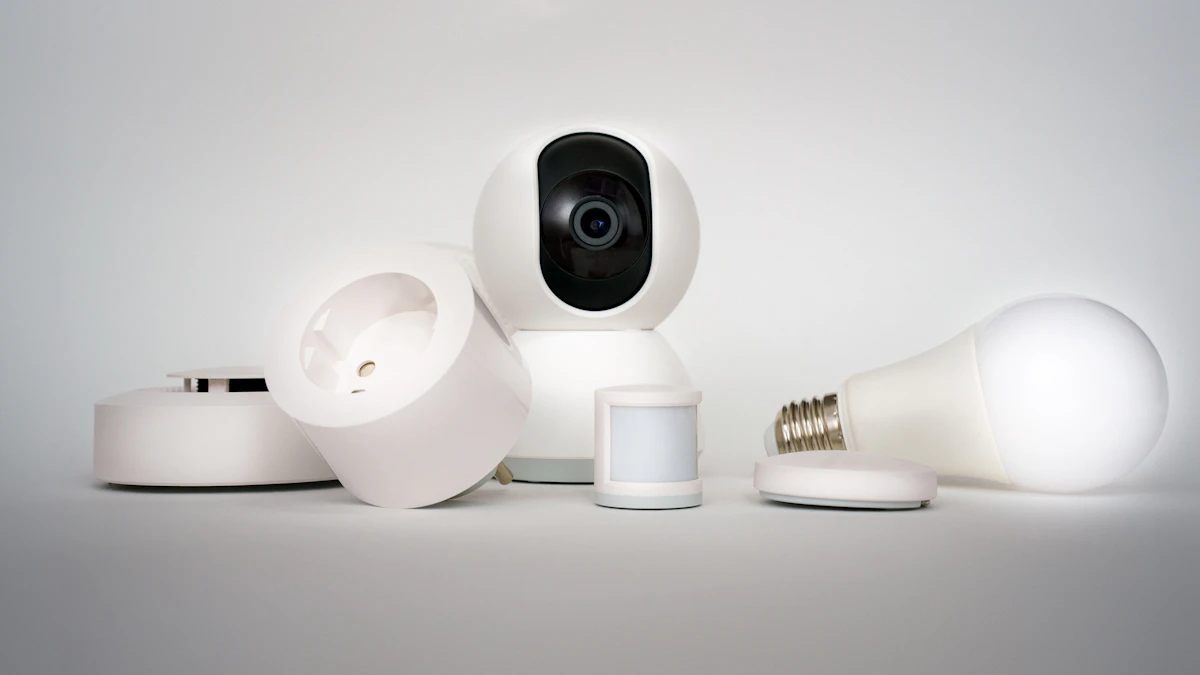
Matter is a shared smart home standard that lets lights, plugs, locks, sensors and thermostats from different brands work with Apple Home, Google Home, Amazon Alexa, Samsung SmartThings and Home Assistant without a separate bridge for each one. If you have ever bought a smart plug and then found it only worked with one assistant, Matter is the fix the industry agreed on. So what is Matter in a smart home, in practice? It is the reason a box with the Matter logo should set up the same way no matter which phone or speaker you own.
Who makes Matter and why it exists
Matter is run by the Connectivity Standards Alliance, the group that used to be called the Zigbee Alliance. According to the alliance's Matter 1.0 announcement from October 2022, Amazon, Apple, Comcast, Google, Samsung SmartThings and Signify led the work on its requirements, and hundreds of member companies signed on.
Before Matter, every ecosystem spoke its own language. A gadget maker had to build and certify separate versions for HomeKit, Google and Alexa, and shoppers had to read the fine print on every box. Matter replaces that with one IP based protocol (the same kind of addressing your laptop and phone already use on your home network) and one certification program. The alliance's Matter page says it now covers more than 30 device types, including lighting, climate control, cameras and doorbells, locks, sensors, energy management and appliances.
How Matter works, using a plain comparison
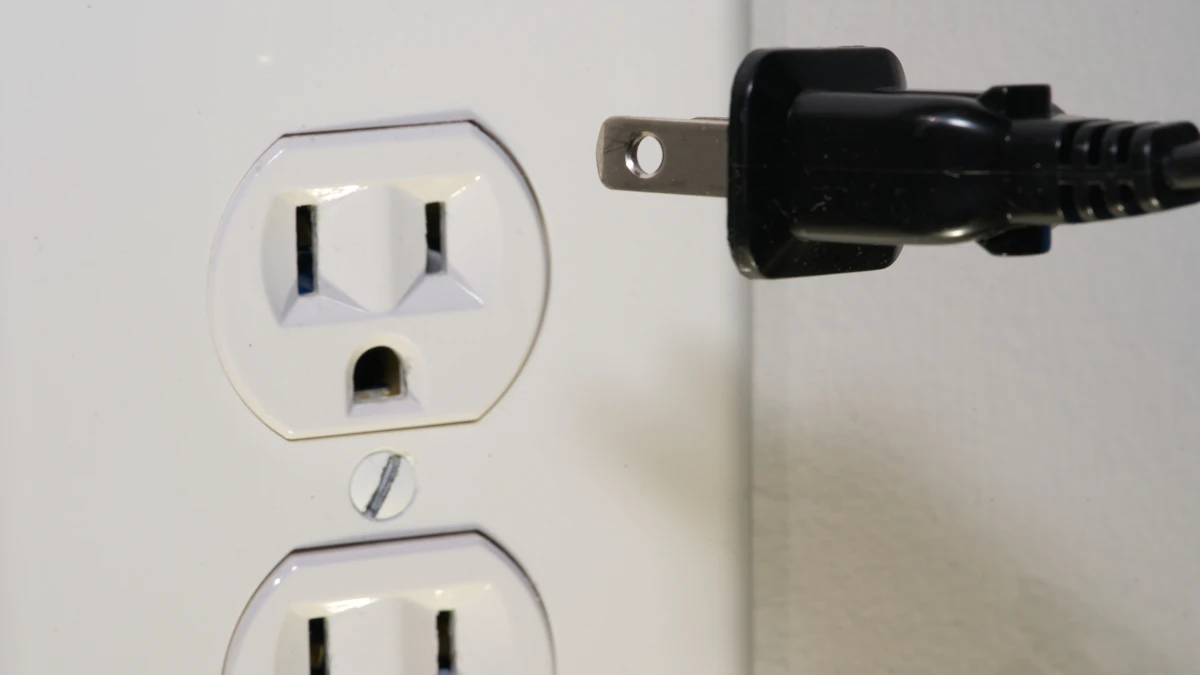
Think of Matter as a shared electrical outlet design. Before standard outlets, every appliance would have needed its own adapter. Matter is the agreed outlet shape: any certified device fits any certified controller.
Under the hood, three pieces do the work:
- The common language. Every Matter device describes itself the same way ("I am a light, I can dim, I can change color"), so any Matter app knows how to show and control it.
- The network it rides on. The original release runs over Wi-Fi, Ethernet and Thread, and uses Bluetooth Low Energy only during setup. Wi-Fi suits devices that plug into the wall and move more data. Thread is a low power mesh network where devices pass messages to each other, which helps battery powered sensors and locks last longer.
- Local control. Google's Matter setup help page explains that when you are home, commands travel locally over Wi-Fi or Thread. When you are away, they go through the cloud to your hub, which then talks to the device on your home network.
Security is built into setup rather than added later. The alliance says Matter uses authenticated onboarding and encrypted communication, and checks each device's certification with public key infrastructure, so a counterfeit or uncertified gadget should not pass the pairing step.
Hubs and Thread border routers, the part that confuses people
Two of the most searched follow ups are "do I need a Matter hub?" and "what is Matter over Thread?" The answers depend on your ecosystem.
Google Home requires a Matter hub. Google's prepare your home for Matter page lists Nest speakers and displays, the Google TV Streamer (4K), Nest Wifi Pro and select TVs as hubs. Only some of them double as a Thread border router (the bridge between Thread devices and your Wi-Fi): the Google Home Speaker (2026), Nest Hub (2nd gen), Nest Hub Max, Nest Wifi Pro and Google TV Streamer. Google also says your router needs IPv6 turned on, or setup may appear to work and then fail later.
Apple Home is more flexible. Apple's Matter accessories guide says an iPhone on iOS 18 or later can add and control Matter accessories without a home hub, though Apple still recommends one. Thread accessories need a Thread enabled hub. Apple's Thread support page lists the Apple TV 4K (3rd generation Wi-Fi + Ethernet and 2nd generation), HomePod (2nd generation), HomePod mini, and the iPhone 15 Pro or later running iOS 18.
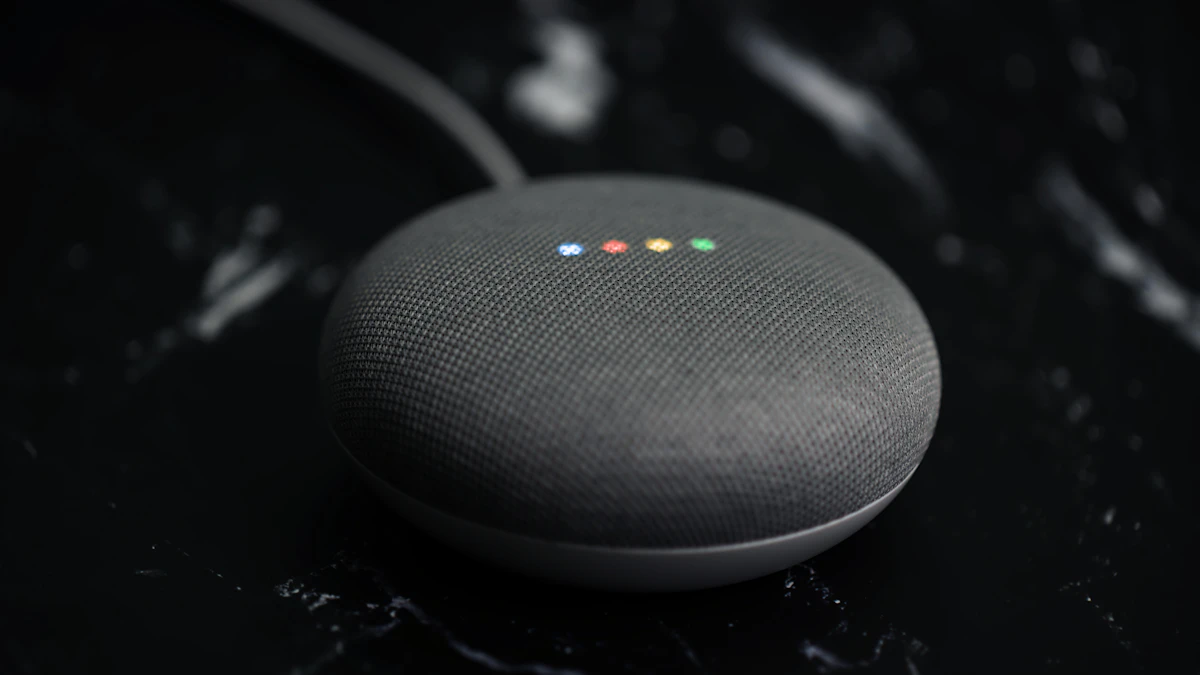
If you already own one of those speakers or streamers, you may have a Matter hub without realizing it. Our smart speaker picks note which assistant each one runs.
Where you run into Matter day to day
You will mostly notice Matter in three places.
- On the box. Look for the Matter logo. It tells you the product passed certification and will pair with any Matter controller.
- During setup. Instead of downloading the maker's app first, you scan a QR code. In Apple Home you tap the Add button, then Add Accessory. In Google Home you tap the Add icon, then Device, and scan the code. Keep the code somewhere safe, since you may need it again.
- When you share a device. Matter's multi-admin feature lets one plug show up in more than one ecosystem. In the Google Home app, touch and hold the device, open its settings, then choose Linked Matter apps & services and Link apps & services to get a pairing code. On an iPhone, accessories you have paired are listed under Settings > General > Matter > Accessories.
That last trick is useful in mixed households. A partner with an Android phone and another with an iPhone can both control the same lamp from their own app.
Limits and common myths
Matter solves a real problem, but it is not magic.
- Myth: every smart device now works everywhere. Only devices certified for Matter do. Older Zigbee, Z-Wave and Wi-Fi gadgets need a firmware update from the maker or a Matter bridge.
- Myth: you no longer need any hub. Google requires one, and Thread devices on any platform need a border router. Apple's hubless option covers iPhone control, but Apple says a Thread enabled hub is needed for automations, notifications and remote control of Thread accessories.
- Myth: all features carry over. Matter defines the common basics. A brand's extra tricks may still live in its own app. Apple's guide also lists the accessory types its Home app supports, so check that a category is on the list before buying.
- Reality: both apps do not drive the device at once. Google notes that each platform needs its own Matter hub and that only one platform controls a shared device at a time, though status updates in both.
- Reality: your router still matters. Matter rides on your home network, so a weak or poorly secured router affects everything on it. Our guide to securing your WiFi router covers the basics.
What to do with this before your next purchase
If you are starting out, buy Matter certified gear and pick one main app, then add others later through multi-admin. Our smart home starter guide walks through which devices to buy first. If you live in Alexa's world, our list of smart home devices that work with Alexa is a good next read.
Before you buy a battery powered sensor or lock, check whether it uses Thread, then confirm you have a Thread border router on the hub lists above. That one check saves most of the setup headaches people post about. For more explainers like this, browse our gadgets coverage.
Sources
- Connectivity Standards Alliance: Matter
- Connectivity Standards Alliance: Matter 1.0 announcement
- Apple Support: Pair and manage your Matter accessories
- Apple Support: Thread Border Router Required alert
- Google Home Help: Prepare your smart home for Matter
- Google Home Help: Set up Matter devices with Google Home
Share this story
Spotted an error? Tell us