Key takeaways
- Google's Chromebook store lists models from $179, while Tom's Guide listed the cheapest MacBook, the MacBook Neo, at $699 or $599 with education pricing.
- Google promises 10 years of automatic updates for Chromebooks, and you can check a model's end date under Settings, About ChromeOS, Additional details.
- A MacBook is the safer pick for anyone who needs full desktop apps or edits photos and video, while a Chromebook Plus suits browser based school and home use.
In this story 5 sections
A Chromebook is the better buy if you mostly live in a web browser, want to spend under $500 and care about simple, long term updates. A MacBook is the better buy if you need full desktop apps, plan to edit photos or video, or already own an iPhone. That is the MacBook vs Chromebook decision in two sentences, and for most shoppers it really is that simple.
The harder part is the middle of the market. Apple's cheapest laptop, the MacBook Neo, now sits close to the price of a high end Chromebook Plus, so the choice is less about budget than it used to be. Below we compare both using Apple's and Google's own published specs and policies. If you are also weighing Windows, our MacBook vs Windows laptop guide covers that matchup.
Where a MacBook and a Chromebook really differ
- Price floor: Google's Chromebook store lists models from $179 (Acer Chromebook 315). Tom's Guide listed the MacBook Neo at $699, or $599 with Apple education pricing, in August 2026.
- Operating system: MacBooks run macOS and install full desktop software. Chromebooks run ChromeOS, which is built around the Chrome browser and web apps.
- Memory and storage at the entry level: the MacBook Neo starts with 8GB of memory and 256GB of storage. Google says Chromebook Plus models come with 8GB or more of RAM and 128GB or more of storage, while basic Chromebooks can ship with 4GB and 64GB.
- Updates: Google promises 10 years of automatic updates for Chromebooks. Apple promises free macOS updates "for years to come" but does not publish a fixed number of years.
- Battery: Apple rates the Neo at up to 16 hours of video streaming and 11 hours of web browsing, and the M5 MacBook Air at up to 18 hours. Chromebook battery life depends on the brand and model.
- AI features: current MacBooks include Apple Intelligence. Chromebook Plus models include Gemini across ChromeOS, though Google notes several of those features need an internet connection.
MacBook: the stronger all rounder
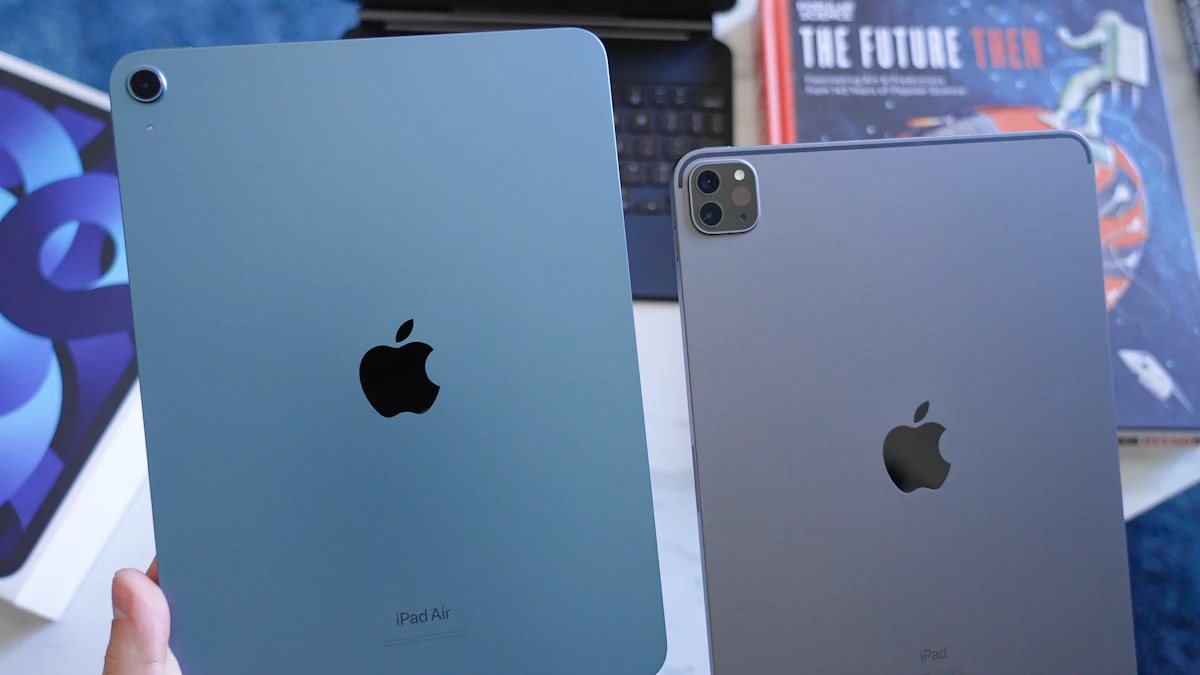
Apple sells three laptop families right now: the MacBook Neo, the MacBook Air with the M5 chip and the MacBook Pro. For a Chromebook shopper, the Neo and the Air are the two that matter.
Strengths
The biggest advantage is software. A MacBook runs the same desktop versions of apps like Microsoft Office, Adobe Photoshop, Final Cut Pro and most coding tools that professionals use, and it does not need a constant connection to be useful. If a class, job or hobby requires a specific program, a Mac is far more likely to run it.
Build quality is consistent, too. According to Apple's MacBook Neo tech specs, the Neo has a 13 inch display rated at 500 nits and weighs 2.7 pounds. The MacBook Air steps up to the M5 chip, 16GB of memory, 512GB of storage, MagSafe charging and two Thunderbolt 4 ports, and Apple rates it at up to 18 hours of battery life.
iPhone owners get extra perks. iPhone Mirroring lets you see and use your phone's screen on the Mac, and you can copy text or photos on the iPhone and paste them on the laptop.
Weak spots
Price is the obvious one. The Neo's $699 list price is roughly four times the cheapest Chromebook, and Apple's store advertises the M5 MacBook Air from $108.25 a month, which works out to $1,299 over 12 months of financing.
The Neo also makes compromises to hit its price. Its spec sheet lists one USB 3 port (up to 10Gb/s) and one much slower USB 2 port (up to 480Mb/s), and its 8GB of memory cannot be upgraded later. That is fine for writing and browsing, but tight for heavy photo or video work. Tom's Guide also points out that it lacks a backlit keyboard.
Chromebook: the low cost, low hassle option
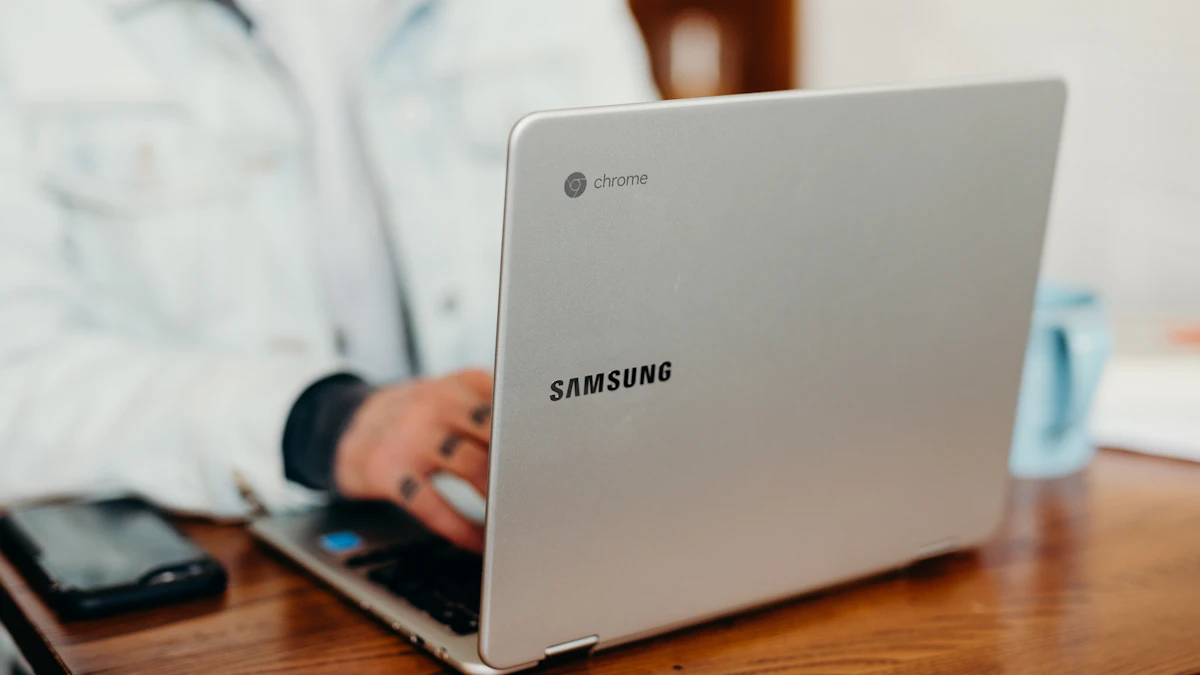
A Chromebook is a laptop built around Google's Chrome browser and your Google account. Because so much of your work lives in that account, a lost or broken laptop is less of a disaster.
Strengths
Value is the headline. Google's Chromebook shop lists the ASUS Chromebook Plus CX34 from $369 and the Acer Chromebook Plus 515 from $429.99, both with at least 8GB of memory and 128GB of storage. Premium models such as the Acer Chromebook Plus Spin 714 start at $799.
Updates are simple and long lasting. Google's Auto Update policy says Chromebooks get 10 years of automatic updates. You can see the exact end date for your model by opening Settings from the clock at the bottom right, choosing About ChromeOS, then Additional details and checking the Update schedule section. Updates install quietly in the background, and there is little to maintain.
The app list is better than its reputation. Google's Chromebook Plus page shows apps including Photoshop, Canva, Excel, LumaFusion, Figma and Spotify, plus cloud gaming through GeForce NOW and Xbox Cloud Gaming. Gemini, NotebookLM and tools like Help me read are built into the system.
Weak spots
If a program has no web version or Chromebook app, you usually cannot run it. That can rule out specialist software some courses and jobs require, along with many PC games.
Cheap models cut corners. The $179 Acer Chromebook 315 ships with an Intel Celeron, 4GB of memory and 64GB of storage, which will feel slow with many tabs open. Much of the AI and gaming appeal also depends on Wi-Fi, since Google says several Gemini features and all cloud gaming require an internet connection.
Once a Chromebook reaches its final update, Google says it stops getting security fixes and new features, so check the date before buying an older or discounted model.
What about Googlebook?
Google launched a new laptop line called Googlebook in September 2026, built around Gemini and apps from the Google Play Store. The Googlebook site lists models from $899 with at least 16GB of memory and 256GB of storage. Chromebooks are still on sale alongside it, so this is a third choice, not a replacement. At that price it competes with the MacBook Air more than with a typical Chromebook. Our report on the Googlebook November update covers how the first models are holding up.
Which one to pick for the way you use a laptop
- Kids and younger students: a Chromebook. It is cheap, easy to manage with a Google account and keeps itself updated. Spend a little more for a Chromebook Plus with 8GB of memory.
- College students: it depends on the major. Writing, research and Google Docs work fine on a Chromebook Plus. Design, film, music, engineering or computer science students should look at the MacBook Air, or the Neo if money is tight. Our list of the best laptops for college students has specific picks.
- iPhone owners: a MacBook. iPhone Mirroring and copying between phone and laptop are hard to give up once you have them.
- Parents setting up a second family laptop or an older relative's computer: a Chromebook. It has fewer settings to break and updates itself for years.
- Creators and anyone who edits photos or video: a MacBook Air with 16GB of memory. The Neo's 8GB and the limits of ChromeOS apps get in the way fast.
- Gamers: neither is ideal for local games. A Chromebook Plus with cloud gaming can work if your internet is fast, but a Windows laptop is the better fit.
If you still are not sure, list the three apps you use most and check whether each one runs in a browser. If all three do, a Chromebook will probably serve you well and save several hundred dollars. If even one needs a full desktop install, buy the Mac. Our guide on how to choose a laptop walks through screen size, memory and storage, and you can browse more comparisons in our gadgets section.
One last check before you pay: on a Mac, open the Apple menu, then System Settings, General and Software Update to make sure the laptop is current on day one. On a Chromebook, look up its update schedule, because a bargain that stops getting updates next year is no bargain.
Sources
Share this story
Spotted an error? Tell us