Key takeaways
- A phone that stops at 80 percent is often following a setting such as Optimized Battery Charging, Charge Limit, Battery protection or Adaptive Charging.
- Apple and Samsung both say to unplug a wet phone and let the port air dry, and Apple warns against rice, heat and compressed air.
- Google recommends a 30 W USB-C PPS adapter for Pixel phones and says a fully drained Pixel may show no response for up to 25 minutes on the charger.
In this story 8 sections
- Your phone stops at 80 percent (this may be on purpose)
- The phone is too warm to charge
- Lint or debris in the charging port
- A damaged cable, weak adapter or bad outlet
- A moisture or liquid alert blocks charging
- Wireless charging does not start or crawls
- Software glitches and a fully drained battery
- When to get it repaired
If you are asking why is my phone not charging, the cause is usually small: lint in the port, a worn cable, a weak adapter, a phone that is too warm, or a battery setting that stops at 80 percent on purpose. Work through the fixes below in order, because the quick ones solve most cases and cost nothing.
One thing first. A phone that charges slowly and a phone that does not charge at all often share the same causes, so the same steps apply to both. Apple, Google and Samsung all list nearly the same checklist in their official help pages, which is a good sign that the basics really are where to start.
Your phone stops at 80 percent (this may be on purpose)
A phone that sits at 80 percent while plugged in is often working exactly as designed. Before you buy a new cable, check the battery settings.
iPhone. Apple says Optimized Battery Charging can delay charging past 80 percent in certain situations, and on iPhone 15 and later you may also have a Charge Limit set. To check, open Settings > Battery > Charging on iPhone 15 or later, where you can pick a limit between 80 and 100 percent. On iPhone 14 and earlier, go to Settings > Battery > Battery Health & Charging and turn Optimized Battery Charging on or off. If you need a full charge right away, touch and hold the charging notification and tap Charge Now, according to Apple Support.
Samsung Galaxy. Go to Settings > Battery > Battery protection. If protection is on, Samsung notes that charging may stop early or the maximum level may be capped. Pick a different option or turn it off.
Pixel. Google says slow charging above 80 percent is expected when Adaptive Charging is active, and the phone should be full by the time you wake up.
The phone is too warm to charge
Heat is the second most common reason a phone pauses charging. Apple says that if the battery gets too warm, software might limit charging above 80 percent, and charging resumes once the temperature drops. Samsung says charging may stop temporarily or slow down when the device runs hot.
To cool things down:
- Take the phone out of its case.
- Move it and the charger out of direct sun and away from other heat sources.
- Keep the screen off while it charges.
- Stop gaming or streaming video until it has cooled.
If your phone runs warm a lot, our guide on why your phone gets so hot covers the usual culprits.
Lint or debris in the charging port
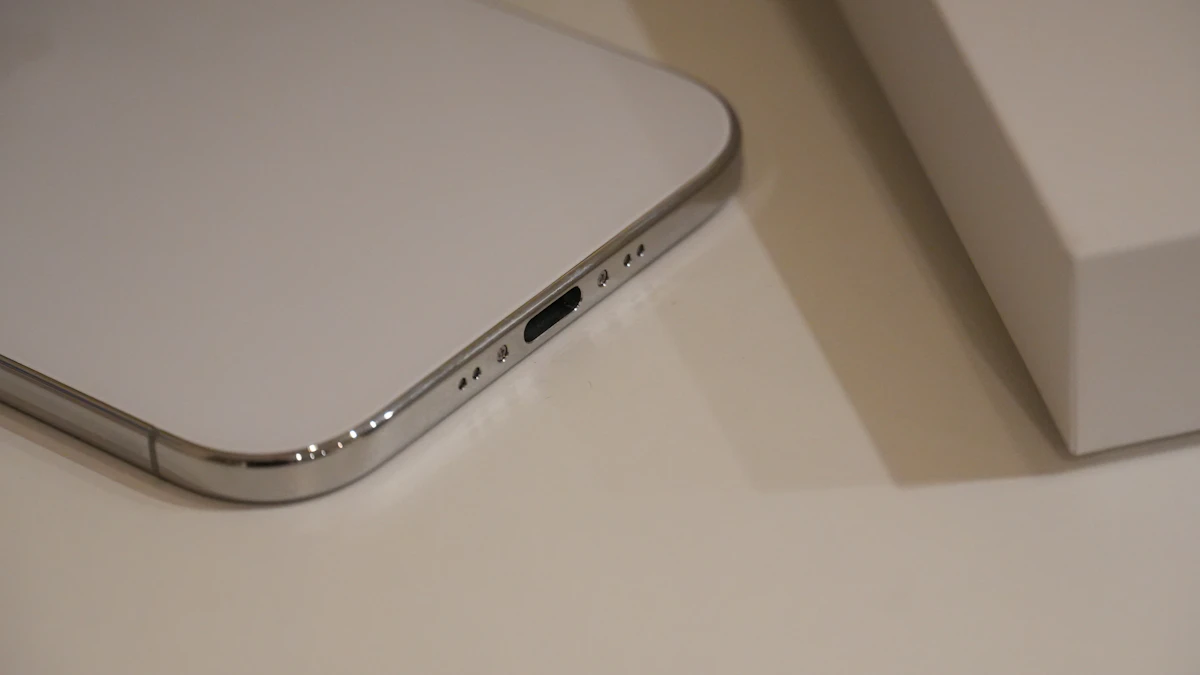
Pocket lint packs into the port over months, and eventually the plug cannot seat all the way. You may notice the cable feels loose or only charges at a certain angle.
- Turn the phone off.
- Shine a flashlight into the port and look for lint or grit.
- Samsung suggests gently blowing air into the port to clear it.
- Plug the cable back in firmly and watch for the charging icon.
Do not push metal objects into the port. Apple specifically warns against inserting cotton swabs or paper towels into a wet connector, and pins or paper clips can scratch the contacts.
A damaged cable, weak adapter or bad outlet
Cables fail at the ends, where they bend the most. Look for fraying, kinks or bent prongs on the wall adapter, and stop using anything that looks damaged.
Then isolate the problem one piece at a time:
- Plug the charger into a wall outlet instead of a computer or power strip.
- Plug a lamp into that outlet to confirm the outlet works.
- Try charging another device with the same cable and adapter.
- Swap in a different cable, then a different adapter.
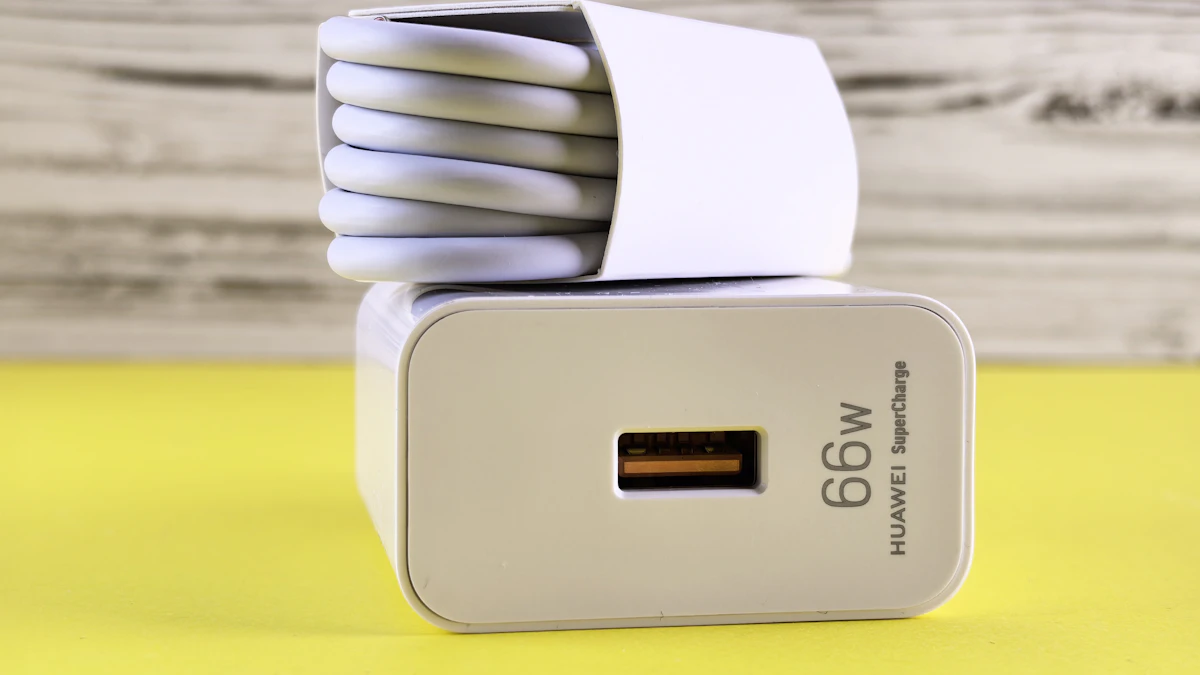
Wattage matters for speed. Google recommends a 30 W USB-C PPS power adapter for Pixel phones, or at least a USB Power Delivery adapter rated for 15 W or more. Samsung recommends genuine Samsung chargers and notes fast charging may not work from a PC. On a Galaxy, also confirm Settings > Battery > Charging settings > Fast charging is turned on.
If your iPhone shows an alert that the accessory is not supported, Apple says to connect the charger directly with no adapters in between, clean the port, restart, try another cable, and update iOS. Pixel phones may show a "Check charging accessory" message, which Google says means the cable or adapter may be damaged or unsupported.
A moisture or liquid alert blocks charging
Newer phones refuse to charge through a wet port to prevent corrosion. On iPhone XS and later, you may see "Charging not available" or "Liquid Detected in USB-C Connector." Galaxy phones show a moisture warning with a water drop icon.
Here is what the makers recommend:
- Unplug the cable right away.
- Tap the phone gently against your hand with the port facing down (Apple) or shake it gently (Samsung).
- Leave it in a dry spot with some airflow.
- On iPhone, wait at least 30 minutes before trying again. Apple says full drying can take up to 24 hours. Samsung says water usually evaporates from the port in about 1 to 2 hours.
Skip the rice, hair dryer and compressed air, all of which Apple advises against. If you need power in the meantime, Samsung notes wireless charging is not affected by moisture in the port, as long as the back of the phone is dry.
Wireless charging does not start or crawls
If cable charging works but the pad does not, the issue is usually alignment or something in the way.
- Remove ring holders, PopSockets, magnetic wallets and thick cases.
- Center the phone on the pad.
- Let the phone cool if it feels warm, since Google lists heat as a main cause of slow wireless charging.
- In weak signal areas, Google suggests turning on Airplane Mode while the phone charges.
Software glitches and a fully drained battery
Sometimes the hardware is fine and the phone just needs a restart. On Android, Google says to hold the power button for 5 to 7 seconds. On iPhone 8 and later, force restart by pressing and releasing volume up, then volume down, then holding the side button until the Apple logo appears.
A battery that drained completely can look dead for a while. Google says a Pixel may show no charging icon or response for up to 25 minutes after being plugged in. Apple Support suggests charging for half an hour, force restarting, and then charging another half hour before giving up. On other Android phones, a flashing red light means there is not enough power to turn on yet, and Google says to charge for at least 30 minutes.
If the problem started right after an update, check for a newer one. Apple lists updating iOS among its fixes for charging alerts.
When to get it repaired
If you have tried a known good cable, adapter and outlet, cleaned the port, let the phone cool and dry, and restarted it, the fault is probably inside the phone. A worn battery or a damaged charging port are the usual suspects. On iPhone, you can see whether the battery has aged by checking its health, and our guide to iPhone battery health numbers explains what the percentage means.
Contact Apple, Google or Samsung support, or visit an authorized repair shop. Samsung notes that ongoing charging problems or much shorter battery life can point to a hardware fault. Back up your phone before you hand it over.
If the battery also drains faster than it used to, read our tips for iPhone battery drain or extending battery life on Android. You can find more phone help in our gadgets section.
A final habit worth keeping: every few months, look into the charging port with a flashlight. Catching lint early saves you from most of the problems above.
Sources
- Apple Support: If your iPhone won't charge
- Apple Support: Charge Limit and Optimized Battery Charging
- Apple Support: Liquid detection alert on iPhone
- Pixel Phone Help: Fix a Pixel phone that won't charge
- Android Help: Fix an Android device that won't charge
- Pixel Phone Help: Fix slow wireless charging
- Samsung: Galaxy device not charging or charging slowly
- Samsung: Moisture in the charging port
Share this story
Spotted an error? Tell us