Key takeaways
- Heat, not wireless charging itself, is what wears a battery, and Apple warns that temperatures above 95° F (35° C) can permanently reduce capacity.
- A basic Qi pad charges an iPhone at up to 7.5 watts, while magnetic Qi2 25W chargers reach up to 25 watts on supported phones with the right adapter.
- An iPhone that stops at 80 percent is usually protecting a warm battery or following its Charge Limit or Optimized Battery Charging setting.
In this story 10 sections
- Is wireless charging bad for your phone battery?
- Is wireless charging slower than wired?
- How fast can a wireless charger charge my phone?
- Why does my phone get hot on a wireless charger?
- Why does my iPhone stop charging at 80 percent on a wireless charger?
- Can I leave my phone on a wireless charger overnight?
- Do I need to take my case off to charge wirelessly?
- Is it safe to put cards or keys near a wireless charger?
- Why is my Galaxy not fast wireless charging?
- Why won't my phone charge wirelessly at all?
A wireless charger is the easiest way to top up a phone: drop it on the pad and walk away. The tradeoff people worry about is heat, and heat is the one thing that matters most for long term battery health. Below are straight answers to the questions people search most about wireless charging speed, warmth and battery wear, based on what Apple and Samsung publish in their own support documents.
Is wireless charging bad for your phone battery?
No, wireless charging on its own is not what wears out a battery. Heat is. Apple says its devices are most comfortable at 62° to 72° F (16° to 22° C) and warns that ambient temperatures above 95° F (35° C) can permanently damage battery capacity. Charging in that kind of heat makes it worse.
Wireless pads tend to run warmer than a cable because some energy is lost as heat between the two coils. That does not make them harmful, but it means the conditions around the pad matter more. A charger on a sunny windowsill or under a pillow is a bigger risk to the battery than the charging method itself.
If you want a deeper look at what wear actually looks like over time, our guide to iPhone battery health numbers explains what the percentage means and when a replacement makes sense.
Is wireless charging slower than wired?
Usually, yes, though the gap is shrinking. Apple's support page notes that many Qi certified chargers charge an iPhone at up to 7.5 watts, which is well below what a good USB C cable and adapter deliver.
Magnetic charging closes much of that gap. The newer Qi2 25W standard (also called Qi2.2) supports up to 25 watts, compared with 15 watts for the original Qi2, according to Charge with Qi. Every Qi2 25W charger is magnetic, because the higher speed depends on the phone sitting in exactly the right spot.
The short version: a basic flat pad is the slow option, a magnetic Qi2 or MagSafe charger is the fast wireless option, and a cable is still the quickest way to refill a battery when you are in a hurry.
How fast can a wireless charger charge my phone?
It depends on three things: the phone, the charger and the power adapter feeding the charger. All three have to support the higher speed, or you get the lowest common rate.
Charge with Qi lists the iPhone 17 lineup as supporting Qi2 at up to 25 watts, and the iPhone 16 (not the 16e) reaching 25 watts with a 30 watt adapter on iOS 26 or later. On the Android side it lists the Pixel 10 Pro XL and the Galaxy S25 and S26 series. Samsung's S25 and S26 phones have no magnets inside, so they need a Qi2 Ready case to line up with a magnetic charger.
A common mistake is plugging a fast charger into an old, low wattage brick. If your charger's box names a minimum adapter, use that one. Our MagSafe vs Qi2 comparison covers how Apple's own chargers differ from the open standard.
Why does my phone get hot on a wireless charger?
Some warmth is normal. Apple says plainly that an iPhone might get slightly warmer while it charges wirelessly. The phone, the coil and the battery are all producing heat at the same time, especially when you are also streaming video or gaming.
Things that make it worse:
- A thick, metal or battery case trapping heat
- The phone sitting off center, so the coils work harder to transfer power
- A hot room, a car dashboard or direct sunlight
- Using demanding apps while the phone charges
Apple's battery guidance specifically says charging inside certain styles of cases can generate excess heat that affects battery capacity, and suggests taking the phone out of the case if it gets hot while charging.
Why does my iPhone stop charging at 80 percent on a wireless charger?
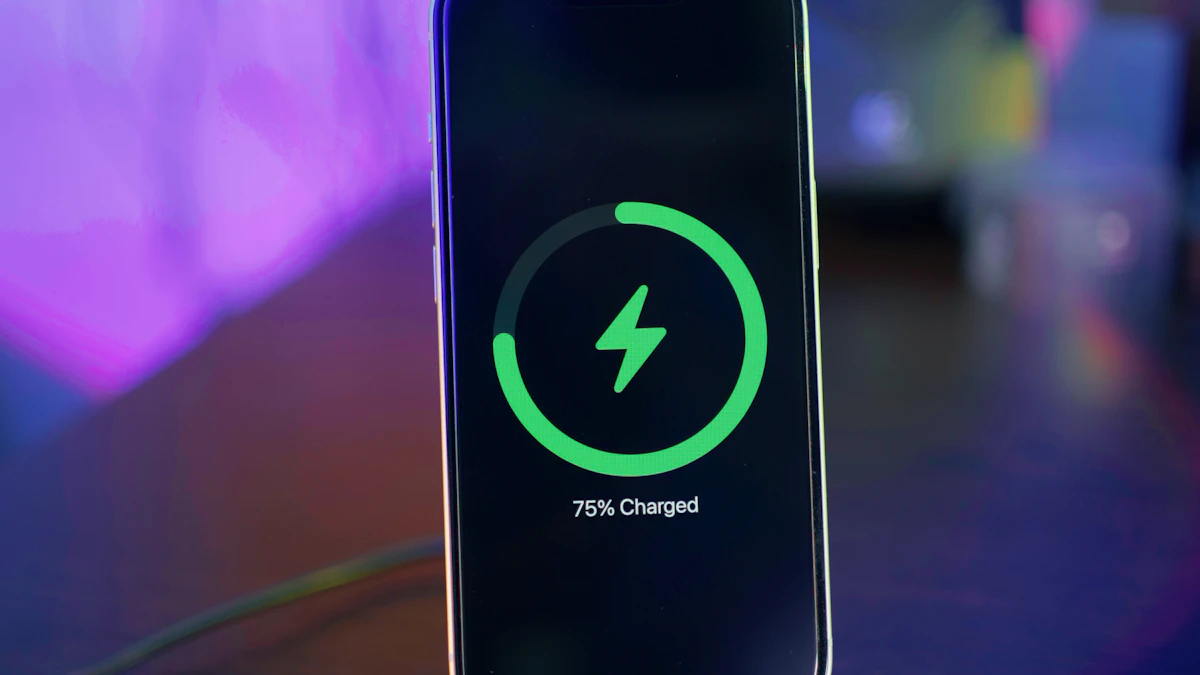
Usually one of two features is doing it on purpose. The first is heat protection: Apple says that if the battery gets too warm, software might limit charging above 80 percent, and charging resumes when the temperature drops. Moving the phone and charger somewhere cooler is the fix.
The second is a battery setting. On iPhone 15 and later, open Settings > Battery > Charging to see your Charge Limit, which you can set anywhere from 80 to 100 percent in 5 percent steps. On iPhone 14 and earlier the path is Settings > Battery > Battery Health & Charging, where you will find Optimized Battery Charging. Apple describes that feature as learning your daily routine and holding the charge at 80 percent until closer to when you usually unplug, so the battery spends less time full. It needs about 14 days of normal use before it kicks in, according to Apple Support.
Can I leave my phone on a wireless charger overnight?
Yes, as long as the setup stays cool. Phones stop drawing full power once the battery is full, and features like Optimized Battery Charging on iPhone are designed for exactly this habit.
What to avoid is the bedroom version of a hot car: a phone face down on a pad under a blanket, or a charger tucked into a nightstand drawer with no airflow. Keep the pad on an open, level surface and you are fine.
Do I need to take my case off to charge wirelessly?
Only if it is thick, made of metal or has a built in battery. Apple says to try removing the case if your iPhone is not charging or is charging slowly, and Samsung recommends removing a case "especially if it is thick." Thin plastic, silicone and leather cases generally work.
Magnetic chargers are the exception in the other direction. A Qi2 or MagSafe charger needs a case with matching magnets (or no case) to snap into place and reach full speed.
Is it safe to put cards or keys near a wireless charger?
Keep them off. Apple warns not to place anything between the phone and the charger, and says magnetic mounts, cases or other objects may reduce performance or damage the magnetic strips and RFID chips in credit cards, badges, passports and key fobs. If you use a wallet case, take the cards out before charging.
Why is my Galaxy not fast wireless charging?
Check the setting first. Samsung's path is Settings > Battery > Charging settings, then turn on the switch next to Fast wireless charging, per Samsung Support. After that, fast charging starts when you place the phone on a supported charger.
If it is on and still slow, look at placement. Samsung notes that the coil location varies by device, so shift the phone until the back is centered on the pad. On Samsung's own pads, a flashing red light means the phone is not positioned correctly. Also worth knowing: Samsung says Galaxy A series, XCover series and Galaxy Tab series devices do not support wireless charging at all.
Why won't my phone charge wirelessly at all?
Start with the simple things. An iPhone will not charge wirelessly while it is plugged in over USB. Vibration from notifications can nudge a phone off a flat pad, so Do Not Disturb or a grippy case helps. And the charger needs to be connected to the adapter its maker recommends, sitting on a level surface.
If none of that works, the problem may be the phone or the port rather than the pad. Our guide to why a phone is not charging walks through cable, port and software fixes for iPhone and Android, and if you mostly need power on the go, see our best power banks for iPhone. You can find more phone and accessory guides in our gadgets section.
One last habit worth building: if your phone feels hot rather than warm when you pick it up off the charger, move the charger. A cooler spot will do more for your battery's lifespan than any setting.
Sources
- Apple Support: How to wirelessly charge your iPhone
- Apple Support: About Charge Limit and Optimized Battery Charging on iPhone
- Apple: Batteries, Maximizing Performance
- Samsung Support: How to fast charge your Galaxy phone or tablet
- Samsung Support: Use Wireless charging or PowerShare with Galaxy devices
- Charge with Qi: What is Qi2 25W
Share this story
Spotted an error? Tell us